
Modern Web Guidance Src
Modern web platform skills for AI coding agents
Replaces —
Who it's for
Run the legacy-scan CLI on an existing project to identify patterns with modern equivalents: custom modals that could use dialog, JavaScript-based tooltips that could use the Popover API and CSS Anchor Positioning, or scroll animations that could be scroll-driven. The guidance surfaces the specific API and implementation approach for each replacement.
Your codebase is already on current web platform APIs and you are not hitting legacy patterns in AI suggestions. The scan and guidance target the gap between legacy patterns and modern alternatives; if that gap does not exist in your work, the tool adds no value.
Use the skill to steer your coding agent toward native platform features when building new UI components: anchor positioning for tooltips, the dialog element for modals, container queries for responsive layouts, and View Transitions for page animations. Sample prompts are on the project site for each major feature category.
You are building in a constrained browser environment that requires supporting very old browser versions. Modern Web Guidance targets current Baseline features; if your user base requires browsers from before 2022, most of the guidance will not apply.
Modern Web Guidance includes performance guidance on INP (Interaction to Next Paint) diagnostics, scheduler.yield for long-task management, and instant preloading. The Chrome DevTools for agents integration lets you pair real-time performance data with the guidance, running audits and applying precise code fixes in the same workflow.
Your performance issues are infrastructure-related (server response time, database query latency, CDN configuration). The guidance covers browser-side rendering performance; it does not address backend or network-layer performance.
The source repo is the right starting point for contributors who want to add guides, improve calibration, or run the evaluation dashboard. CONTRIBUTING.md and GOVERNANCE.md document how the project works. The eval dashboard at googlechrome.github.io/modern-web-guidance-src/ shows the current quality state of the guidance content.
You want to use Modern Web Guidance in your projects, not contribute to it. End users should install via `npx modern-web-guidance@latest install` without cloning the source repo.
The problem
AI coding agents are trained on vast amounts of code from the web, and the web's history is mostly legacy code. When you ask an agent to build a tooltip with CSS, it reaches for a JavaScript library. When you ask for smooth page transitions, it generates complex JavaScript animation logic instead of using View Transitions. When you ask for a modal, it builds a custom DOM overlay instead of using the native dialog element. Even when a model knows a modern API exists, it often lacks the depth of real-world implementation patterns required to write production-ready code with it. The result is code that is heavier, less accessible, and less aligned with what browsers optimize than it needs to be. Developers who rely on AI-assisted coding for web work spend time correcting outdated patterns when the agent should have used a native API in the first place.
How it works
Covers 250 modern web features across six disciplines: CSS layout (140 features including container queries, subgrid, anchor positioning, and scroll-driven animations), user experience (View Transitions, entry/exit animations), performance (INP diagnostics, scheduler.yield, instant preloading), forms and UI (Popover API, dialog element, field-sizing), accessibility (screen reader and keyboard operability), and browser-native AI APIs (translation, summarization, language detection). All guides...
The CLI returns only the targeted guidelines relevant to the current task, keeping context window usage low. The project runs evaluations to prune content that models already know so each skill insert is high signal. Use `npx modern-web-guidance@latest search 'animate a dialog backdrop'` to find relevant guides by description, or `npx modern-web-guidance@latest retrieve 'animate-to-from-top-layer'` to pull a specific guide by ID.
The `legacy-scan` command scans a codebase for patterns that have modern platform equivalents. Run `npx modern-web-guidance@latest legacy-scan .` on an existing project to identify where old polyfills, JavaScript-based animations, or custom form implementations could be replaced with native APIs. Useful for auditing codebases before a modernization sprint and surfacing the highest-value rewrites.
Works with Claude Code (official plugin), GitHub Copilot CLI (marketplace), Vercel's agent skills (npx skills), and Antigravity CLI. Installation is interactive via `npx modern-web-guidance@latest install`, which detects the agent in use and configures the skill accordingly. No single-agent dependency; teams using different coding tools can all access the same guidance.
Maintained by the Google Chrome, Microsoft Edge, Mozilla Firefox, and MDN teams alongside the web development community. Browser compatibility data and best practices come from the teams who write the specifications and implement the APIs, so guidance reflects what works across current browsers rather than what was true when training data was collected.
Features
- 250-feature modern web guidance library
- Token-efficient skill delivery via CLI
- Legacy pattern scanner
- Multi-agent-platform compatibility
- Browser-vendor stewardship
How to install
Install Modern Web Guidance using the interactive setup wizard, or use the Claude Code plugin command for a direct config.
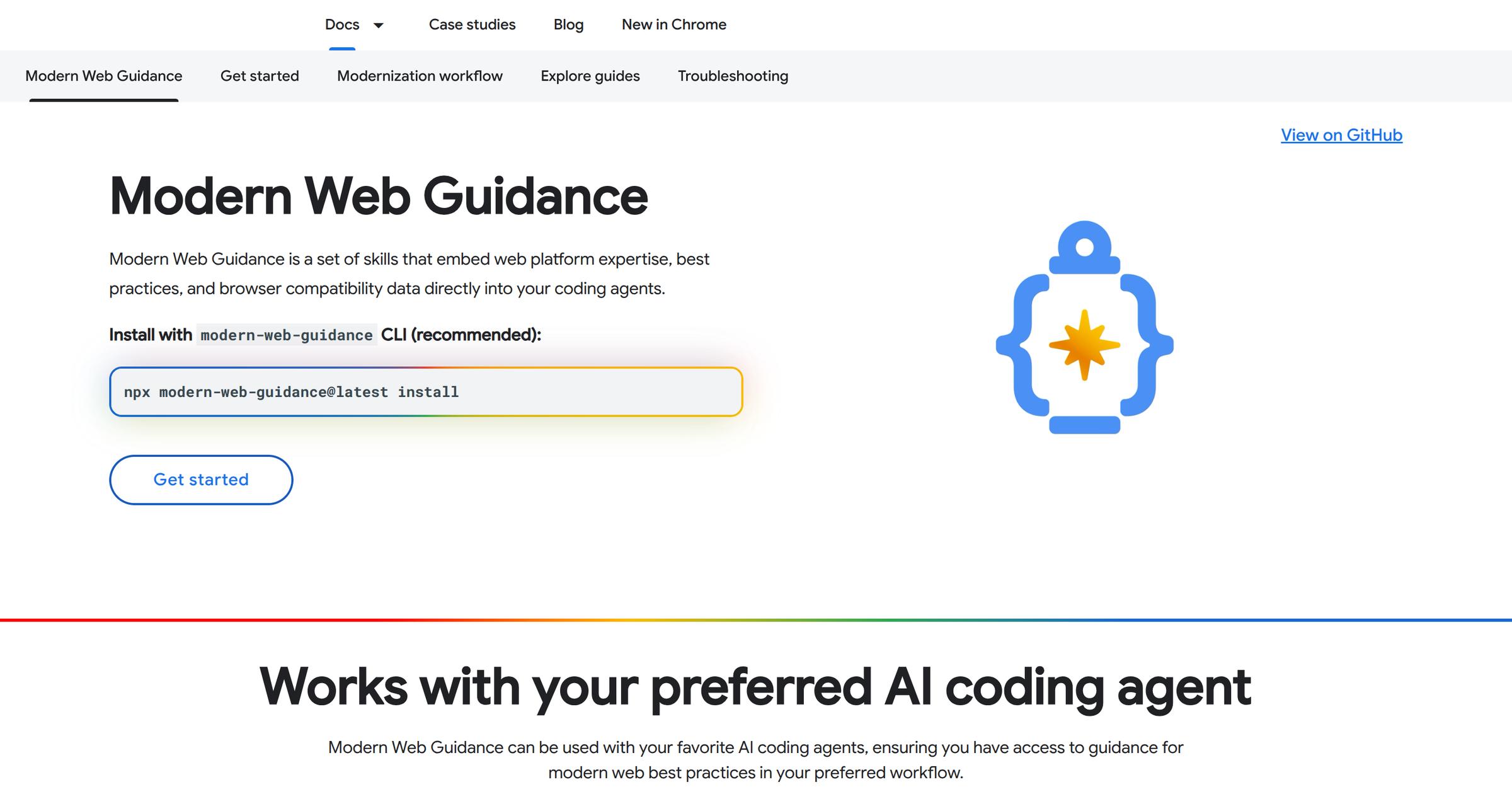
npx modern-web-guidance@latest install
claude plugin install modern-web-guidance@claude-plugins-official
Recommended for this setup
Strengths
- Free, Apache-2.0, no subscription required: Every developer gets the same guidance regardless of budget. The Apache-2.0 license permits commercial use, modification, and redistribution without restriction. Unlike paid AI coding tools that bundle guidance into subscription pricing, Modern Web Guidance adds to whatever agent you already use at no additional cost.
- Source-of-truth guidance from browser vendors: The Chrome, Edge, Firefox, and MDN teams maintain the content. When a new CSS feature becomes Baseline or a performance API stabilizes, the guidance reflects that before most training datasets catch up. This is the specific gap the tool addresses: agents know an API exists but lack the implementation depth to use it correctly in production code.
- Works alongside existing paid tools: Modern Web Guidance installs into Claude Code, GitHub Copilot CLI, and other agents without replacing them. If your team already pays for Cursor or GitHub Copilot, this adds the web platform layer those tools lack. No workflow change beyond the initial install; the guidance surfaces in context when relevant.
Trade-offs
- 302 open issues at time of indexing: The repo had 302 open issues when this entry was written, with the project created in January 2026 and the community growing quickly. At this scale of open issues relative to the project's age, some guidance areas may be incomplete or awaiting community review. Check the issue tracker for the state of a specific feature area before depending on it for a critical workflow.
- Source repo focus: authoring and contribution: This is the source repository for authoring, calibrating, and evaluating the guidance content. End users who want to install and use the skill should use the distribution channel (`npx modern-web-guidance@latest install`) rather than cloning this repo. The source repo's README and issue tracker are aimed at contributors and project maintainers, not at daily users.
- Scoped to web platform features only: The guidance covers modern web platform APIs: CSS, HTML, JavaScript Web APIs, and browser compatibility. It does not cover backend frameworks, build tooling, React component patterns, or server-side concerns. Web developers who want broader AI guidance across a full stack still need to look elsewhere for non-browser concerns.
Tech stack
FAQ
Yes. Install via the Copilot CLI marketplace: run `/plugin marketplace add GoogleChrome/modern-web-guidance` to add the marketplace, then `/plugin install modern-web-guidance@googlechrome` to activate it. The skill is then available in your Copilot-powered coding workflow.
This is the source repository, used for authoring, calibrating, and evaluating the guidance content. The distribution repository at GoogleChrome/modern-web-guidance is what end users install. If you want to use the guidance in your projects, install via `npx modern-web-guidance@latest install`. If you want to contribute guides, improve calibration, or run the evaluation suite, the source repo is the right place.
It is stewarded by the Google Chrome, Microsoft Edge, Mozilla Firefox, and MDN teams alongside the broader web development community. The project page at developer.chrome.com/docs/modern-web-guidance is an official Chrome for Developers property, and the guidance content is maintained by the teams who implement the browser APIs it covers.
Yes. The Apache-2.0 license permits use in commercial projects, modification, and redistribution without restriction. The guidance itself is freely available, and the CLI that delivers it carries the same license. No attribution requirement beyond the standard Apache-2.0 notice applies.
The library covers 250 modern web features across six areas: CSS layout (container queries, subgrid, anchor positioning, scroll-driven animations), user experience (View Transitions, entry/exit animations), performance (INP diagnostics, scheduler.yield, preloading), forms and UI (Popover API, dialog element, field-sizing), accessibility (screen reader operability, keyboard navigation), and browser-native AI APIs (native translation, summarization, language detection). The list grows as the project adds new guides.