
Metabase
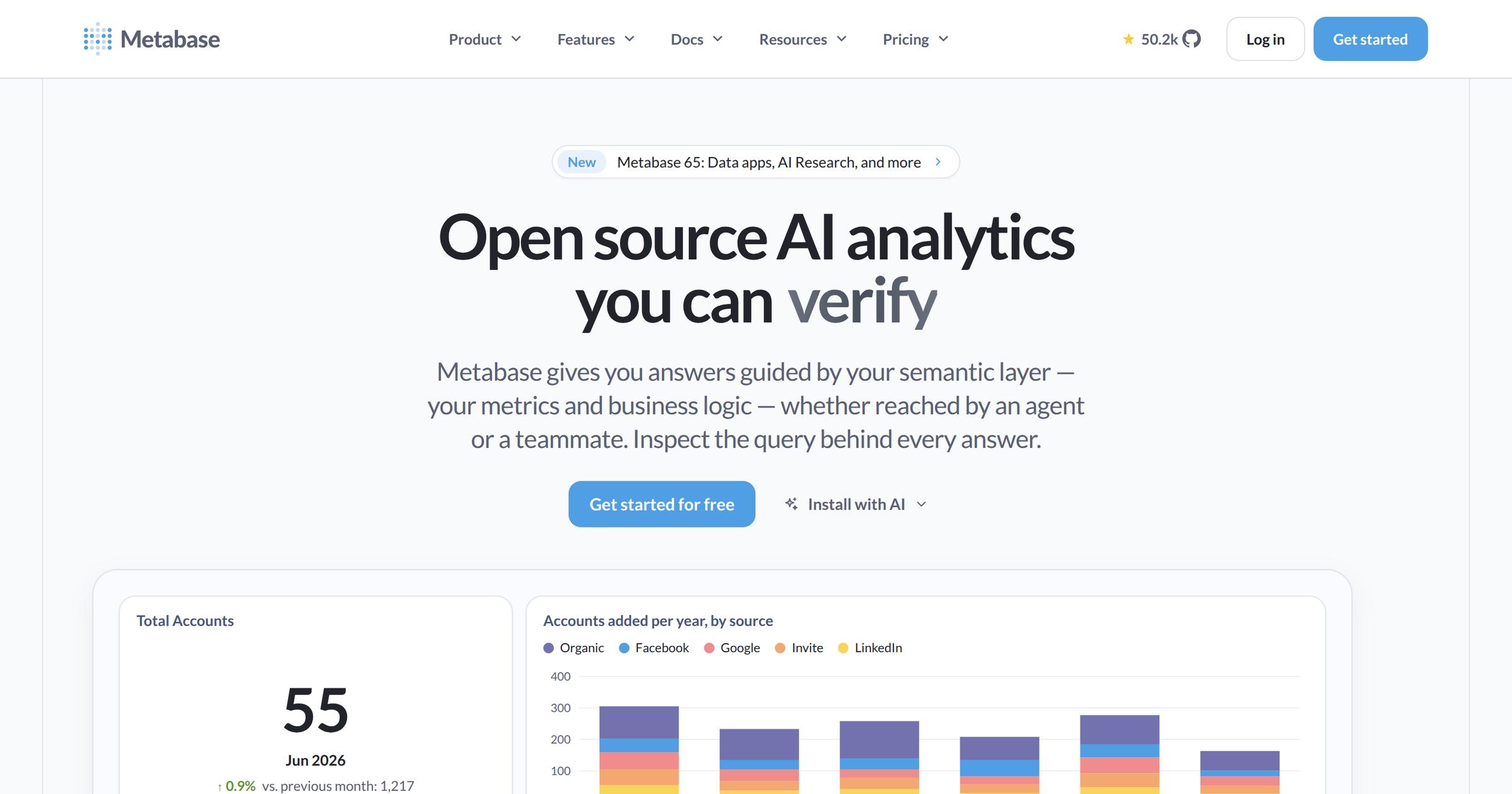
Self-hosted BI with dashboards, SQL editor, and AI-native analytics.
Replaces Tableau, Power Bi, Looker, Sisense, Thoughtspot
Who it's for
Metabase's question builder lets a marketer check conversion rates or a finance analyst review revenue trends without opening a SQL console. A single self-hosted instance can serve the whole company, and new users can be added with no licensing cost.
If your team already writes SQL fluently and needs notebook-style analysis with Python or R integration, a heavier tool like Apache Superset may fit better. Metabase's strength is accessibility, not data-science depth.
The React SDK embeds dashboards, charts, and a question builder directly into your product under your own branding. Multi-tenant JWT auth ensures each customer sees only their own rows. This saves the engineering work of building an analytics layer from scratch.
If your product needs highly custom visualization types or real-time streaming data, Metabase's embedded analytics may not cover the edge cases. It is strongest for SQL-backed datasets with standard chart types.
Data Studio lets senior analysts define the canonical metrics and business logic that every dashboard and AI query must follow. Git sync versions those definitions. This is useful when different teams are building dashboards and you need consistency across reports at scale.
If your team has fewer than five people and dashboards are built by one or two analysts, the overhead of maintaining a formal semantic layer in Data Studio is probably not worth it at this stage.
The MCP server exposes Metabase's query and dashboard capabilities to Claude Code, Codex, and Cursor. An agent can read published metrics, build dashboards, and answer analytical questions while staying within each user's row-level permissions. No separate API key or separate data exposure is required.
If your data team has not yet built out the semantic layer and canonical metrics, an AI agent querying raw tables will produce inconsistent answers. The MCP is most valuable after the semantic layer is in place.
The problem
Most teams with data questions still depend on a single analyst or engineer to write SQL queries for them. The wait for a report can stretch hours or days, and the analyst becomes a bottleneck between the data warehouse and the business decision that depends on it. The underlying frustration is that the data is there; the access layer is not. A finance manager cannot explore quarterly trends without filing a ticket. A product manager cannot compare cohort behavior without asking an engineer. Business intelligence tools from vendors like Tableau and Power BI solve the access problem, but they carry per-seat licensing costs that price out every casual user and lock the data team into a managed cloud.
How it works
Lets anyone on the team query a connected database by clicking through a visual interface instead of writing SQL. Fields, filters, and aggregations are point-and-click, so a marketing analyst can answer "how many new signups came from organic last week?" without filing a request to the data team.
Answers questions in plain English against your actual data, guided by the metrics and business logic you define in Data Studio. Available on every plan, including the AGPL community build, with a choice of AI provider or a self-hosted model. Works in Metabase, via the MCP server, or through the CLI.
Your data team defines canonical tables, metrics, and business logic once in Metabase's Data Studio. Every dashboard, Metabot answer, and agent query builds on those verified definitions. Git sync keeps the semantic layer version-controlled so changes go through a review process.
Publish dashboards, charts, or a full self-serve analytics experience inside your SaaS product using the React SDK. Each embedded session is scoped to that customer's data via multi-tenant JWT or SAML auth, and the whole surface is white-labeled to your brand.
Exposes your data to Claude, Codex, Cursor, or any MCP-compatible coding agent through the Metabase MCP server. The agent can query metrics, build dashboards, and write data apps while staying within each user's row-level permissions, so AI access inherits your existing governance.
Set threshold alerts that trigger when a query crosses a value, or schedule dashboards to deliver to email, Slack, or a webhook on a fixed cadence. Alerts and subscriptions work on the community edition without additional infrastructure or a paid plan.
Features
- No-SQL question builder
- Metabot AI assistant
- Semantic layer in Data Studio
- Embedded analytics SDK
- MCP server and CLI for AI agents
- Alerts and dashboard subscriptions
How to install
Self-hosting uses Docker with the official AGPL community image from Docker Hub.
docker run -d -p 3000:3000 --name metabase metabase/metabaseTo deploy without Docker, download `metabase.jar` and start with the Java runtime:
java --add-opens java.base/java.nio=ALL-UNNAMED -jar metabase.jarRecommended for this setup
Strengths
- No per-seat licensing on the AGPL edition: The community build (Docker Hub `metabase/metabase`) is AGPL-3.0 and free to run on your own server. Every person on your team can log in and explore data without adding to a license bill. Commercial BI tools like Tableau and Looker charge monthly per seat, which makes broad access expensive at any team size.
- Five-minute setup with Docker: The README describes a five-minute setup: one Docker command, a database to connect, and the web UI opens at localhost:3000. No agents, no cloud configuration, and no professional services requirement for a basic deployment. The maker documents the same path as the primary install.
- 50,000+ stars and over 10 years of active development: The GitHub repository has over 50,000 stars and was created in February 2015, with a commit as recent as November 4, 2026. That history means a large corpus of community documentation, answered issues, and third-party integrations covering most common databases and deployment patterns.
- AI access with permission guardrails: Metabot and the MCP server give AI tools and agents governed access to data, scoped to each user's existing permissions. A coding agent working through the MCP server cannot read rows the human user cannot see, which removes a common security objection to giving AI tools direct database access.
Trade-offs
- Split license: enterprise features require a commercial license: The code outside the top-level `enterprise/` directory is AGPL-3.0, freely self-hostable for internal commercial use at no license cost. The enterprise directory and the enterprise Docker image are under the Metabase Commercial License, which restricts reselling Metabase as a managed/hosted service. Features like SAML SSO, row-level permissions, and audit logs sit behind the enterprise tier.
- High open issue count: The repository carries 3,985 open issues. For a project of this scale that is not unusual, but it means some edge cases in connectors, embeddings, and the query builder may have known bugs without a near-term fix date. Teams relying on specific database drivers should check the issue tracker before committing.
- Resource requirements for production self-hosting: A production Metabase instance needs a dedicated application database (Postgres is recommended), sufficient RAM for the JVM, and a reverse proxy for TLS. The Docker quick-start is enough for evaluation but not recommended as a production configuration; plan for a proper deployment before rolling it out to your whole team.
Tech stack
FAQ
The community edition is AGPL-3.0 and free to self-host at no licensing cost. Everything outside the top-level `enterprise/` directory in the repository is covered by the AGPL, and the Docker Hub image (`metabase/metabase`) is the AGPL build. Pro and Enterprise plans add features like SAML, row-level permissions, and audit logs, with pricing listed on Metabase's site.
Metabase officially supports PostgreSQL, MySQL, MariaDB, SQL Server, BigQuery, Snowflake, Redshift, Athena, and others; a full list is in the repository under `docs/databases/connecting.md`. Community-built drivers extend coverage to additional databases. Each database needs only a read-access connection string; Metabase queries it at runtime and does not store a copy of your data.
Yes. The React embedding SDK (`@metabase/embedding-sdk-react`) lets you drop dashboards and charts into your app. Multi-tenant JWT or SAML auth scopes each session to that customer's own data. Full white-labeling, custom fonts and colors, and row-level permissions are available. Production embedding at scale uses the enterprise Docker image, which is under the Metabase Commercial License.
Tableau and Power BI are proprietary tools with per-seat licensing and vendor-managed hosting. Metabase's community edition is AGPL-3.0, runs on your own server, and has no per-seat fees. The tradeoff is that Tableau and Power BI have more advanced statistical modeling and larger ecosystems of certified connectors. Metabase wins on ease of setup, no-SQL accessibility, and cost for broad team access.
You can run the AGPL community edition on your own infrastructure, internally, for any commercial purpose, with no license fee. The AGPL restriction applies if you distribute a modified version externally as a service: you must release your modifications under the AGPL. Reselling Metabase itself as a hosted/managed service requires a commercial license. The enterprise directory and enterprise Docker image are under the Metabase Commercial License, not the AGPL.