meetily
Privacy-first AI meeting notes that run entirely on your device
Replaces Jamie, Fellow
Who it's for
Clinicians, attorneys, and compliance officers who record sensitive discussions benefit from Meetily's local-only architecture. Patient consultations and attorney-client calls can be transcribed and summarized without data leaving the local machine, satisfying HIPAA and professional privilege requirements by design.
If your organization requires centralized, searchable meeting archives with audit logging across a team, the Enterprise tier or a cloud tool with a signed BAA is a better fit than the Community Edition.
Developers, researchers, and solopreneurs who want meeting notes without a monthly subscription or vendor dependency can install the free Community Edition, configure a local Ollama model for summaries, and have a fully offline workflow with no recurring cost.
If you need meeting notes automatically linked to calendar events, the Community Edition does not support calendar integration. Calendar sync is a planned Pro feature.
Organizations that cannot send audio to external cloud servers due to regulatory or contractual constraints can deploy Meetily on internal infrastructure. The Enterprise tier supports on-premises deployment on Azure, AWS, GCP, or bare metal with centralized storage and compliance audit trails.
Teams of under ten people without formal compliance requirements may find the Enterprise deployment overhead unnecessary. The free Community Edition desktop install covers smaller groups without team-sharing needs.
Developers who want to customize transcription models, add integrations, or run Meetily on Linux can build the Rust and Next.js codebase from source. The Tauri-based architecture is self-contained, and the build guide covers GPU acceleration for NVIDIA and AMD hardware.
If you need a working application quickly and are not comfortable with Rust build toolchains, the macOS or Windows native installer is the simpler path.
The problem
Every major cloud meeting assistant sends audio to external servers for processing. For professionals in healthcare, legal, financial services, and enterprise roles, this is not a minor inconvenience: it creates compliance exposure. GDPR and HIPAA impose strict rules on where sensitive audio can reside, and a recording sent to a third-party SaaS vendor may violate those rules regardless of the vendor's stated privacy policy. The subscription cost adds another layer of friction. Most cloud meeting tools charge $8 to $30 per user per month, which compounds for even a small team. When a vendor raises prices, removes features, or suffers a data breach, your meeting history sits on their servers with no clean exit path. Teams that keep processing local retain their data, their costs, and their options.
How it works
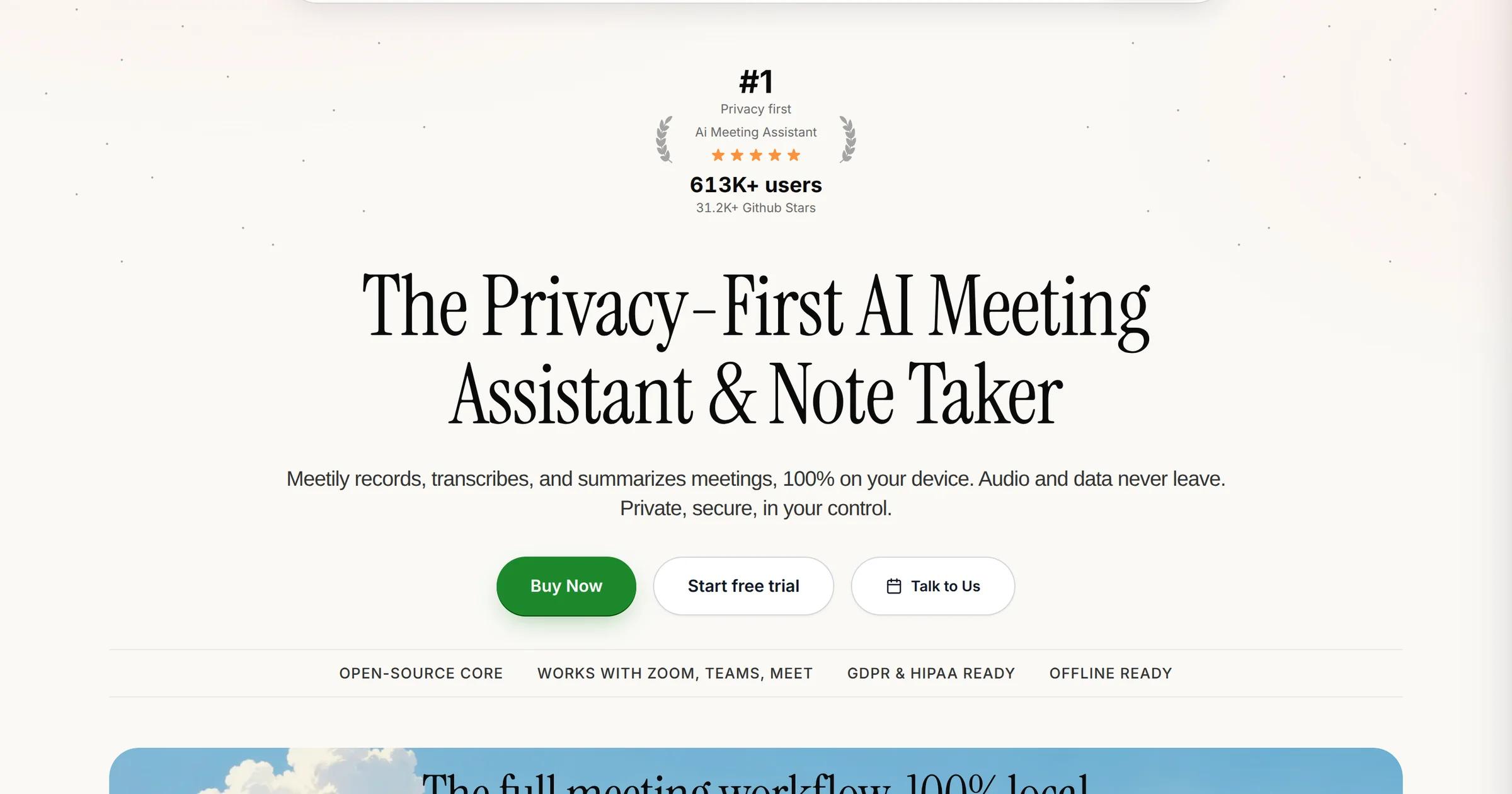
Meetily transcribes meetings on your device using Whisper.cpp or NVIDIA Parakeet ONNX models. The repository describes Parakeet as delivering 4x faster transcription than standard Whisper. Both models run entirely offline with no API calls, and audio never leaves your machine.
After transcription, Meetily generates structured summaries with key points and action items. You choose the AI backend: Ollama for fully local models with no internet required, or your own API key for Claude, Groq, OpenRouter, or any OpenAI-compatible endpoint. When using local models, no data leaves your device at any stage.
Meetily Pro adds speaker diarization powered by SortFormer, labeling each voice in the transcript so meetings read as a conversation between named participants. The Community Edition captures all audio without per-speaker labeling. Pro costs $10/user/month billed annually.
Meetily captures audio directly from your device's system audio, so no recording bot appears in the meeting participant list. It works with any video conferencing software: Google Meet, Zoom, Microsoft Teams, Discord, Slack Huddles, Webex, and more. No integrations or browser extensions are required.
The Rust backend takes advantage of hardware acceleration at build time with no manual configuration. macOS builds use Apple Silicon Metal and CoreML. Windows and Linux builds support NVIDIA CUDA and AMD or Intel Vulkan. Acceleration is automatically enabled when compatible hardware is detected.
Features
- 100% local transcription with Whisper and Parakeet
- AI-powered meeting summaries: local or bring your own API key
- Speaker diarization in the Pro tier
- Platform-agnostic capture with no meeting bot
- GPU acceleration on Apple Silicon, NVIDIA, and AMD
How to install
Install on Linux by building from source; macOS and Windows installers are available from the GitHub releases page.
git clone https://github.com/Zackriya-Solutions/meeting-minutes
cd meeting-minutes/frontend
pnpm install
./build-gpu.sh
Recommended for this setup
Strengths
- All processing is local, not a policy promise: Meetily transcribes on-device using Whisper.cpp with no cloud pathway for audio. This differs from most cloud meeting tools, which process audio on external servers even when they claim privacy features. For healthcare, legal, and finance professionals, local processing is a compliance requirement that no cloud tool can satisfy by design.
- MIT license with no seat limits on the Community Edition: The Community Edition is MIT licensed and free for personal and commercial use. There are no per-seat fees, no block limits, and no subscription required for the core transcription and summary workflow. Teams can install it on as many machines as needed without any licensing cost.
- 29,000+ stars: community-validated on real hardware: The repository reached 29,149 GitHub stars, 3,094 forks, and 369,000+ downloads, including a period as the number-one trending repository on GitHub. Broad adoption across configurations validates that the local-processing architecture works reliably beyond controlled test environments.
- Works with any meeting platform without extensions: Meetily captures system audio directly from the device, so it works with every video conferencing tool without integration or browser extension setup. Google Meet, Zoom, Microsoft Teams, Discord, Slack Huddles, and Webex all work out of the box with no per-platform configuration.
- GDPR and HIPAA ready by architecture, not configuration: Because no data leaves the device during transcription, Meetily inherently satisfies the data-residency requirements of GDPR and HIPAA. There is nothing to configure for compliance: the architecture makes it structurally impossible for sensitive audio to reach external servers.
Trade-offs
- Linux requires building from source; no native installer yet: Native installers ship for macOS (DMG) and Windows (EXE). Linux users must build from source using the documented guide with Rust and pnpm. A native Linux desktop app is in development but was not available as of the last repository push in June 2026.
- 345 open issues signals an active, sometimes rough edge: The repository carries 345 open issues. For a project at this download volume that is not unusual, but users should expect rough edges, particularly on Linux source builds and in the beta import-and-enhance functionality.
- Speaker diarization and advanced exports require the paid Pro tier: Speaker diarization, custom summary templates, PDF and DOCX exports, calendar integration, and auto-meeting detection are Pro-only at $10/user/month. The Community Edition covers core transcription and summaries, but teams needing speaker labels or structured exports must pay.
- Fast transcription requires capable GPU hardware: Full-speed transcription with GPU acceleration needs Apple Silicon, NVIDIA CUDA, or AMD Vulkan hardware. On machines without a compatible GPU, transcription falls back to CPU and is significantly slower for longer meetings. The tool is not well-suited to resource-constrained or older hardware.
Tech stack
FAQ
No. Transcription runs entirely on your device using Whisper.cpp or Parakeet models, and audio never leaves your machine. For AI summaries, you choose: local models via Ollama (fully offline) or your own API key, in which case only the transcript text is sent for summarization, not the audio.
The Community Edition is MIT licensed and free. It covers local transcription, AI-generated summaries using Ollama or a bring-your-own-key setup, and support for all major meeting platforms. Pro ($10/user/month billed annually) adds speaker diarization, custom summary templates, PDF and DOCX exports, auto-meeting detection, and calendar integration.
Native desktop apps ship for macOS (Apple Silicon DMG) and Windows (x64 EXE). Linux support requires building from source using the documented guide; a native Linux app is in development. Meetily captures system audio directly, so it works with any meeting platform without platform-specific integrations.
Yes, by design. Transcription happens locally with no data leaving the device, which satisfies the data-residency requirements of both GDPR and HIPAA without additional configuration. The Enterprise tier adds audit logging and centralized on-premises deployment for larger compliance programs requiring team-wide visibility.
Transcription uses Whisper.cpp or NVIDIA Parakeet ONNX models, both running locally with no internet connection required. For summaries, Ollama (local) is recommended for full offline operation. You can also supply an API key for Claude, Groq, OpenRouter, or any OpenAI-compatible endpoint. Switching AI providers requires no code changes.