
magnitude
Local models for your agent, tuned for your hardware
Replaces Lm Studio
Who it's for
Engineers running Claude Code, Cline, or OpenCode on agentic tasks pay token costs that accumulate across a full workday of multi-step coding sessions. Magnitude routes those calls to a local model, removing the per-token cost entirely while keeping the existing agent workflow intact.
Your machine has under 4GB of free RAM, or your work requires frontier model quality (complex reasoning, advanced math) that small local models cannot match. For those workloads, cloud APIs remain the better fit.
Developers who want AI agent assistance on private codebases, unreleased products, or compliance-sensitive data without sending prompts to a third-party API. Magnitude keeps all prompts and context local with no cloud relay at any point in the inference path.
Your work environment restricts installation of local server software on work machines. In that case, a managed cloud deployment would be needed, which Magnitude does not provide as a hosted option.
Once a model is downloaded, Magnitude runs with no internet connection. Developers working without reliable internet, while traveling, or in restricted-network facilities can continue using agent-assisted coding without cloud access.
You need to download new models or update the catalog during the offline period. The initial CLI install and model download both require an internet connection.
Solo developers and open source maintainers who want AI agent assistance but cannot justify ongoing cloud API costs. Magnitude provides a free-to-run local inference path with Apache 2.0 licensing and no ongoing fees after the initial setup.
You need frontier model quality for daily work. Local models on consumer hardware will not match the output quality of GPT-4 or Claude Opus on complex tasks; if that bar is required, cloud APIs remain the practical choice.
The problem
Running local models for AI agent workloads is harder than it should be. Your agent does not know your hardware: it cannot tell which model quantization fits your RAM, what inference speed to expect, or how to configure the runtime for concurrent agent calls. Setting up a local inference stack manually means guessing at quant levels, tuning concurrency by trial and error, and writing harness configuration by hand. The result is that most developers default to cloud LLM APIs and accept the costs. Token fees accumulate fast on agentic tasks that make dozens of LLM calls per session. Cloud APIs also mean prompts, context windows, and files leave your machine, which is a privacy concern for developers working with proprietary or sensitive code.
How it works
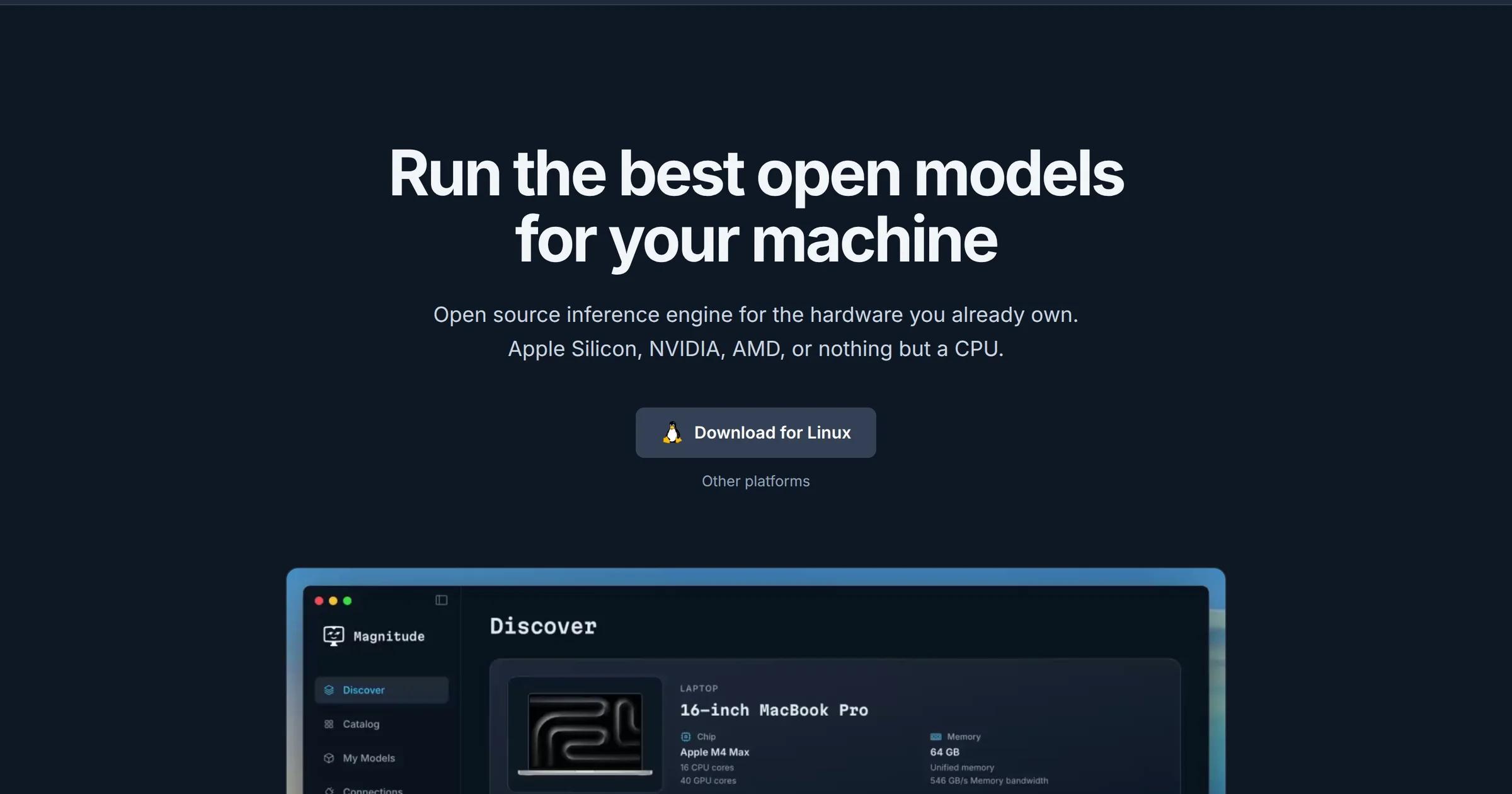
Magnitude profiles your chip, memory, and bandwidth, then computes the best-fit models from its curated catalog with estimated tokens per second for your specific hardware. You pick from a ranked list built for what will actually run fast on your machine, rather than guessing at quantization levels manually.
Send one prompt to your agent and it walks through the full setup: installs the Magnitude CLI, profiles your hardware, downloads the chosen model, and writes the harness configuration automatically. Compatible with Pi, OpenCode, Hermes, OpenClaw, Codex, Claude Code, Oh My Pi, and Cline, or use the built-in harness.
Models load when your agent needs them and unload automatically when idle or when memory gets tight. This keeps RAM available on machines where you run other workloads alongside the inference server, without requiring you to manage model lifecycle manually.
Speculative decoding and concurrency are configured automatically for your hardware and selected model. Magnitude sets these based on the hardware profile it collects, removing the need to tune inference parameters by hand before agent workloads perform reliably.
Once Magnitude and your chosen model are downloaded, no internet connection is required for inference. Prompts, context windows, and files stay on your machine and never reach any external server, making it suitable for air-gapped or network-restricted environments.
You can import compatible GGUF models from Hugging Face outside the built-in catalog. This lets you use specialized or fine-tuned models not included in the default recommendations, while still benefiting from Magnitude's runtime management and agent harness integration.
Features
- Hardware profiling and model recommendations
- Agent-first onboarding via a single prompt
- Just-in-time model loading and memory management
- End-to-end inference tuning
- Fully offline after initial setup
- Custom GGUF model support
How to install
Install the Magnitude CLI via npm on macOS or Linux (Windows requires WSL), then run the guided setup to profile your hardware and select a local model.
npm install -g @magnitudedev/cli
magnitude setup
Recommended for this setup
Strengths
- Zero token costs for agent workloads: Agentic tasks typically make dozens of LLM calls per session. Routing those calls through Magnitude eliminates per-token API fees entirely. There are no API keys to manage, no rate limits to hit, and no cloud billing to monitor once the initial setup is complete.
- Hardware-aware inference, not guesswork: Setting up a local inference stack manually requires guessing at quant levels, which risks OOM errors or poor throughput. Magnitude measures your machine first and produces a catalog with concrete tok/s estimates, making model selection a data-driven step rather than trial and error.
- Full data privacy with no cloud relay: Prompts, files, and model weights stay on your machine throughout the inference path. For developers working with proprietary code, private documents, or compliance-sensitive data, this is the data-privacy guarantee that cloud APIs cannot offer.
- Works with major agent harnesses out of the box: Magnitude integrates directly with Claude Code, Cline, OpenCode, Hermes, Pi, OpenClaw, Codex, and Oh My Pi. The onboarding flow configures the harness connection automatically, so switching a running agent from a cloud API to local inference is a setup step, not a code change.
Trade-offs
- Model quality is bounded by available RAM: The models Magnitude can run are constrained by your hardware. On machines with limited RAM, only smaller quantized models fit, which produce noticeably weaker output than frontier cloud models on complex reasoning tasks. More available memory is the prerequisite for larger, more capable models.
- macOS and Linux only; Windows requires WSL: Native Windows support is not available. Windows users must have WSL installed and configured before running Magnitude. This adds a prerequisite step for developers on Windows who have not already set up WSL, and WSL carries some performance overhead compared to native Linux.
- Young project with a growing model catalog: Magnitude was created in June 2026 and its curated catalog is still expanding. Models not yet in the catalog must be imported manually as GGUF files from Hugging Face. Users who need a specific model outside the catalog will need to handle that import themselves.
Tech stack
FAQ
No minimum specification is required. Magnitude profiles your actual hardware and recommends the best-fit models for what you have. Machines with more RAM can run larger and more capable models, but Magnitude finds something workable for most modern hardware. More available memory is the primary lever for improving model quality.
No. Prompts, files, and model weights stay on your machine. Once Magnitude and a model are downloaded, inference runs entirely offline with no external network calls during operation.
Pi, OpenCode, Hermes, OpenClaw, Codex, Claude Code, Oh My Pi, and Cline. During onboarding, Magnitude writes the harness configuration automatically, connecting your agent to the local model you select. A built-in harness is also available if you are not using one of those tools.
Yes. You can download compatible GGUF models from Hugging Face and use them with Magnitude. The catalog provides curated recommendations tuned to your hardware, but it is not a closed list. Custom models are loaded and managed the same way as catalog models.
Not natively. Magnitude supports macOS and Linux. Windows users can run it through WSL (Windows Subsystem for Linux). WSL must be installed and configured before running Magnitude on Windows.