
Ollama
Run large language models locally on Mac, Linux, or Windows
Replaces Lm Studio, Hugging Face Inference Endpoints, Google Cloud Vertex Ai, Databricks
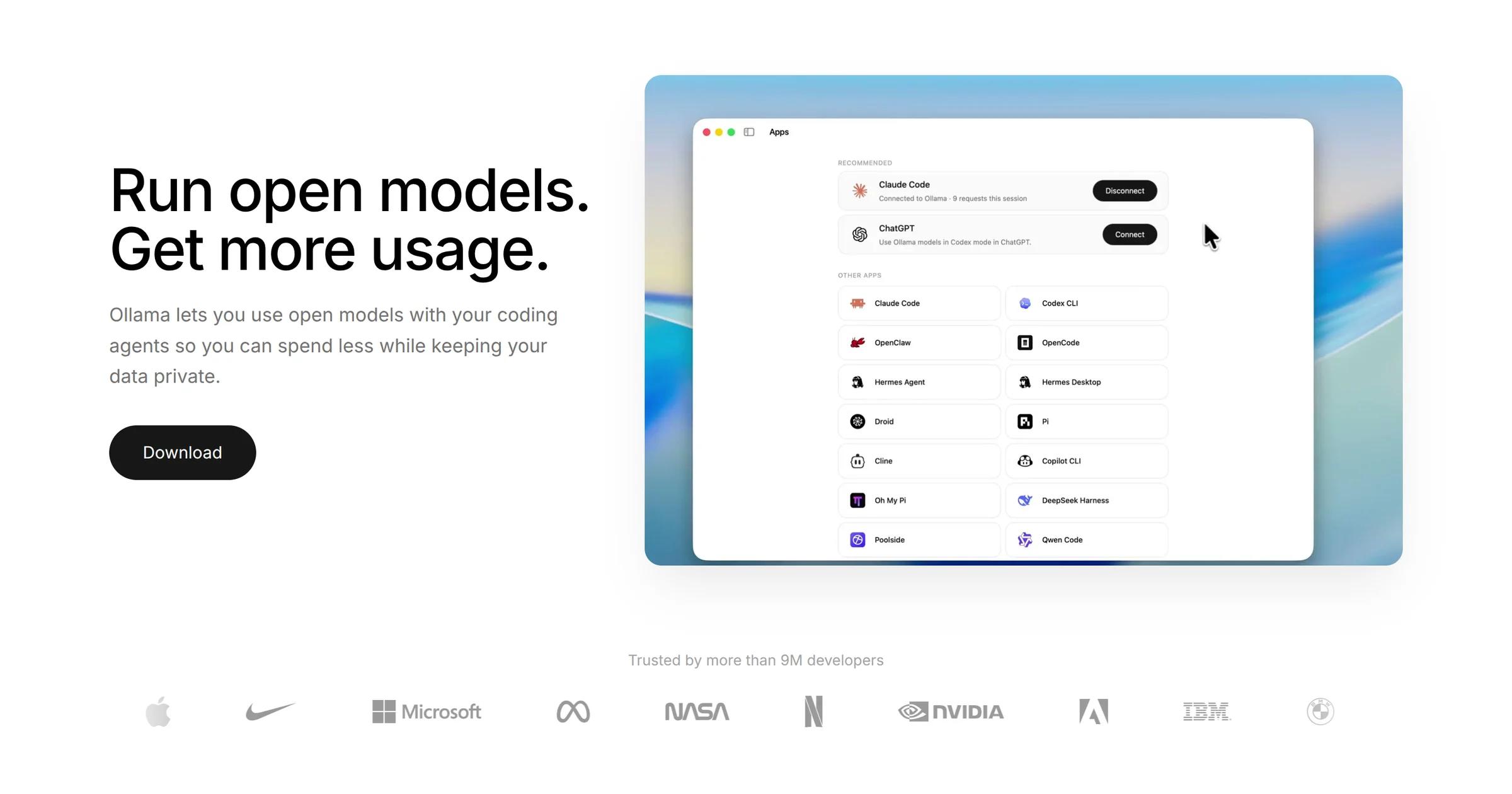
Who it's for
Ollama shortens the loop between prompt changes and application behavior.
you need a managed production SLA from day one.
local execution keeps early tests off external inference APIs.
your workloads require models too large for your available hardware.
the model library makes side-by-side testing practical.
you need hosted collaboration and billing controls.
The problem
Hosted inference APIs are convenient, but they move prompts, files, and application traffic through external providers. That creates privacy questions for sensitive data, network dependency for local development, and recurring inference costs for experiments that could run on a workstation or internal server. Developers also lose speed when every model test requires account setup, remote quotas, and provider-specific APIs. A local model runner makes the feedback loop shorter: pull a model, run it, and connect an app against a local endpoint before deciding whether production needs managed infrastructure.
How it works
One-command model runs through the Ollama CLI, including popular families such as Llama, Qwen, Gemma, DeepSeek, Mistral, and embedding models.
Local API support lets applications connect to models running on a developer machine or internal server.
Model library includes multiple parameter sizes, so teams can choose small laptop-friendly models or larger GPU-backed models.
Official installers cover macOS, Linux, Windows, and Docker for local or server deployment.
MIT license gives developers room to embed Ollama in internal workflows and commercial products.
Features
- One-command model runs
- Local API support
- Model-size choice
- Cross-platform installers
- MIT license
How to install
curl -fsSL https://ollama.com/install.sh | sh ollama run llama3.1
Recommended for this setup
Strengths
- Fast local experimentation: Ollama makes local LLM experimentation fast enough for everyday development, with install and run commands that are easier than managing model weights manually.
- Easy model switching: The model library lowers the friction of switching among open models for coding, chat, embedding, and reasoning tests.
- Private prompt testing: Local execution gives teams a private path for prompt experiments before they move selected workloads to hosted inference.
- Developer-machine standardization: The MIT license and simple CLI make Ollama easy to standardize across developer machines.
Trade-offs
- Hardware-dependent model quality: Local model quality depends on your hardware. Larger models need enough memory and GPU capacity, while smaller models may not match hosted frontier systems.
- Production practices still needed: Ollama handles model running, but teams still need evaluation, monitoring, access control, and deployment practices for production use.
- Large model downloads: Model downloads can be large, so laptop storage and network speed matter when testing many families.
Tech stack
FAQ
Yes. Ollama is MIT licensed and free to install locally. Your real cost is the hardware needed to run the models you choose.
Yes, after you download a model, Ollama can run it locally without calling a hosted inference API. You still need internet access to pull new models or updates.
Ollama can run smaller models on many modern laptops, but larger models need more RAM and GPU memory. Pick model sizes based on the machine you plan to use.