
Maestro
Simple end-to-end testing for iOS, Android, and web apps
Replaces Katalon Studio, Testcomplete, Testrigor
Who it's for
Maestro fits teams that need smoke tests for login, onboarding, checkout, messaging, or other critical app flows across mobile builds.
Skip it if your team needs a fully managed device cloud and test management product bundled together.
Declarative flows make tests easier to review and maintain than platform-specific automation code. This helps QA and developers collaborate on coverage.
Use lower-level frameworks if your tests require deep custom hooks or platform internals that a flow language cannot express.
The problem
Mobile end-to-end tests often become brittle because they depend on low-level selectors, waits, and platform-specific setup. Teams spend more time stabilizing automation than validating the user flows that matter.\u000A\u000ACommercial testing products reduce some setup but can add license cost and vendor lock-in. Engineering teams usually want test flows that live in the repository, run in CI, and remain readable during product changes.
How it works
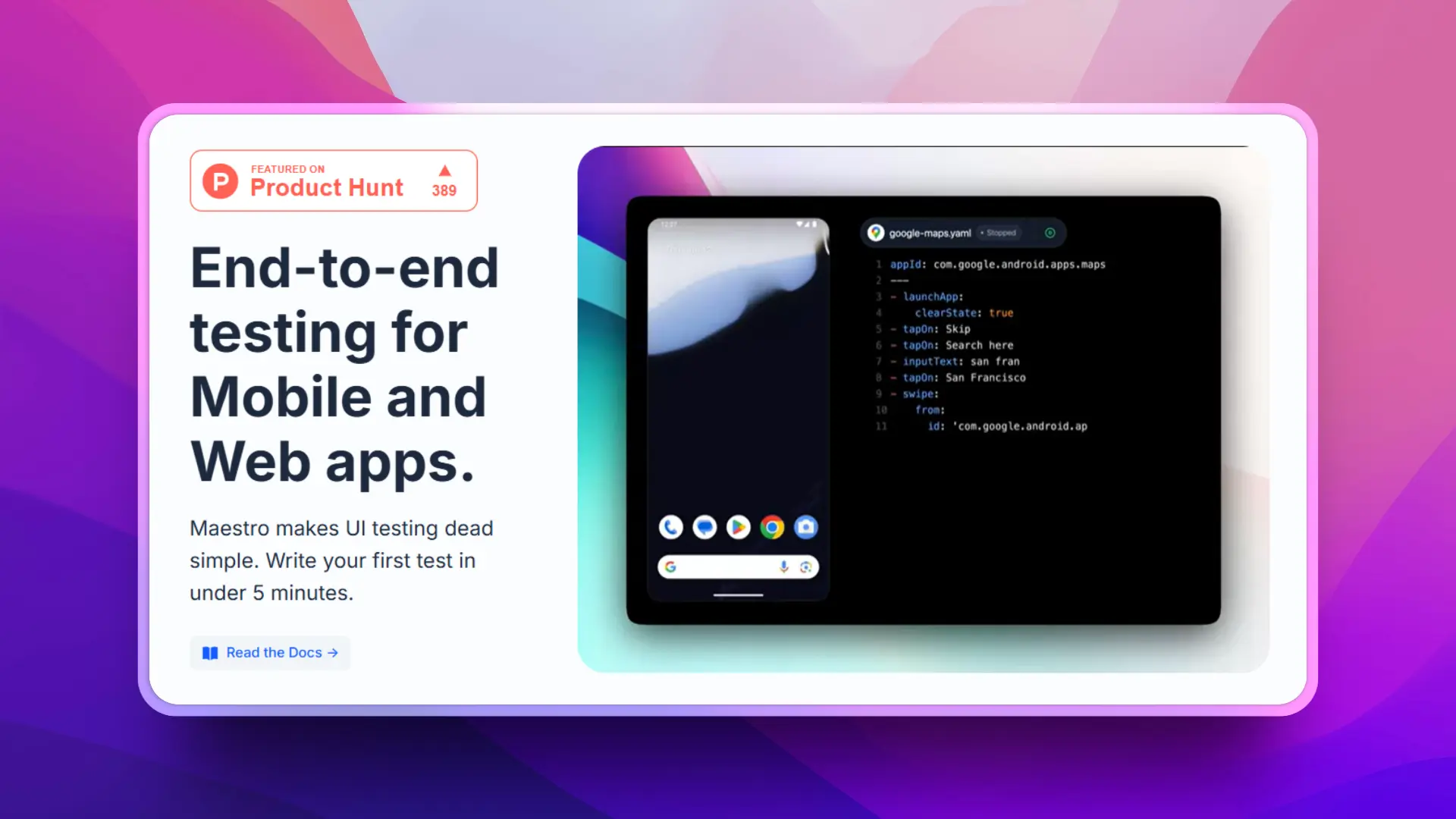
Maestro tests are written as readable flows that describe taps, text input, assertions, and navigation. This keeps common app journeys easier to review than large UI test classes.
Maestro targets end-to-end automation across Android, iOS, and web workflows. Teams can keep a similar test style across the surfaces users actually touch.
Tests can run from command-line workflows, which makes Maestro suitable for pull request checks and release pipelines rather than only manual QA runs.
Features
- Declarative test flows
- Mobile and web automation
- CI-friendly execution
Recommended for this setup
Strengths
- Readable tests for product flows: Maestro's flow files make test intent clear to developers, QA, and product teams. That helps keep regression coverage tied to user journeys instead of implementation details.
- Open source testing core: Apache-2.0 licensing lets teams adopt and adapt Maestro without a proprietary test-runner lock-in. That is useful for teams standardizing mobile CI.
Trade-offs
- Complex apps still need stable test design: Maestro reduces test boilerplate, but teams still need good identifiers, deterministic test data, and CI device management. It does not remove the hard parts of end-to-end testing.
- Less packaged than enterprise QA suites: Commercial tools may include broader dashboards, test management, device clouds, and non-technical authoring features. Maestro is strongest for engineering-owned automation.
Tech stack
FAQ
Maestro is used for end-to-end UI automation across mobile and web applications. Teams write declarative flows for actions and assertions.
Yes. Maestro is Apache-2.0 licensed. The project is developed on GitHub by mobile.dev.
Maestro focuses on readable high-level flows and simpler test authoring. Appium is lower-level and more flexible for custom platform automation, but it often requires more code and setup.