
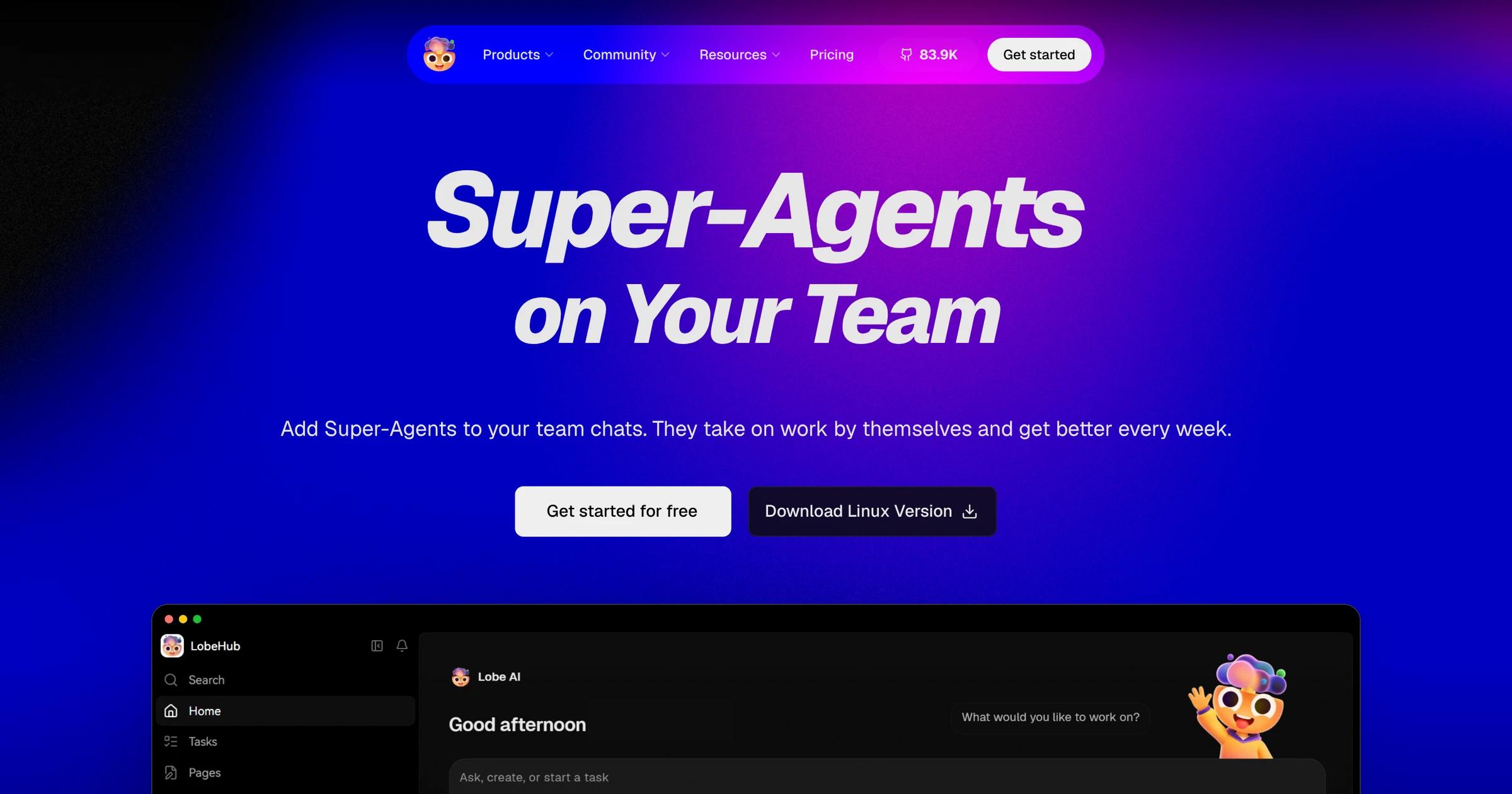
LobeHub
AI agent team operator with IM gateway and persistent memory.
Replaces Relevance Ai, Voiceflow
Who it's for
LobeHub's IM gateway puts agents directly in your existing channels, so team members can delegate tasks without leaving the messaging tool they already use. Agents receive requests, hand work to external tools through MCP skills, and report back in-thread.
Your team does not use these messaging platforms, or the goal is a customer-facing chat interface rather than internal team automation.
The 10,000+ MCP-compatible skill library connects agents to the APIs and tools developers already use. The Agent Builder starts from a text description, auto-configures the agent, and makes it available immediately across channels and projects.
You need a visual drag-and-drop no-code flow designer; LobeHub's configuration approach is more developer-oriented than a point-and-click interface.
Commercial agent orchestration services charge per execution, per seat, or both. LobeHub shifts costs to model API usage and hosting, which are easier to predict and control at scale. The White-Box Memory keeps all agent history on your own infrastructure.
Your organization lacks the technical capacity to manage a self-hosted service. A managed service may be worth the recurring cost if DevOps resources are limited.
LobeHub's structured White-Box Memory lets agents learn from your work over time and adapt their behavior. Unlike opaque memory systems, you can inspect and edit what each agent retains, which is useful for regulated industries or organizations with strict data governance requirements.
You are running short-lived, stateless tasks where memory between sessions adds no value. For simple one-off queries, the memory overhead is unnecessary.
The problem
Today's AI agents are task-driven, one-off tools. They lack shared context, live in isolation, and require manual hand-offs between conversations, windows, and models. Users end up toggling between fragmented chat sessions, losing context each time, with no way to form structured, recurring workflows. The deeper challenge is coordination. When you work with multiple AI agents, there is no way to assign them to channels, schedule work while you are offline, share context between agents, or see a unified view of what your AI team actually did. Without persistent memory, each conversation starts from zero, and nothing the agent learned yesterday carries into today's work.
How it works
Agents join your existing messaging channels as first-class members. The product website shows an agent reading 2,340 messages and 128 docs in a #general channel in one session, then operating inside that same channel for follow-up requests. No separate app is required; your agents work where your team already communicates.
The Agent Builder turns a plain-text description of what you need into a configured agent. Connect it to any capability in the MCP-compatible skill library, which covers over 10,000 tools and plugins, so agents have access to the integrations they need without manual API wiring.
Agent Groups assemble the right agents for a task and let them work in parallel with shared context. The Pages feature lets multiple agents write and refine content together. Projects organize work by context, and the Workspace gives teams a shared space with clear ownership and visibility across the organization.
Personal Memory builds a structured, editable record of how you work. Unlike global or opaque memory in other systems, LobeHub's memory is transparent: you can inspect what each agent remembers and correct it. Agents update their memory from your interactions and use it to act at the right moment.
The Schedule feature lets you configure timed agent runs. Agents execute at the right time without requiring you to stay online to trigger them. This covers recurring tasks like daily reports, monitoring jobs, or batch operations assigned to specific agents in a project.
Features
- IM Gateway for Discord, Slack, and Telegram
- Agent Builder with 10,000+ MCP-compatible tools
- Agent Groups for parallel team collaboration
- White-Box Memory with continual learning
- 7x24 Scheduling and project organization
How to install
Deploy LobeHub using Docker with an initialization script.
bash <(curl -fsSL https://lobe.li/setup.sh)
docker compose up -d
Recommended for this setup
Strengths
- 83,879 GitHub stars with active TypeScript development: With 83,879 stars and 16,049 forks, LobeHub has broad community adoption. The repository received its last push on 2026-11-04, indicating active maintenance. The TypeScript codebase and open GitHub history make it auditable for teams with security requirements.
- Commercial self-hosting permitted under the license: The LobeHub Community License explicitly permits self-hosting and commercial use as a frontend or backend service. You run it on your own infrastructure, supply your own model API keys, and retain all conversation data and agent memory without it leaving your servers.
- Multi-model access under one operator: LobeHub supports OpenAI GPT models, Anthropic Claude, Google Gemini, DeepSeek, and GLM models, as documented in the repository's topic list. You can configure multiple model providers and route different agents to different models without switching tools. The README documents environment variables for the model list and proxy URLs.
- One-click deployment across multiple hosting platforms: Beyond Docker, LobeHub supports one-click deployment on Vercel, Zeabur, Sealos, RepoCloud, and Alibaba Cloud. Teams without dedicated infrastructure can get a self-hosted instance running in minutes using existing cloud accounts.
Trade-offs
- Fair-code license restricts distributing derivative works: LobeHub is released under Apache-2.0 with LobeHub Community License additional terms. While self-hosting and commercial use are permitted, distributing a derivative work (a fork or modified version shipped as a product) requires a separate commercial license from LobeHub LLC. Teams planning to build a product on top of LobeHub's codebase and offer it to others need to contact the maker before doing so.
- Requires API keys from external model providers: LobeHub is an agent coordination layer, not a model host. Every agent requires access to at least one model provider such as OpenAI, Anthropic, or Google, and you manage and pay for those API keys yourself. For teams building at scale, model usage costs are separate from and additional to hosting costs.
- 442 open issues on GitHub: The project has 442 open issues as of November 2026, reflecting active development but also known feature gaps and bugs in progress. Teams evaluating LobeHub for production use should review the open issue tracker to check for blockers relevant to their use case before committing.
Tech stack
FAQ
LobeHub is released under Apache-2.0 with LobeHub Community License additional terms, a fair-code arrangement. You may self-host it and use it commercially, including as a frontend or backend service, without modifying the source code. Distributing a derivative work of LobeHub requires a separate commercial license from LobeHub LLC.
Yes. The LobeHub Community License explicitly permits self-hosting and commercial use as a frontend or backend service, as long as you are not distributing a derivative work. This covers running LobeHub for your team, your company, or your clients on infrastructure you control, paying only for the hosting and model API keys you supply.
LobeHub supports multiple model providers. The GitHub repository documents integrations with OpenAI GPT models, Anthropic Claude, Google Gemini, DeepSeek, and GLM models among others. You configure models through environment variables, and you can restrict or extend the model list using the OPENAI_MODEL_LIST setting. LobeHub also supports a proxy URL for teams using third-party model providers.
The simplest path is Docker: run the initialization script from the README, then start the service with docker compose. One-click deployment is also available on Vercel, Zeabur, Sealos, RepoCloud, and Alibaba Cloud for teams using existing cloud accounts. All paths require configuring at least one model provider API key before agents can respond.
Agent Groups assemble multiple specialized agents to work on a task in parallel, with shared context. A single agent handles one conversation or task at a time, while an Agent Group routes work to the right agents, allows them to collaborate on the same project or document through the Pages feature, and returns a coordinated result. This is useful for tasks that benefit from parallel review, such as a draft reviewed by a research agent and an editing agent at the same time.