
Kaneo
Self-hosted project management without the bloat
Replaces Linear, Jira, Trello, Asana, Monday Com, Shortcut, Clickup
Who it's for
kaneo covers exactly the project management primitives a 3-20 person team needs: backlog, board, labels, owners, and due dates. There are no sprint ceremonies to configure, no mandatory workflow gates, and no admin overhead. If your team spends time managing the tracker instead of the project, kaneo is built to change that.
If your team relies on time tracking, subtask hierarchies, custom fields, or sprint velocity reports, kaneo's minimal scope will be a blocker. It is not trying to be Jira; teams with complex process requirements should stay on a more full-featured tool.
kaneo's native GitHub integration keeps the product backlog aligned with what is actually being built. Issues created or updated in GitHub reflect in the planning board, so product managers and engineers share one view of what is in progress without a manual sync step or a third-party integration layer.
Teams that do not use GitHub for development will not get value from the GitHub sync feature, which is one of kaneo's primary differentiators over a plain kanban board.
kaneo ships a built-in MCP endpoint at /api/mcp that any MCP-compatible AI tool can query or update directly. A developer using Claude or Cursor can create tasks, update statuses, or list project issues without leaving their editor. The stdio path is available via npx -y @kaneo/mcp.
Teams that do not use MCP-compatible AI tools will not benefit from this differentiator. For them, kaneo competes on its general project management scope, which is intentionally minimal.
kaneo is self-hosted by default, meaning your issue data lives on your own infrastructure with no vendor holding your backlog. The MIT license means you can run it indefinitely, modify it, and move it between servers. Suitable for teams with data residency requirements or who have been affected by SaaS pricing changes.
Teams that prefer a managed cloud service and are not willing to operate a server should consider kaneo's cloud option at cloud.kaneo.app, or the managed tiers of Linear or Asana.
The problem
Most project management tools are built to scale to hundreds of seats across complex organizations. The result is a product that small and mid-sized teams inherit: nested configuration menus, mandatory workflows, notification systems that require their own admin process, and time spent managing the tool itself rather than the work. The hidden cost is not just the subscription fee. It is the time spent configuring sprints, managing integrations, and onboarding each new hire to a process the tool enforces. When the tool demands more of the team than the project does, the tool has become the obstacle. Teams either absorb the overhead of Jira or Linear's feature surface, or they fall back to shared docs and spreadsheets that break as soon as two people edit simultaneously.
How it works
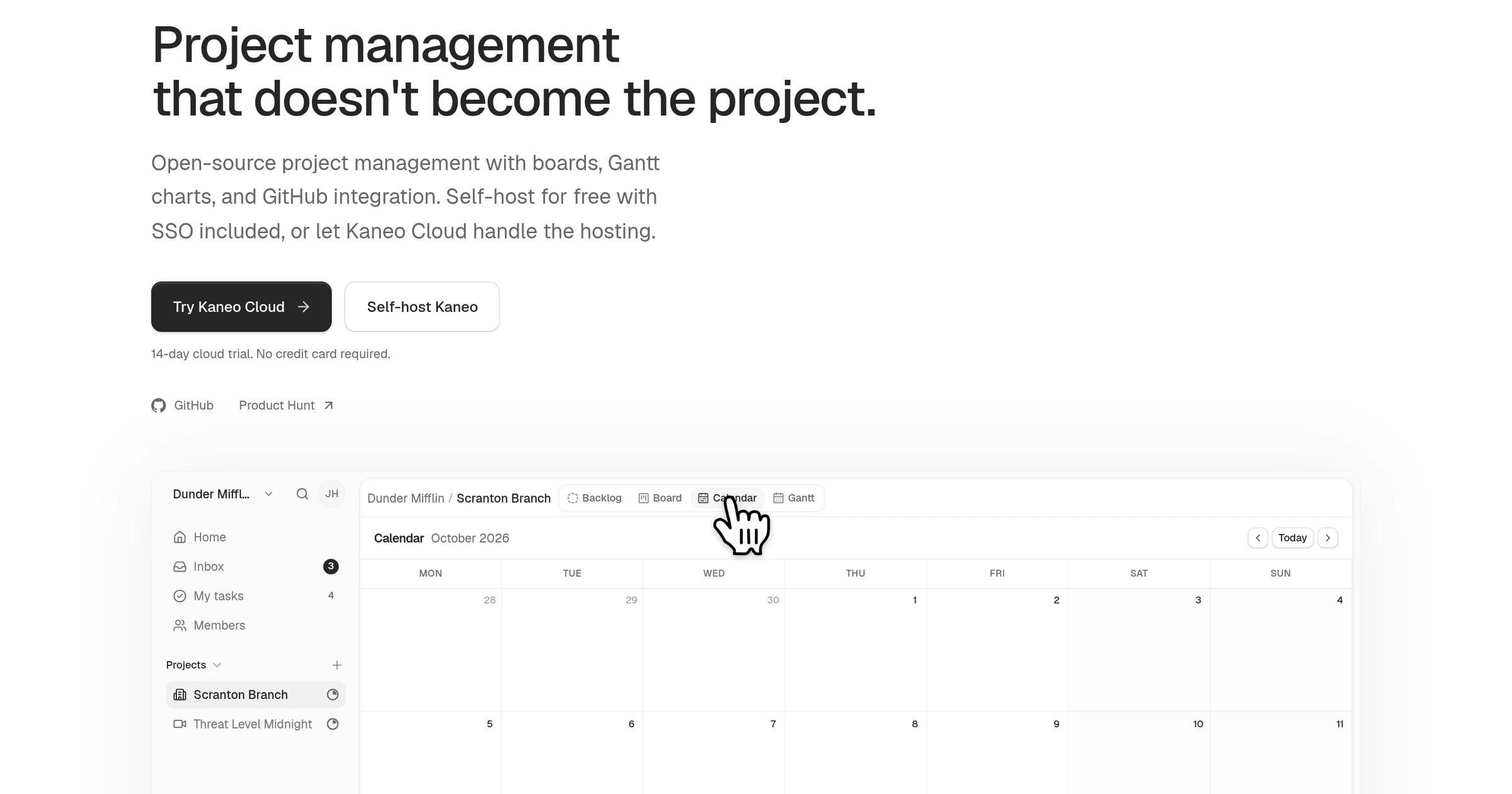
Plan in list view to see the full backlog at once and execute in board view to see what is in flight. Statuses, priorities, and labels stay in sync between views, so switching between them does not require re-triaging work.
kaneo connects to GitHub repositories so that issues stay aligned with what is actually in development. Changes in GitHub reflect in the planning board, keeping product and engineering workflows in sync without a manual update step.
Every kaneo instance ships a built-in HTTP MCP endpoint at /api/mcp. AI tools like Claude and Cursor can manage tasks, projects, and labels directly through the MCP protocol, or via the official @kaneo/mcp npm package for stdio clients (npx -y @kaneo/mcp).
The drim CLI installs and configures kaneo in a single command, handling HTTPS and database setup automatically. Docker Compose gives explicit control with PostgreSQL as a separate service. Coolify has an official compose file; Kubernetes is supported via a bundled Helm chart.
kaneo covers the planning primitives a small team needs: labels, four priority levels, owner assignment, and due dates. Each is available on any issue without configuring a workflow template or project schema first.
Features
- Kanban board and list view, same source of truth
- Native GitHub issue sync
- Built-in MCP server for AI tool access
- Multiple deployment paths: drim CLI, Docker Compose, Coolify, Kubernetes
- Labels, priorities, owners, and due dates without extra process
How to install
Self-hosting kaneo requires Docker and a PostgreSQL database; the drim CLI automates the full install including HTTPS.
curl -fsSL https://assets.kaneo.app/install.sh | sh
drim setup
Recommended for this setup
Strengths
- MIT license: no per-seat fee, no usage restrictions: kaneo ships under MIT, meaning you can run it on your own servers, modify the source code, and use it in commercial team environments with no licensing fees. Unlike proprietary PM tools with per-seat pricing, the only cost is your infrastructure.
- 8,960 GitHub stars and active ongoing development: kaneo accumulated 8,960 stars since its launch in late 2024, with its last commit on the day of this writing and 754 forks. The repository has a Discord community, active CI/CD, and regular releases: all signs of a project with sustained traction and ongoing maintenance.
- First-class MCP server: rare for open source PM tools: Few open source project management tools ship a native MCP endpoint. kaneo's built-in /api/mcp means AI tools like Claude and Cursor can create, update, and query tasks without any plugin or third-party connector. The stdio client is the @kaneo/mcp npm package.
- Four production-ready deployment paths: Teams can choose from the drim CLI (automated setup with HTTPS), Docker Compose (explicit PostgreSQL control), Coolify (official compose file included in the repo), or Kubernetes (bundled Helm chart). Most tools at this stage support only one path; having four means fewer infrastructure compromises.
Trade-offs
- Minimal feature scope: no custom fields, subtasks, or reporting: kaneo's philosophy is to ship only what solves a concrete problem. That means no time tracking, no custom fields, no nested subtask hierarchies, no workflow automations, and no reporting dashboards. Teams that depend on any of these will need to evaluate whether the gap is acceptable before committing.
- Requires PostgreSQL: not a zero-dependency install: kaneo needs a running PostgreSQL instance. The Docker Compose setup includes one alongside the main container, but it is not a single-binary deployment like tools that ship with an embedded database. Teams on minimal VPS hosting need to account for the database service separately.
- Young project with 69 open issues: kaneo launched in late 2024 and has grown fast. With 69 open issues and rapid early adoption, some rough edges and missing capabilities are expected. The core scope is production-usable, but teams should scan the issue tracker for pain points relevant to their workflow before committing.
Tech stack
FAQ
Yes. kaneo is MIT licensed, so the self-hosted version is free to run on your own infrastructure with no usage restrictions or per-seat fees. A managed cloud version is also available at cloud.kaneo.app for teams that prefer not to run their own server. Ongoing development is funded by community sponsorships.
The fastest path is the drim CLI, which handles the full install including HTTPS and PostgreSQL setup in two commands. Docker Compose is the alternative for teams who want explicit control over the database and environment configuration. Coolify is supported via an official compose file in the repo, and Kubernetes users can deploy via the bundled Helm chart. Full documentation is at kaneo.app/docs/core.
For small and mid-sized teams that track work in a backlog and ship via a kanban board, kaneo covers the same core ground as those tools. It does not have time tracking, custom fields, subtask hierarchies, or reporting dashboards. If your team uses those features regularly, Jira or Linear is still the better fit. kaneo is designed for teams who want less surface area, not more.
Both options exist. The self-hosted version is free under MIT and runs on Docker Compose with PostgreSQL, with no seat limits or usage restrictions. A managed cloud option is available at cloud.kaneo.app for teams who prefer not to operate their own server.
MCP (Model Context Protocol) lets AI tools interact with external services directly. Every kaneo instance ships a built-in HTTP MCP endpoint at /api/mcp. AI tools like Claude, Cursor, and other MCP-compatible clients can manage tasks, projects, and labels through it without any plugin. For stdio clients, the @kaneo/mcp package is available on npm via npx -y @kaneo/mcp.