
Goose
Run repeatable multi-step coding workflows from CLI or desktop
Replaces Claude Code, Devin Ai, Github Copilot
Who it's for
Use Goose to inspect files, call tools, and execute multi-step coding or research tasks from a local environment.
You only want inline code completion inside an IDE.
Route agent work through different model providers without hard-coding the workflow to one vendor.
Your company requires a single centrally managed AI vendor product.
The problem
AI coding assistants often stop at suggestions, leaving developers to wire context, commands, tools, and follow-up actions manually. Teams that want an agent to inspect files, run tasks, and connect to local or remote tools need a runtime they can control.
How it works
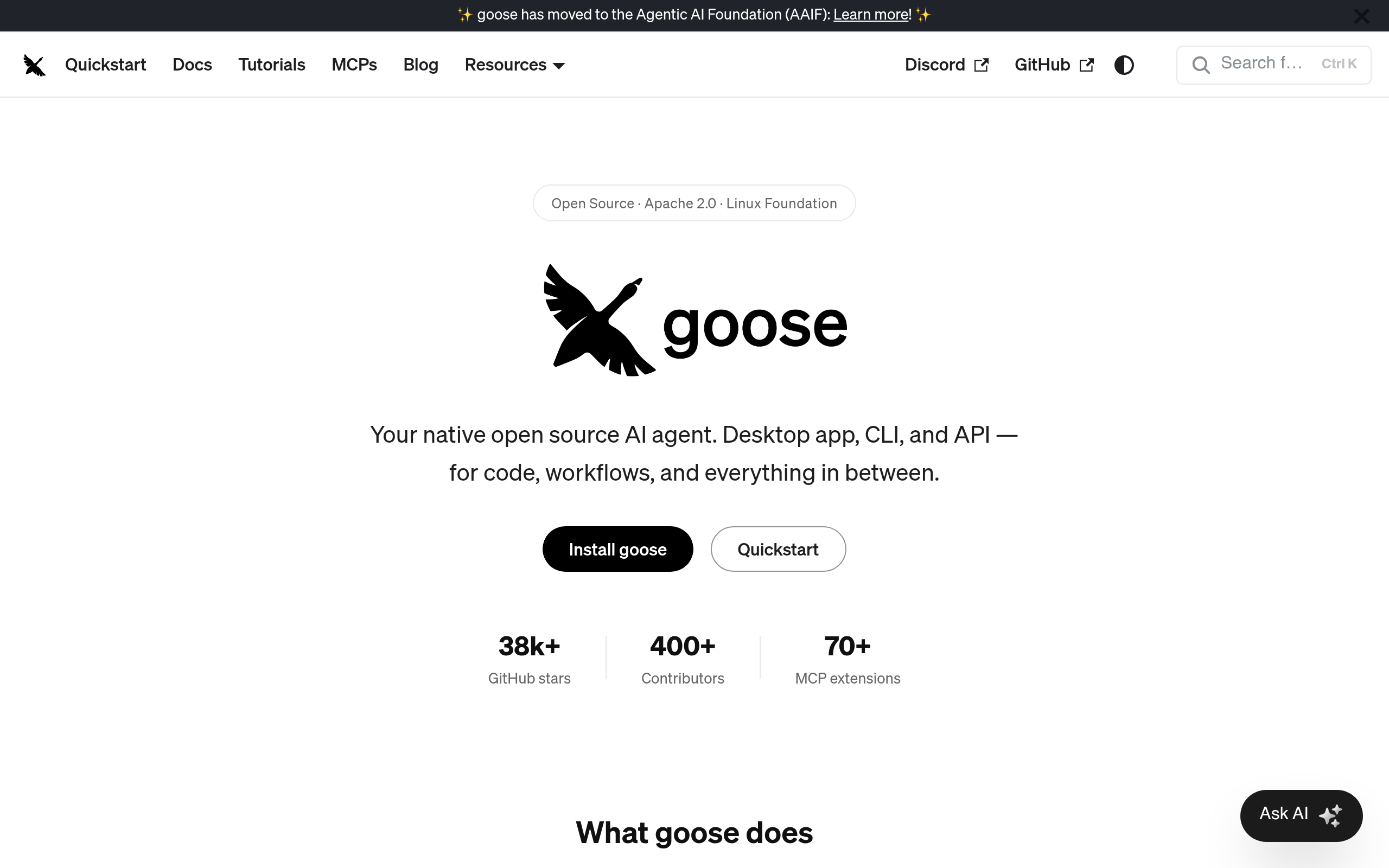
Goose can run as a native desktop app, a terminal workflow, or an embeddable API, so teams can choose the agent interface that fits the job.
The README names Anthropic, OpenAI, Google, Ollama, OpenRouter, Azure, Bedrock, and more, reducing lock-in to one model vendor.
Goose connects to 70+ extensions through an open standard, letting the agent act across development and operations tools.
Features
- Desktop, CLI, and API surfaces
- Multi-provider model support
- Extension-based tool access
How to install
Goose can be installed as a desktop app or CLI. For a local CLI setup on macOS with Homebrew, install the official precompiled package, then confirm the binary is available in your shell.
brew install block-goose-cli
goose --version
For Linux or direct installer setup, use the official AAIF stable installer from the Goose releases page.
Recommended for this setup
Strengths
- Useful beyond code suggestions: Goose targets research, writing, automation, data analysis, and code workflows rather than only autocomplete.
- Local runtime with provider choice: Developers can choose models and run the agent closer to their own workstation and tools.
Trade-offs
- Agent autonomy needs guardrails: A tool-running agent can change files or call systems, so teams need review, permissions, and execution boundaries.
- Hosted agents may require less setup: Vendor-managed agents can be easier when account management and execution isolation matter more than local control.
Tech stack
FAQ
Goose is an agent runtime with desktop, CLI, API, model-provider, and extension support. Copilot is primarily an IDE assistant and code-completion product.
The README lists Ollama among supported providers, so local-model workflows are part of the intended model-provider mix.
Yes. Goose reports Apache-2.0 in GitHub metadata.