
design.md
Generate UIs effortlessly with AI.
Replaces Supernova
Who it's for
Use DESIGN.md when coding agents regularly create pages or components and need a shared visual identity file.
You only use agents for backend code or one-off prototypes with no design-system expectations.
Use it to turn brand rules and component choices into a file that engineering agents can lint and apply.
Your team requires designers to approve every pixel directly in a visual editor before implementation.
Use the diff command when design tokens change and you want agents to explain what shifted.
Your design tokens already have mature internal validation and no agent handoff gap.
The problem
Coding agents can generate usable interfaces, but they often lose visual consistency because design context lives outside the repo or inside one-off prompts. Teams need a source file that gives agents exact token values and the reasoning behind them, so every generated component follows the same visual system.
How it works
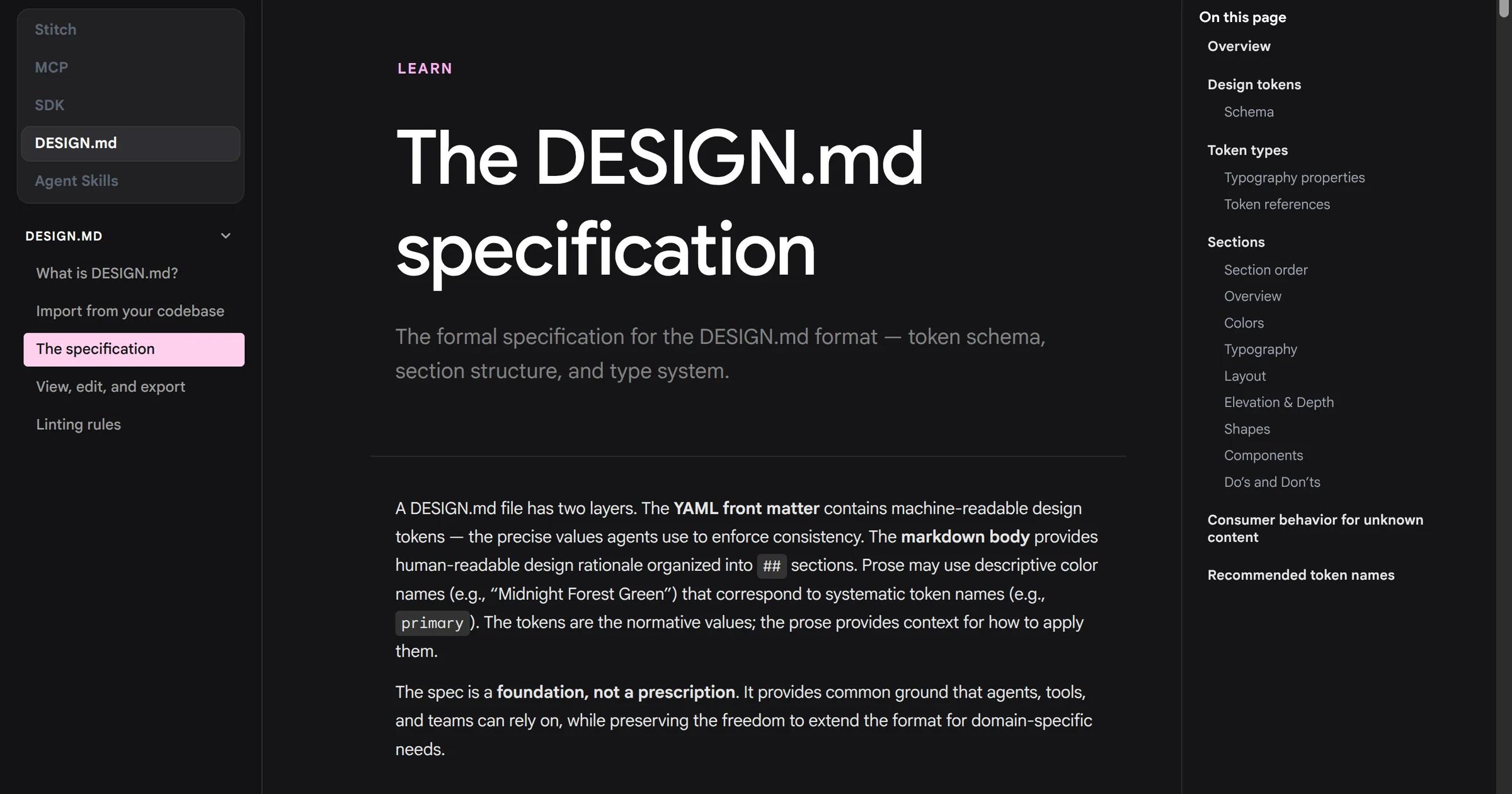
A DESIGN.md file combines YAML front matter for exact token values with markdown sections that explain the design intent behind those values.
The @google/design.md CLI validates DESIGN.md files and returns structured JSON findings that agents can act on during implementation.
The diff command compares two DESIGN.md files and reports added, removed, and modified token groups before UI regressions spread.
The CLI can export tokens to Tailwind-oriented JSON, Tailwind v4 CSS variables, and DTCG token JSON for downstream build systems.
Because the format is plain markdown plus YAML, teams can version it beside application code and update it through normal review flows.
Features
- Token and rationale format
- Agent-ready linting
- Design drift detection
- Export paths for implementation
- Portable markdown contract
Recommended for this setup
Strengths
- Clear fit for agent workflows: The project is built specifically for coding agents, which makes it more direct than asking agents to infer design rules from screenshots or broad brand docs.
- Readable by people and tools: Designers can explain choices in prose while engineers and agents consume exact token values from the same file.
- Permissive license: Apache-2.0 licensing keeps adoption straightforward for internal tools, commercial products, and agency workflows.
Trade-offs
- Specification, not a design app: DESIGN.md does not replace Figma, Sketch, or a design review process. It documents implementation rules for agents after design direction exists.
- Early format discipline required: Teams need to maintain the file as the design system changes, or agents will faithfully follow stale tokens.
- Best with tokenized systems: The format works best when a team can express its visual identity through named colors, typography, spacing, rounding, and component tokens.
Tech stack
FAQ
DESIGN.md is a markdown-based specification for describing a design system to coding agents. It combines YAML tokens with prose rationale so agents know both the exact values and the design intent.
GitHub metadata reports the DESIGN.md repository as Apache-2.0 licensed.
The official README shows the @google/design.md CLI. Run npx @google/design.md lint DESIGN.md to validate a file and return structured findings.
No. DESIGN.md is a repo-friendly contract for agents and implementation workflows, not a visual design canvas.