
CyberPath Quant
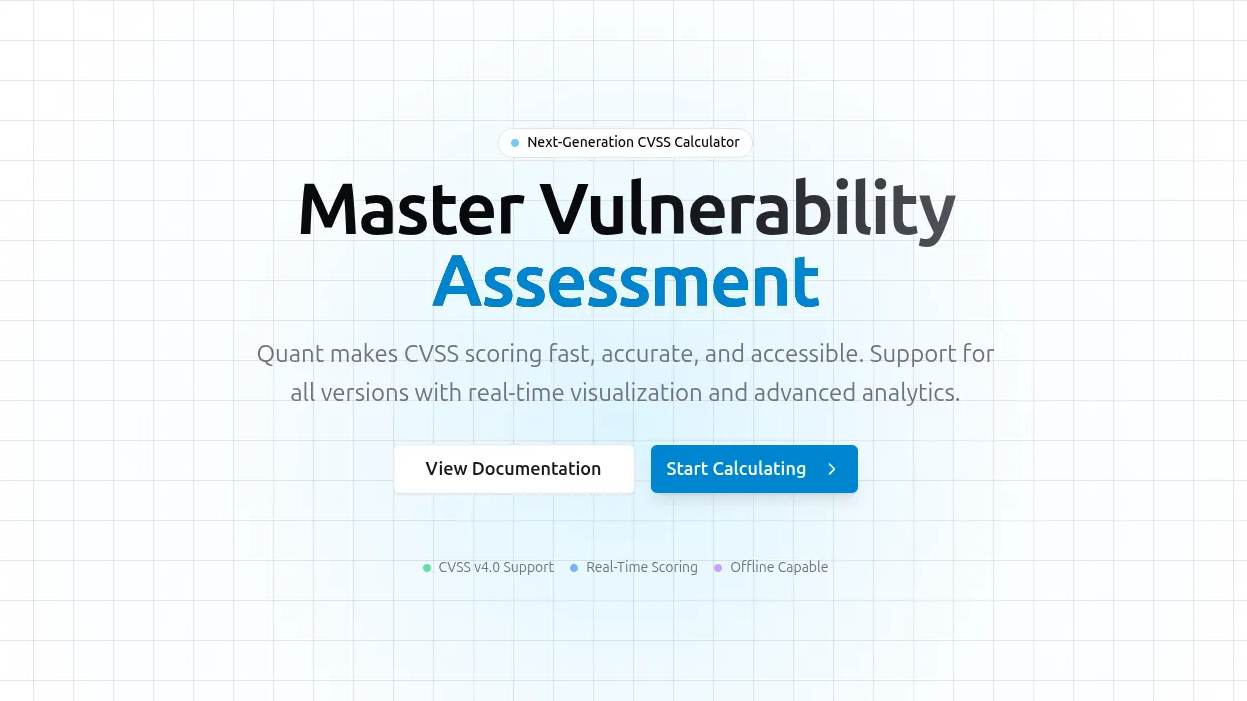
CyberPath Quant is an Apache-2.0 CVSS calculator for security teams, penetration testers, analysts, and developers who need browser-based vulnerability scoring. It supports CVSS 4.0, 3.1, 3.0, and 2.0
Replaces —
Who it's for
Quant helps analysts calculate CVSS severity across multiple standard versions and explain score changes while reviewing findings.
You need asset inventory, ticket routing, scanner ingestion, and remediation tracking in one product.
Penetration testers can use Quant to calculate vectors, copy scores, and prepare consistent severity evidence for client reports.
Your reporting workflow already includes a locked CVSS calculator with client-approved templates.
Developers can use the interactive metrics and severity feedback to understand how vulnerability properties affect final CVSS scores.
You only need automated scanner scores with no manual review.
The problem
Vulnerability triage depends on consistent severity scoring, but many teams still calculate CVSS values in tools that feel disconnected from reporting, documentation, and repeat review. A slow or unclear calculator makes it harder to explain why one finding needs urgent action while another can wait. Security teams also handle sensitive assessment context. Even when a calculator only needs metric selections, users may prefer a browser-side tool that does not require an account or send vulnerability data to a server. That privacy posture matters for penetration tests, internal vulnerability assessment, and early-stage security reviews.
How it works
Quant supports CVSS 4.0, 3.1, 3.0, and 2.0, which helps teams score new findings while still handling legacy reports and older vulnerability records.
The README says all calculations happen in the browser with pure JavaScript logic, so assessment data does not need to leave the user's device for scoring.
Metric selections update the score immediately, with color-coded severity levels and breakdown panels that make the result easier to explain.
Quant can copy CVSS vector strings, generate share links, create embeddable score cards, and save assessments for later reference.
The README lists severity distribution, metric impact analysis, comparative scoring, and historical tracking for teams that want more context than a final number.
The project uses Astro with pnpm scripts for local development, preview, and production builds, making it inspectable and self-runnable for technical teams.
Features
- Multi-version CVSS scoring
- Client-side calculation
- Real-time severity feedback
- Export and sharing options
- Analytics for scoring decisions
- Local developer workflow
How to install
git clone https://github.com/cyberpath-HQ/Quant.git
cd Quant
pnpm install
pnpm dev
Recommended for this setup
Strengths
- Covers old and current CVSS versions: Support for CVSS 2.0 through 4.0 lets teams handle current scoring needs without abandoning older vulnerability records.
- Good privacy fit for assessments: Browser-side scoring, no required account, and zero assessment data collection make Quant easier to justify for sensitive vulnerability work.
- Useful output for reports: Vector copying, share links, embeddable code, and saved assessments help security practitioners move scores into tickets, reports, and review workflows.
- Permissive security tooling: Apache-2.0 licensing and a public TypeScript codebase let teams inspect, run, and adapt the calculator without relying only on a hosted page.
Trade-offs
- Calculator, not a vulnerability management system: Quant helps calculate and explain CVSS scores, but the README roadmap places team collaboration, API integration, and vulnerability database integration as future work.
- Local use requires frontend tooling: Self-running Quant means cloning the repository, installing pnpm dependencies, and running an Astro dev or build workflow.
- CVSS expertise still matters: The tool improves scoring workflow, but users still need to understand CVSS metrics and choose values accurately for each vulnerability.
Tech stack
FAQ
CyberPath Quant calculates CVSS scores for vulnerability severity assessment. It supports CVSS 4.0, 3.1, 3.0, and 2.0 with real-time scoring and visual severity feedback.
The README says calculations happen in the browser and no account is required. It also states that assessments remain private and that the tool collects zero assessment data.
Yes. The README provides local setup steps using git clone, pnpm install, and pnpm dev, with the app served locally through Astro.
CyberPath Quant uses the Apache-2.0 license according to GitHub metadata and the repository license file.