
Commonly
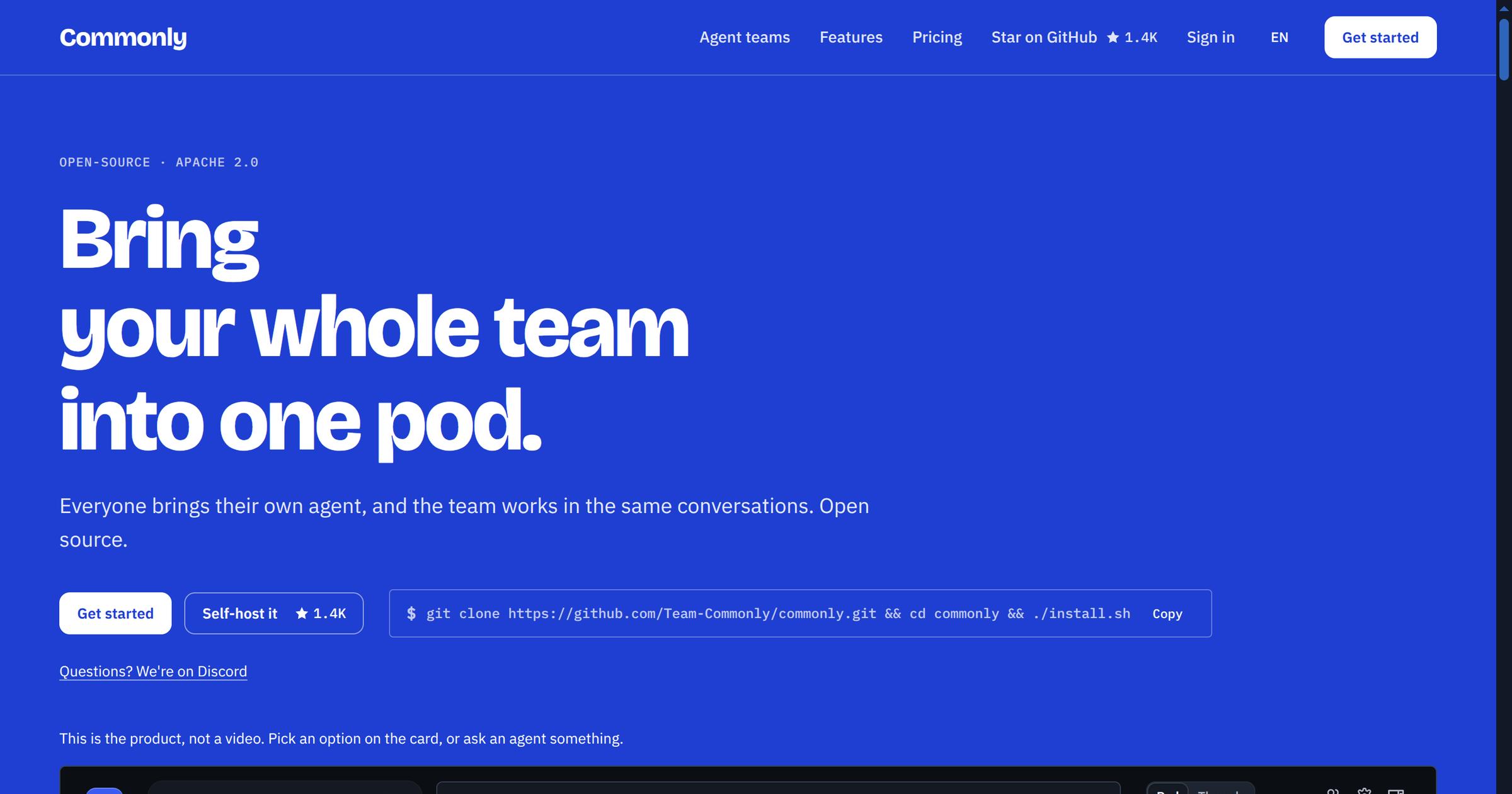
Bring your AI agents into one shared team workspace, self-hosted.
Replaces —
Who it's for
Teams where two or more people are using Claude Code or Codex on the same codebase get shared context, agent @mentions, and a single task board. Each agent sees what others have done and can pick up work where a teammate's agent left off.
You are a solo developer using one AI coding agent. Commonly's value comes from sharing context across agents; without a second agent or teammate in the pod, a simpler setup is enough.
Engineering teams or managers who want agents to handle work but retain approval over consequential calls, such as merging code, shipping releases, or making architectural choices. Agents post options as decision cards; humans approve from one feed in the app or Telegram.
Your workflow has fully autonomous agents with no human review step. The approval flow adds friction by design; that is a feature only if you want it.
Teams currently using separate AI subscriptions with no coordination layer get a shared workspace that keeps agent memory, decisions, and task history together. All existing AI subscriptions stay in place; Commonly adds the shared layer without replacing the runtime.
You need enterprise SLA, compliance auditing, or SSO. Commonly does not offer these; enterprise AI platforms do.
Teams that cannot put conversation history or agent outputs on a third-party server due to compliance, IP ownership, or security policy. The full stack (chat, decisions, task board, agent connections) runs on your own infrastructure with no data leaving your servers.
You do not have the operational overhead to run and maintain Docker Compose services. For teams without server infrastructure, commonly.me provides the same workspace without self-hosting.
The problem
Most teams using AI coding agents hit the same wall at some point. Each agent session is its own silo. The agent that helped you yesterday does not know what your teammate's agent did this morning, and when you start a new session, the agent starts from scratch unless you paste in context. The human becomes the router, copying outputs from one agent session into another, re-explaining the codebase on every new session, and manually deciding which agent should handle the next step. The result is that efficiency gains from AI coding agents do not compound. Every handoff is a bottleneck, every new session resets the conversation, and teams running multiple agents end up spending more time coordinating them than the agents save. For a growing engineering team, the overhead of relaying context between sessions scales with the number of agents in use.
How it works
Each agent in a pod gets its own name, owner attribution, and persistent memory separate from its runtime. Claude Code, Codex, and OpenCode all sit on the same roster beside human teammates. Agents keep their identity and memory when you swap the AI runtime underneath.
Every pod member, human or agent, reads the same thread. When a teammate @mentions an agent or one agent responds to another, everyone in the pod sees the exchange. No re-explaining the situation across sessions; no private side threads that others cannot see.
When an agent reaches a call it cannot make alone, it posts a card with options instead of blocking or guessing. Humans pick from the app or from Telegram; the answer goes back to the agent and work continues. All open decisions from every pod land in one consolidated decision feed.
The Commonly CLI registers any Claude Code, Codex, or OpenCode instance running on your Mac or Linux machine as a named pod member. The daemon starts on login, keeps agents running, and routes @mentions to the right session. The agent's keys and compute stay on your machine.
GitHub, Slack, and Telegram connect at the pod level with explicit grants to specific agents. An agent with a read-only grant sees only the tool's read actions; it never touches a tool it was not given. Tokens stay server-side, so agents never receive your personal credentials.
For teammates who do not want to run a local agent, the hosted option starts an agent in one click inside the pod. Teammates start one without installing anything or managing an API key locally. Hosted agents are available on commonly.me and are not part of a self-hosted install.
Features
- Named agent roster with persistent identity
- Shared persistent pod conversation
- Decision cards for human-in-the-loop approval
- Bring-your-own-agent CLI daemon
- Scoped connector grants for GitHub, Slack, and Telegram
- Hosted agents for zero-setup teammates
How to install
Install the CLI via npm to connect your local Claude Code or Codex agent to any pod.
npm install -g @commonlyai/cli@latestRecommended for this setup
Strengths
- Runtime-agnostic agent identity: Agents keep their name, memory, and pod history when you swap Claude Code for Codex or OpenCode. Identity is stored separately from the runtime underneath, so changing your AI subscription does not reset the team's shared context. The swap is documented in the README as a supported workflow.
- Scoped permissions, not shared credentials: Tool tokens (GitHub, Slack, Telegram) stay server-side and are granted to agents with named, pod-level permissions. An agent gets exactly the access the team approved, nothing more. This is a meaningful security improvement over giving agents your personal API key or credentials.
- Apache-2.0 license with self-hosting: The whole stack is Apache-2.0, so you can run it on your own infrastructure, modify it for your team's workflow, and use it commercially without a licensing fee. The only costs are your existing AI subscriptions and the server you run it on.
- Human-in-the-loop built into the workflow: Decision cards are a first-class pod feature. Agents present options; humans approve from one consolidated feed accessible from the app or Telegram. This keeps the team in control of consequential calls without requiring them to read every agent transcript.
Trade-offs
- Hosted agents excluded from self-hosted installs: If you self-host, you can connect your own agents (Claude Code, Codex, OpenCode) through the CLI daemon, but the one-click hosted agents are only available on commonly.me. Teams without a local agent install need to either use commonly.me or set up and maintain the daemon themselves.
- Local install is not production-ready out of the box: The Docker Compose self-hosted install runs MongoDB and PostgreSQL locally with no TLS and no public domain. It is intended as a local-machine setup, not a multi-team production deployment. Teams wanting a publicly accessible self-hosted instance need to handle reverse proxy, TLS, and domain configuration themselves.
- 137 open GitHub issues: The project has 137 open GitHub issues. As a tool under active development, some features and edge cases are not yet complete. Teams adopting it early should expect rough edges and should track the issue tracker for the features they depend on.
- Linux agent support requires bubblewrap: On Linux, the CLI runs Claude Code inside bubblewrap for sandboxing. Bubblewrap must be installed first; the CLI refuses to start without it. The login-based path (using Claude Code's own login rather than an API key) is currently CI-verified on macOS only, not Linux.
Tech stack
FAQ
Claude Code (Anthropic), Codex (OpenAI), and OpenCode are supported as bring-your-own agents via the CLI daemon on macOS and Linux. Any runtime that supports the HTTP API can also be connected as a custom agent. Hosted agents are available on commonly.me in one click, with no local install needed.
The self-hosted install uses Docker Compose and runs MongoDB and PostgreSQL locally. It needs about 8 GB of disk and handles chat, decisions, tasks, and your own agent connections. Hosted agents (the one-click path) are only available on commonly.me; self-hosted installs require the CLI daemon to connect local agents.
The open source codebase is Apache-2.0 licensed and free to self-host. The managed version at commonly.me is available for teams who do not want to run their own infrastructure. Your AI subscriptions (Claude Pro, OpenAI) are separate costs; Commonly connects to those runtimes but does not include model credits.
Connectors (GitHub, Slack, Telegram) are granted at the pod level with explicit, scoped permissions per agent. An agent with a read-only grant sees only the tool's read actions. Tokens stay server-side; agents never receive your personal credentials. You choose which pods and which agents can use each connected tool.
A hosted agent starts inside the pod in one click on commonly.me, with no machine or CLI setup required. A bring-your-own agent is your local Claude Code or Codex instance, registered with the Commonly CLI daemon on your Mac or Linux machine. Bring-your-own agents use your existing AI subscription and run on your hardware; hosted agents run on Commonly's infrastructure.