CodeEdit
Native Swift code editor for macOS with no Electron overhead
Replaces Nova, Sublime Text, Bbedit
Who it's for
CodeEdit is a fit for developers who value Apple UI conventions and open Swift internals.
Skip if your workflow depends on VS Code extensions, Remote Development, or multi-platform parity.
The codebase gives Apple platform developers a real editor project to inspect and improve.
Skip if you need a mature production editor more than a community project.
The problem
Many developers use cross-platform editors because their extension ecosystems are strong, but those editors can feel less native on macOS. Teams and individual developers who care about platform conventions, performance feel, and Swift-based customization may want an editor that starts from Apple-native UI patterns. The tradeoff is ecosystem maturity. Replacing a mature editor such as VS Code means giving up many extensions, language integrations, and years of edge-case polish unless the project has caught up for your stack.
How it works
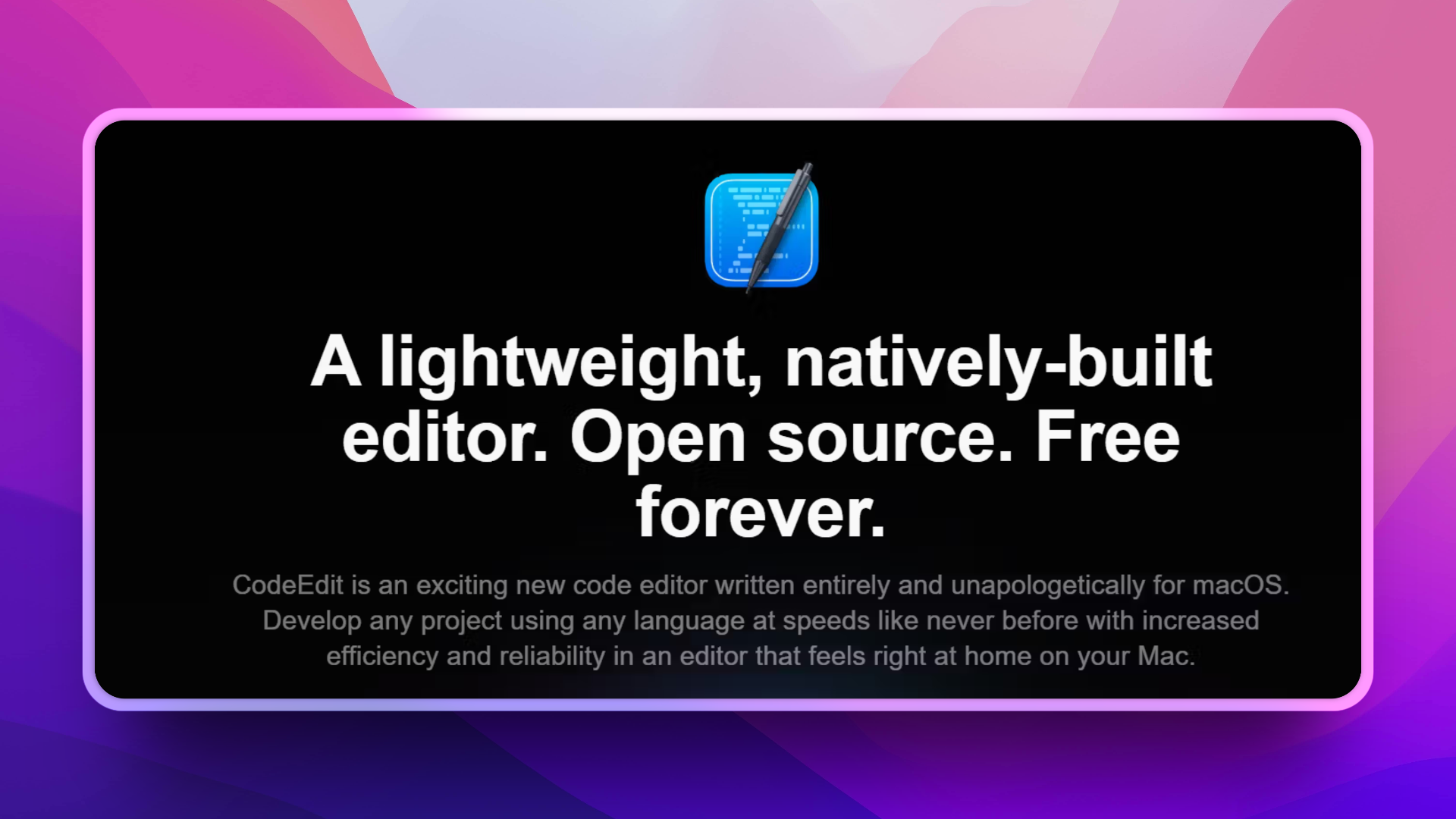
CodeEdit is built for macOS rather than shipping a cross-platform Electron shell, which is the project’s core differentiation.
The implementation uses Swift, making it approachable for Apple platform developers who want to contribute or inspect the editor internals.
The editor targets common code editing workflows such as navigating files, editing source, and working inside developer projects.
Features
- Native macOS application
- Swift-based open codebase
- Project-focused editing
Recommended for this setup
Strengths
- Mac-native direction: CodeEdit’s clearest advantage is platform fit for developers who want an editor that follows macOS conventions.
- MIT license: The permissive license supports modification, redistribution, and commercial use with minimal friction.
Trade-offs
- Extension ecosystem gap: VS Code has a much larger extension marketplace and language-server ecosystem, so developers must verify support for their daily stack before switching.
- macOS-only focus: CodeEdit is not a cross-platform team standard for Linux and Windows developers.
Tech stack
FAQ
Yes. CodeEdit is open source under the MIT license.
CodeEdit can replace VS Code for some macOS editing workflows, but VS Code remains stronger for extensions, remote development, and language coverage.
CodeEdit focuses on macOS, so it is not a cross-platform editor for Windows or Linux teams.