
codebase-memory-mcp
Efficient code intelligence for AI coding agents
Replaces Atlassian Code Context, Cursor
Who it's for
Ideal for developers using AI coding agents to enhance productivity.
Not using AI coding agents.
Useful for teams managing large codebases needing quick insights.
Working with small, simple codebases.
The problem
AI coding agents often waste tokens and time exploring codebases by reading files one at a time. This project provides a solution by indexing codebases into a knowledge graph, allowing for efficient querying.
How it works
Indexes an average repository in seconds and the Linux kernel in 3 minutes.
Reduces token usage by ~120x for structural queries compared to file-by-file exploration.
Supports 158 programming languages with tree-sitter parsing.
All processing happens locally, ensuring code privacy.
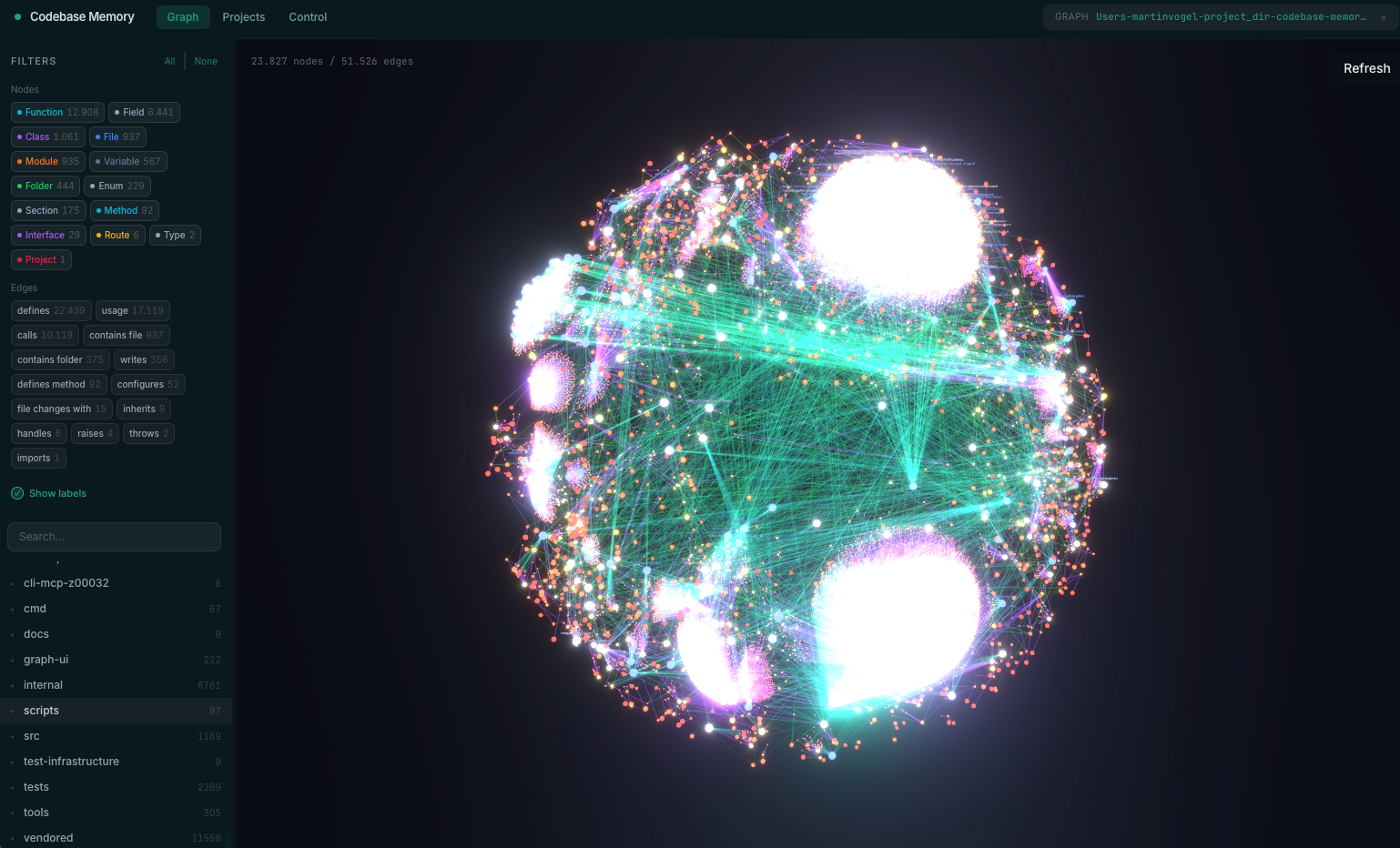
Interactive UI for exploring the knowledge graph.
Matches REST routes to HTTP call sites across services.
Features
- Fast Indexing
- Token Efficiency
- Multi-Language Support
- Local Processing
- 3D Graph Visualization
- Cross-Service Linking
How to install
Install the local MCP server on macOS or Linux, then restart your coding agent so it can detect the new MCP configuration. The upstream one-line installer is available, or you can clone the repository and run the installer after review.
git clone https://github.com/DeusData/codebase-memory-mcp.git
cd codebase-memory-mcp
./install.sh
codebase-memory-mcp config set auto_index true
For Windows, download the PowerShell installer from the project repository, inspect it, and run `.\install.ps1`. Use `--ui` on supported releases when you also want the local graph visualization server.
Recommended for this setup
Strengths
- High Efficiency: Significantly reduces the number of tokens used for queries.
- Speed: Fast indexing and querying capabilities.
- Local Operation: No external dependencies or API keys required.
- Wide Language Support: Compatible with a large number of programming languages.
Trade-offs
- No Built-in LLM: Relies on external agents for natural language processing.
- Initial Setup Required: Requires initial indexing which may take time for large codebases.
Tech stack
FAQ
No, all processing happens locally.
Yes, it is MIT licensed and available on GitHub.
Use the one-line install command: curl -fsSL https://raw.githubusercontent.com/DeusData/codebase-memory-mcp/main/install.sh | bash.