
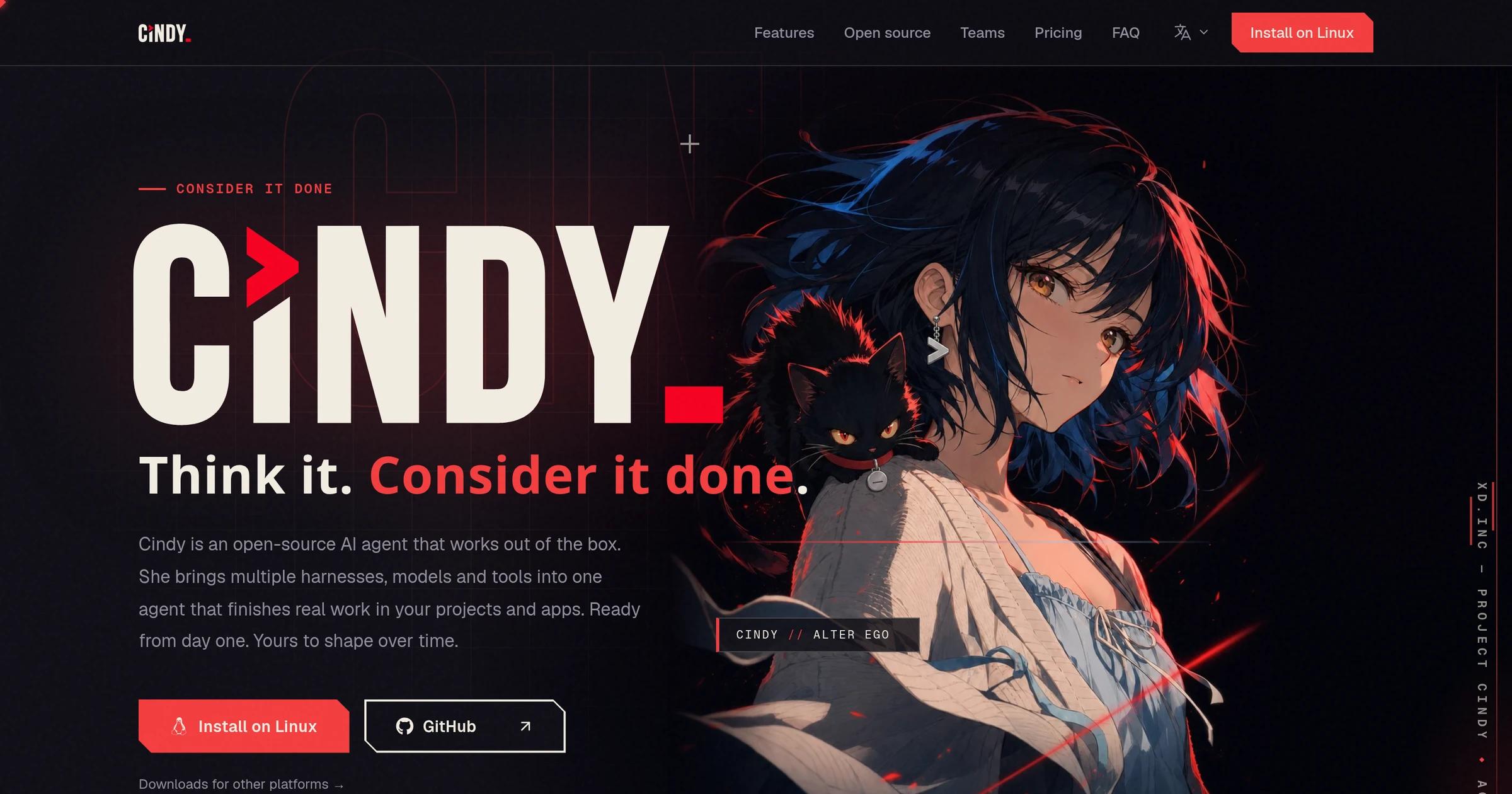
Cindy
Local-first AI agent desktop app for Claude Code, Codex, and Pi.
Replaces Conductor, Cursor
Who it's for
Cindy authorizes your existing coding plan once and runs all supported agent tasks inside its workspace. You gain persistent memory, skills, and multi-agent orchestration without changing your billing arrangement.
You use only one model and do not need cross-agent memory or multi-agent coordination. A single Claude Code or Codex terminal session is simpler for single-tool users.
Skills and memory rules can be set once by an admin and distributed to every team member on sign-in. Teams can encode coding standards, review patterns, and reusable workflows without each member managing their own prompt library.
Your team is under 3 people and everyone already works with the same model configuration. The overhead of centralized skill distribution adds little value at very small scale.
Tasks that benefit from a planning pass, parallel execution, and independent review can be structured as a multi-agent workflow inside Cindy. Different backend and model pairs handle each role; Cindy holds context and acceptance criteria across all of them.
Your tasks are short, linear, and completed by a single agent pass. Multi-agent orchestration adds coordination overhead that is wasted on simple request-response work.
The iOS, iPadOS, and Android apps connect to your desktop session. You can approve sensitive actions, check progress, and redirect the agent from your phone while it runs on your machine.
All your work happens during active desk time. Mobile control adds nothing if you are always present at the machine when the agent is running.
The problem
Every major AI coding agent maintains its own isolated context. Switching from Claude Code to Codex or back means re-briefing the agent, re-loading workspace state, and starting memory from scratch. For developers who rely on multiple models for different parts of a task, this context-reset cost is constant friction. Paid commercial tools compound the problem. Cursor charges its own subscription on top of the model costs you already pay, and it keeps your working context inside a proprietary system. Teams that want to share AI working standards across members have no central way to distribute memory, skills, or working rules without adopting an additional paid platform.
How it works
Switch between Claude Code, Codex, and Pi mid-task without resetting memory, skills, or tool state. The workspace, memory, and skills persist across all supported agent backends, so work continues from where it left off even after a model or backend switch.
One task can be planned by a planner agent, executed in parallel by several worker agents on different backend-and-model combinations, then reviewed by a separate quality-gate agent. Cindy holds the workspace, context, and acceptance criteria across all three roles throughout the task.
Files, code, and chat history stay on your computer by default. Inference requests go to the AI Gateway you configure, but workspace files are not uploaded to Cindy's cloud. The README states this explicitly: your workspace files are not stored in the cloud.
Every file edit starts in an isolated workspace before touching your original files. Changes surface in a review panel for line-by-line approval, and checkpoints let you roll back to an earlier state and try a different approach. Cindy pauses at critical or irreversible decisions for your approval before proceeding.
Connect Slack or Feishu and @ Cindy directly; tasks run on your desktop and results return to the chat thread. iOS, iPadOS, and Android apps let you check progress, ask follow-ups, and approve actions from your phone while the agent works on your machine.
Connect internal tools and business systems through custom MCP configurations. Skills encode a way of working once, then distribute across team members when they sign in. The client source is Apache-2.0, so custom agent backends and plugins can be built and contributed back.
Features
- Continuous context across Claude Code, Codex, and Pi
- Multi-agent orchestration
- Local-first file storage
- Trust and change control
- IM and mobile control
- MCP and skills extensibility
How to install
Install from source with Node.js 22.x, pnpm 10.x, and Git LFS.
git clone https://github.com/makecindy/cindy.git
cd cindy
git lfs pull
pnpm install
Recommended for this setup
Strengths
- Reuses existing Claude Code and Codex subscriptions: Authorizing a Claude Code or Codex Coding Plan inside Cindy keeps your existing billing relationship. The README explicitly states there is no duplicate charge. For developers already paying for a coding plan, the agent layer adds multi-agent capability without a second subscription.
- Apache-2.0 license with full source access: The entire client is Apache-2.0. You can audit the code, fork it, and build on it commercially without restriction. The backend service is separate and proprietary, but the client you run locally is fully open and auditable on GitHub.
- Zero infrastructure setup for individual users: Downloading, signing in, and starting work requires no infrastructure setup for individuals. The managed service or an existing API key connects directly. The README's Skip Sign-In mode lets you run local agents without a Cindy cloud account, though server-backed features are unavailable in that state.
- Agent breadth from a single install: Claude Code, Codex, and Pi are supported now, with additional agent backends integrating and a native Cindy agent in development. Switching requires no reinstall; the new backend is selected inside the same app, with the same memory and skills available immediately.
Trade-offs
- Backend service is not open source: The client repository contains only the desktop and mobile apps. The backend service (authentication, gateway, skill hub) runs in a separate proprietary repository and is not part of this open-source release. Self-hosting the full stack is not currently possible; the self-hosted option covers only the AI Gateway for team and enterprise plans.
- 1,886 open issues at time of indexing: The GitHub repository shows 1,886 open issues as of October 2026 against 4,115 stars. For a project created in July 2026, that pace indicates active bug discovery across desktop, mobile, IM integrations, and orchestration. Users on early builds should expect rough edges and frequent updates.
- Analytics in official builds, opt-out requires compiling from source: Official distribution builds include TapDB usage analytics tied to your account ID. The README documents how to strip it when building from source, but pre-built downloads include it by default. Chat content and working-directory files are not collected, but analytics are present in official builds unless you compile from source.
- Native agent and plugin marketplace still in development: The native Cindy agent and the public plugin marketplace are listed as 'building' in the product website as of October 2026. Teams planning to build on top of the plugin system should factor this timeline into adoption decisions. The three supported agent backends (Claude Code, Codex, Pi) are live and documented.
Tech stack
FAQ
The software is free to download and use under Apache-2.0. Bring your own API key or authorize an existing Claude Code or Codex plan at no extra cost. Cindy's optional managed model service starts at $20 per month if you prefer to skip key management.
Cindy is an open-source alternative to proprietary AI coding tools like Cursor. Where Cursor is a proprietary IDE with bundled AI features, Cindy is an open-source agent layer that runs on top of models you already subscribe to. If you need deep VS Code integration, Cursor remains the stronger choice; if you want multi-agent continuity, data ownership, and no duplicate subscription, Cindy addresses that directly.
Yes. Connect any OpenAI-compatible endpoint, Ollama, vLLM, a service inside your VPC, or an official provider API key. The app also supports running without a Cindy cloud account by choosing Skip Sign-In on the login screen, which enables local agents while keeping server-backed features unavailable.
Team admins configure models, daily credit limits, and fast-mode settings once. Members inherit the policy when they sign in. The AI Gateway can be self-hosted inside your VPC or managed by Cindy. SSO with Feishu or WeCom is available for enterprise sign-in.
Official distribution builds include TapDB usage analytics associated with your account ID. The README documents how to remove analytics when building from source: mobile analytics are off by default without build-time credentials, and desktop analytics can be stripped by removing the initTapdb() call in the renderer. Chat content and workspace files are not collected regardless of the analytics setting.