
Capso
Free open-source screenshot and recorder for macOS
Replaces Cleanshot X, Snagit, Loom
Who it's for
Capso fits Mac users who want a native screenshot and recording app with source visibility.
You need Windows, Linux, or older macOS support.
Screen recording and screenshots help support teams show product behavior without a heavier video editing workflow.
You need team asset libraries, hosted sharing, and enterprise device management built in.
The problem
Screenshots and screen recordings are daily communication tools for builders, designers, support teams, and educators. Paid Mac utilities work well, but they make a basic workflow depend on a proprietary app and ongoing commercial roadmap. A native capture tool also needs deep OS integration. Permissions, recording, camera, microphone, OCR, annotation, and export behavior all have to feel reliable because the tool sits in the user's constant workflow.
How it works
Capso is built with Swift 6.0 and SwiftUI, targeting macOS 15.0 and later.
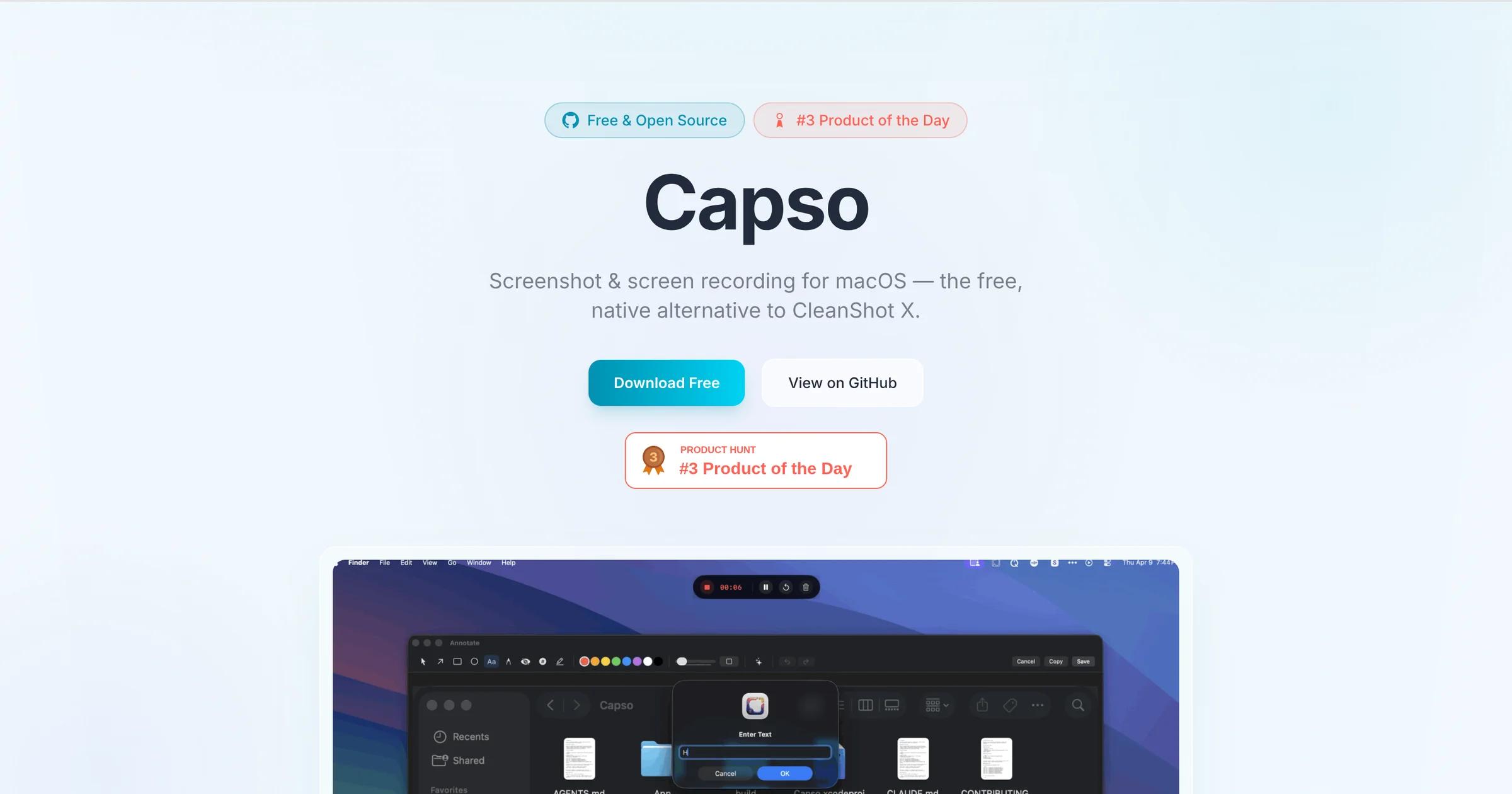
Capso covers both screenshot and screen recording workflows, positioning itself as a native alternative to CleanShot X.
Capso provides a Homebrew tap and cask install command, giving Mac users a familiar package manager path.
Features
- Native macOS capture app
- Screenshot and screen recording
- Homebrew install path
How to install
brew tap lzhgus/tap
brew install --cask capso
Recommended for this setup
Strengths
- Focused CleanShot X alternative: The project directly targets the Mac screenshot and recording workflow, making its value clear for users replacing a paid capture app.
- Native SwiftUI implementation: A native macOS codebase matters for capture tools because OS permissions, recording APIs, and UI responsiveness are central to the experience.
Trade-offs
- macOS-only and version-specific: Capso targets macOS 15.0 and later. Windows, Linux, and older macOS users need a different capture tool.
Tech stack
FAQ
Capso is an open source screenshot and screen recording app for macOS.
Capso targets macOS 15.0 and later.
Capso requires screen recording, camera, and microphone permissions and prompts on first use.