
Brag
Agent skill that turns any project into a launch video in one command
Replaces —
Who it's for
Run `/brag` after a weekend build to get a postable video before momentum fades. The skill reads the project, writes the pitch, and renders the clip without any context-switching to a video tool.
If the project is not yet functional or the codebase gives no clear signal of what the product does, the agent will have little to work with. Finish the project, or add a README with enough context, first.
Replace the wall of text in a release note with a twenty-second video that shows what changed. The share copy comes included, ready to post to social or attach to a GitHub Release.
If the release is a patch or internal refactor with no user-visible change, the video will not have enough of a story. Reserve it for new features or major version milestones.
Skip the prepared screen recording and run `/brag` on the tool's directory to get a shareable clip with context and music. The output is polished enough to share in a Slack channel or attach to a sprint review.
If the tool requires live data or user sessions to demonstrate its value, a prerecorded video may not capture the interactive experience well. Consider whether a live recording session is more appropriate.
The problem
Most developers have no good path from finishing a project to showing what it does. Screen recording captures the what but rarely the why; editing a compelling clip requires skills most engineers do not have or time they cannot spare. Paid AI video tools solve the editing problem, but they still require manual scripting, asset uploads, and scene composition before the renderer ever runs. The result is that most side projects, internal tools, and open source releases ship without a usable video. The gap between finishing a project and explaining it to someone who was not in the room is a workflow problem, and writing copy or hiring a video editor is not a workflow.
How it works
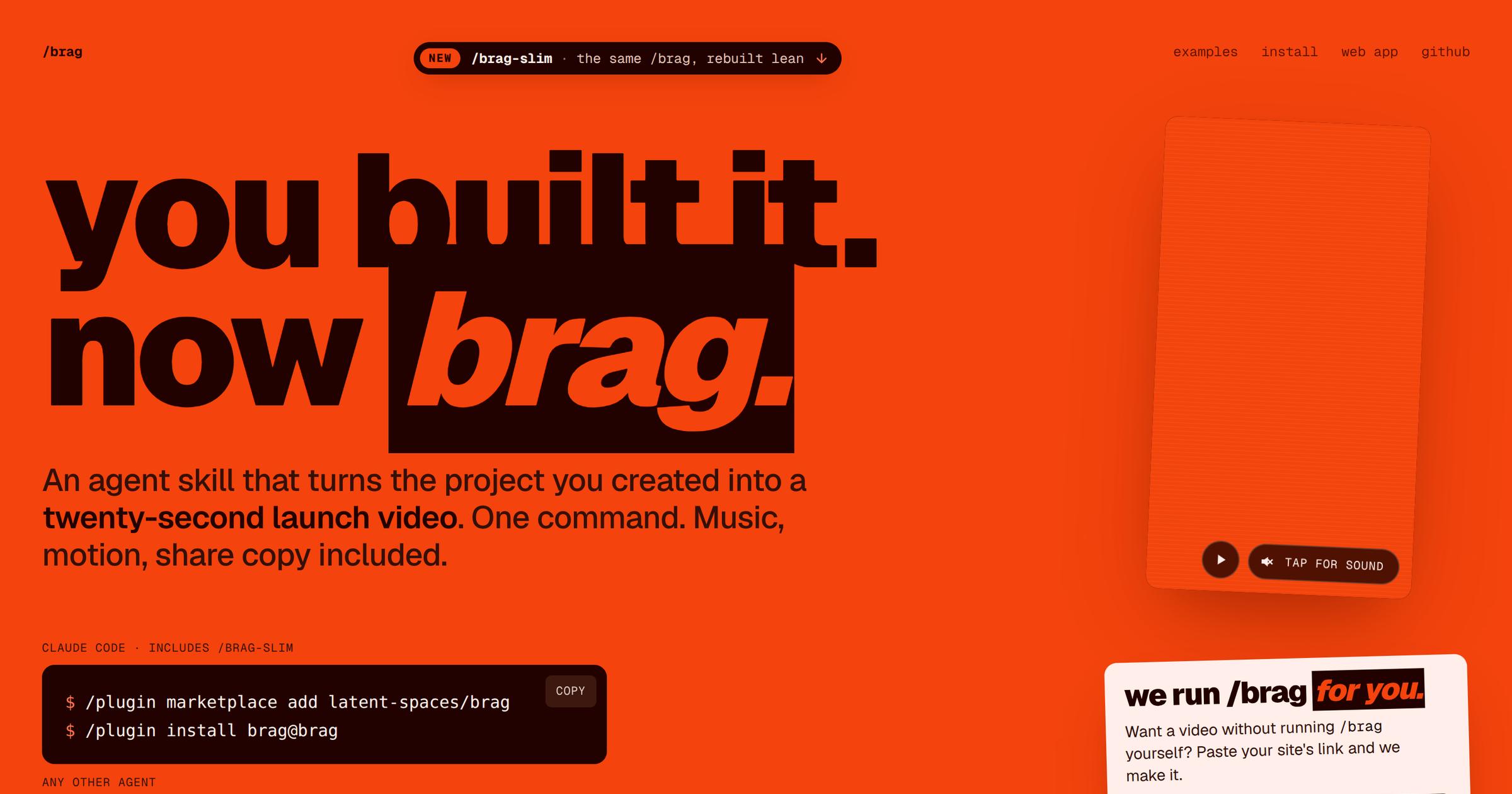
Run `/brag` from any project directory and the agent reads the codebase, writes the product angle, composes a brief, and renders a twenty-second `brag.mp4`. No timeline editor or asset upload required. The output folder also includes share copy ready to paste into a post.
The classic `/brag` path hands a focused brief to Hyperframes for music, motion, and render. `/brag-slim` rebuilds the same workflow for Opus 5.5 with no Hyperframes dependency and no bundled assets. On Opus 5.5, the skill switches automatically; run `/brag --full` to keep the classic path.
Installs across Claude Code, Codex CLI, opencode, Cursor, Copilot, and Gemini CLI through one `npx skills add` command. The repo exposes the skill at every agent's standard discovery path via symlinks, so no extra config is needed after install.
Pass `--tone` to shape the video's personality: a fake Series A pitch, a Y Combinator demo, or any creative direction the model can interpret. Voiceover is off by default; enable it with `--voice`. When active, narration uses Kokoro through Hyperframes.
Paste a site's URL at letsbrag.app and get a twenty-second launch video with music, motion, and share copy. No account, no subscription, no CLI setup required. The hosted version runs the same skill and returns the finished video.
Features
- One-command video generation
- Two render modes: Hyperframes and /brag-slim
- Multi-agent support via the skills CLI
- Tone steering and optional voiceover
- No-setup path at letsbrag.app
How to install
Clone the repository and add the skill to your AI coding agent. git clone https://github.com/latent-spaces/brag cp -r brag/skills/brag .claude/skills/brag
Recommended for this setup
Strengths
- MIT license with no per-render cost on the self-run path: The skill is MIT licensed and free to install and run. The `/brag-slim` variant has no external render dependency and runs entirely with the tools already on the user's machine, with no subscription required for the classic path either.
- 20,681 GitHub stars in under five months: Created in June 2026 and sitting at 20,681 GitHub stars with 1,601 forks, Brag attracted a large developer community in a short window. With only 5 open issues, the project is actively maintained and regularly updated.
- Portable across the AI coding tool ecosystem: The skill manifest is compatible with Claude Code, Codex CLI, opencode, Cursor, Copilot, and Gemini CLI. The repo ships symlinks at every agent's discovery path so the skill works without manual wiring for any of those tools.
Trade-offs
- Classic path requires FFmpeg and Hyperframes: The full `/brag` workflow depends on FFmpeg on `PATH`, Node.js 22+, and the Hyperframes CLI. On a fresh machine, these are non-trivial prereqs before the first video renders. The `/brag-slim` variant removes the Hyperframes requirement but still needs the agent runtime.
- Output is a fixed twenty-second format: Brag produces one format: a short twenty-second launch video. It is not a general video editor and does not support longer formats, custom aspect ratios, or multi-scene productions without modifying the skill files directly.
Tech stack
FAQ
Yes. The skill reads the project context from the directory and from any README or documentation present. It has been tested on web apps, mobile apps, and developer tools; the skill itself is language-agnostic. The quality of the output depends on how clearly the project communicates what it does, not on the programming language.
/brag-slim is a leaner version of the skill built for Claude Opus 5.5. It produces the same twenty-second video without the Hyperframes dependency or bundled assets. On Opus 5.5, the skill switches to /brag-slim automatically; run `/brag --full` to keep the classic Hyperframes workflow. Use /brag-slim when you want fewer dependencies or when Opus 5.5 is your active model.
The full /brag path needs Node.js 22 or later, FFmpeg on PATH, and the Hyperframes CLI (install with `npx hyperframes`; check with `npx hyperframes doctor`). The skill itself installs via `npx skills add https://github.com/latent-spaces/brag --skill brag` for any agent, or through the Claude Code plugin marketplace with `/plugin marketplace add latent-spaces/brag` then `/plugin install brag@brag`. /brag-slim has no Hyperframes dependency.
Yes. Paste a site's URL at letsbrag.app to get a twenty-second launch video with music, motion, and share copy. No account, no subscription, and no CLI setup required. The hosted version runs the same skill and returns the finished video.
Yes. Pass `--tone` with a description of the creative direction: `--tone "fake Series A launch from 2016"` or any other framing the model can interpret. Voiceover is off by default; enable it with `--voice`. When enabled, narration uses Kokoro through Hyperframes.