
Axe Core
Accessibility testing with zero false positives
Replaces Deque Axe Devtools, Evinced
Who it's for
A developer who wants to catch WCAG violations during coding rather than at QA can install the Axe MCP Server for IDE integration or the browser extension for Chrome, Firefox, or Edge to get instant feedback without breaking their workflow.
A QA engineer can integrate axe-core directly into their existing test suite via the axe-core API for web testing, so every CI run includes accessibility checks alongside functional tests with no additional tooling overhead.
A program manager responsible for demonstrating WCAG compliance to stakeholders can use Axe Monitor to generate trend reports, ROI data, and issue summaries across an entire site, making it easier to show progress over time.
Team has no enterprise compliance reporting requirements.
A mobile team shipping native apps can use Axe DevTools for Mobile to run accessibility scans against both iOS and Android builds, with results that align to platform-specific best practices in addition to WCAG guidelines.
Team builds web-only products.
The problem
Accessibility issues found late in the software development lifecycle are significantly more expensive to fix than those caught early, and manual review alone cannot scale across large codebases. Teams need automated checks that integrate into their existing workflows, produce zero false positives so developer time is not wasted, and cover the roughly 20% of issues that automation cannot detect without guided human input.
How it works
axe-core's rules engine flags only confirmed violations aligned with WCAG guidelines. Deque states that every automated result maps to a real accessibility standard, so developers are not sifting through false alarms.
Axe MCP Server embeds accessibility checks directly into the developer's coding environment. Issues can be found and fixed without leaving the IDE or waiting for a separate scan step in the build pipeline.
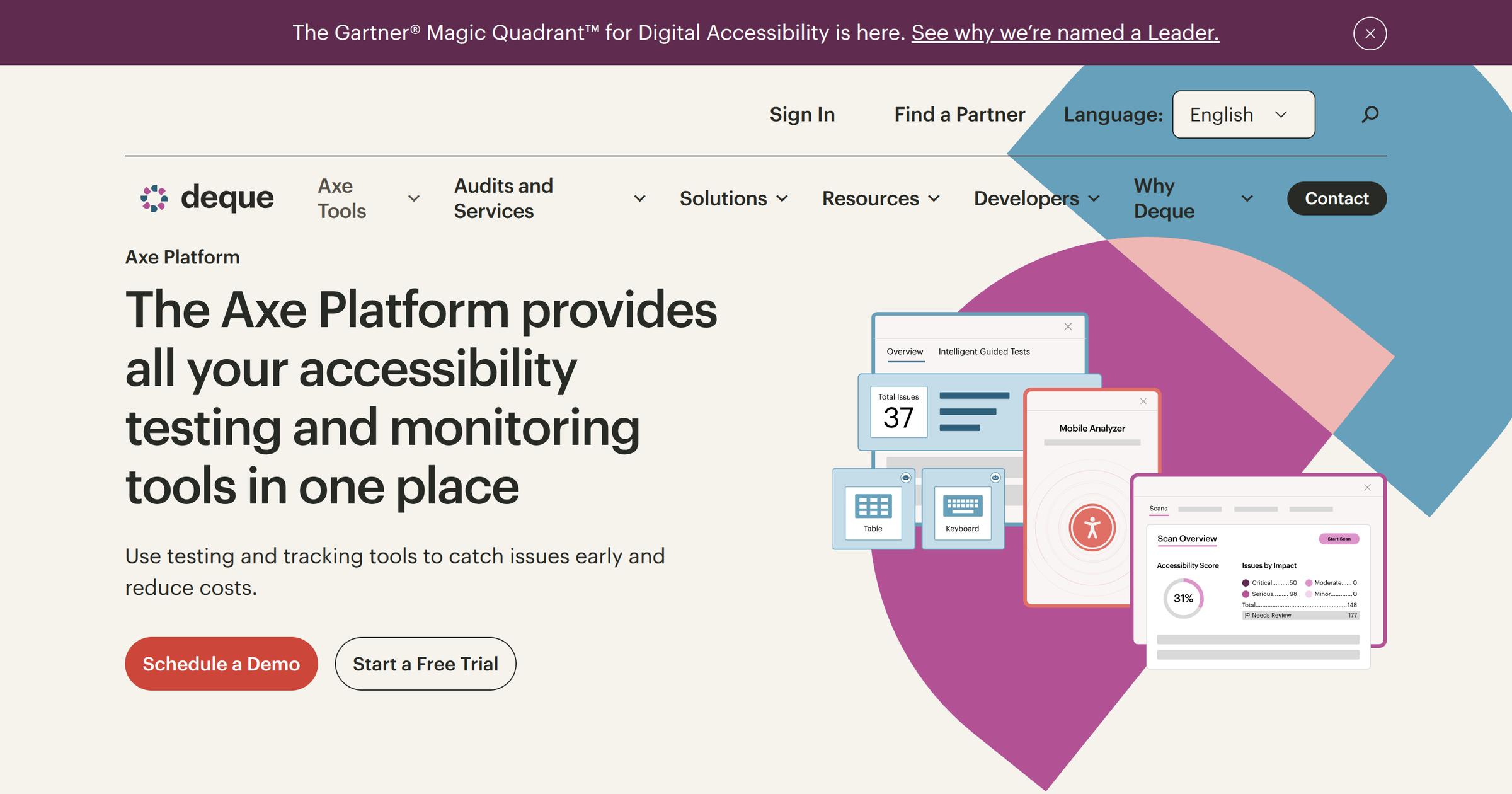
Axe DevTools includes semi-automated Intelligent Guided Tests (IGTs) that use question-and-answer prompts to evaluate accessibility issues that automated rules cannot detect, closing the gap between automation and full manual review.
Axe DevTools for Mobile brings the same zero-false-positive testing to native iOS and Android apps, with results aligned to both WCAG guidelines and platform best practices for each operating system.
Axe Monitor tracks compliance status across an entire site over time, surfacing trend reports, ROI data, and issue reports that show root causes and progress toward accessibility goals.
Axe Assistant is an AI chatbot that provides accessibility guidance, suggested code fixes, and verified citations on demand, helping developers resolve issues without leaving the platform to search external documentation.
Features
- Zero-false-positive automated scanning
- IDE and CI integration via Axe MCP Server
- Intelligent Guided Tests for manual coverage
- Web and native mobile testing
- Sitewide compliance monitoring
- AI-assisted guidance with Axe Assistant
Recommended for this setup
Strengths
- Open-source foundation with enterprise depth: axe-core has been open source since 2015 and has accumulated billions of downloads, making it the most widely used accessibility ruleset in the world. The commercial platform adds monitoring, guided testing, and enterprise controls on top of this proven foundation.
- Up to 80% automated coverage: Deque states that Axe DevTools can find and fix up to 80% of accessibility issues through automation alone, reducing the volume of issues that require slower manual review sessions.
- Broad stack and format support: The platform covers web apps, native iOS apps, native Android apps, and cross-platform mobile frameworks, with integrations into browser extensions, IDE tooling, and automated test suites via the axe-core API.
- Enterprise security and deployment options: The platform holds ISO-27001 certification, meets GDPR requirements, supports encryption, and offers on-premises deployment for organisations with strict data residency or security requirements.
Trade-offs
- Commercial product with a free tier: The full Axe Platform is a paid enterprise product. Free access is limited to the browser extensions for Chrome, Firefox, and Edge and the open-source axe-core API. Teams that need DevTools, Axe Monitor, or Axe Auditor must purchase a subscription.
- 20% of issues still require manual effort: Deque's own documentation states that automation can cover up to 80% of issues. The remaining issues require guided semi-automated tests or expert manual review using assistive technology, which takes additional time and trained staff.
- Hosted SaaS dependency for monitoring features: Axe Monitor's sitewide compliance tracking and reporting features depend on the hosted Axe Platform service. Organisations that require fully self-hosted tooling will need to evaluate the on-premises deployment option separately.
Tech stack
FAQ
axe-core is the open-source rules engine Deque released in 2015. It provides the underlying rules and logic for identifying accessibility issues and is freely available. The Axe Platform is the suite of commercial products (Axe DevTools, Axe Monitor, Axe Auditor, Axe Assistant, and Axe MCP Server) built on top of axe-core that add enhanced reporting, guided testing, IDE integration, and enterprise management features.
Deque states that Axe DevTools can find and fix up to 80% of accessibility issues through automated scanning. The remaining issues require semi-automated Intelligent Guided Tests or manual review by an accessibility expert using assistive technology such as a screen reader.
Yes. Free browser extensions are available for Chrome, Firefox, and Edge. Developers can also integrate axe-core directly into automated test suites at no cost via the axe-core API for web and Windows testing. The commercial Axe Platform tools require a paid subscription.
Yes. Axe DevTools for Mobile supports native iOS and Android apps as well as cross-platform frameworks. Results are aligned with both WCAG guidelines and platform-specific best practices for each mobile operating system.
Axe tests against WCAG (Web Content Accessibility Guidelines). Deque's zero-false-positive approach means every flagged result maps to an actual WCAG requirement, so developers are not chasing issues that do not reflect real accessibility barriers.