
VoiceInk
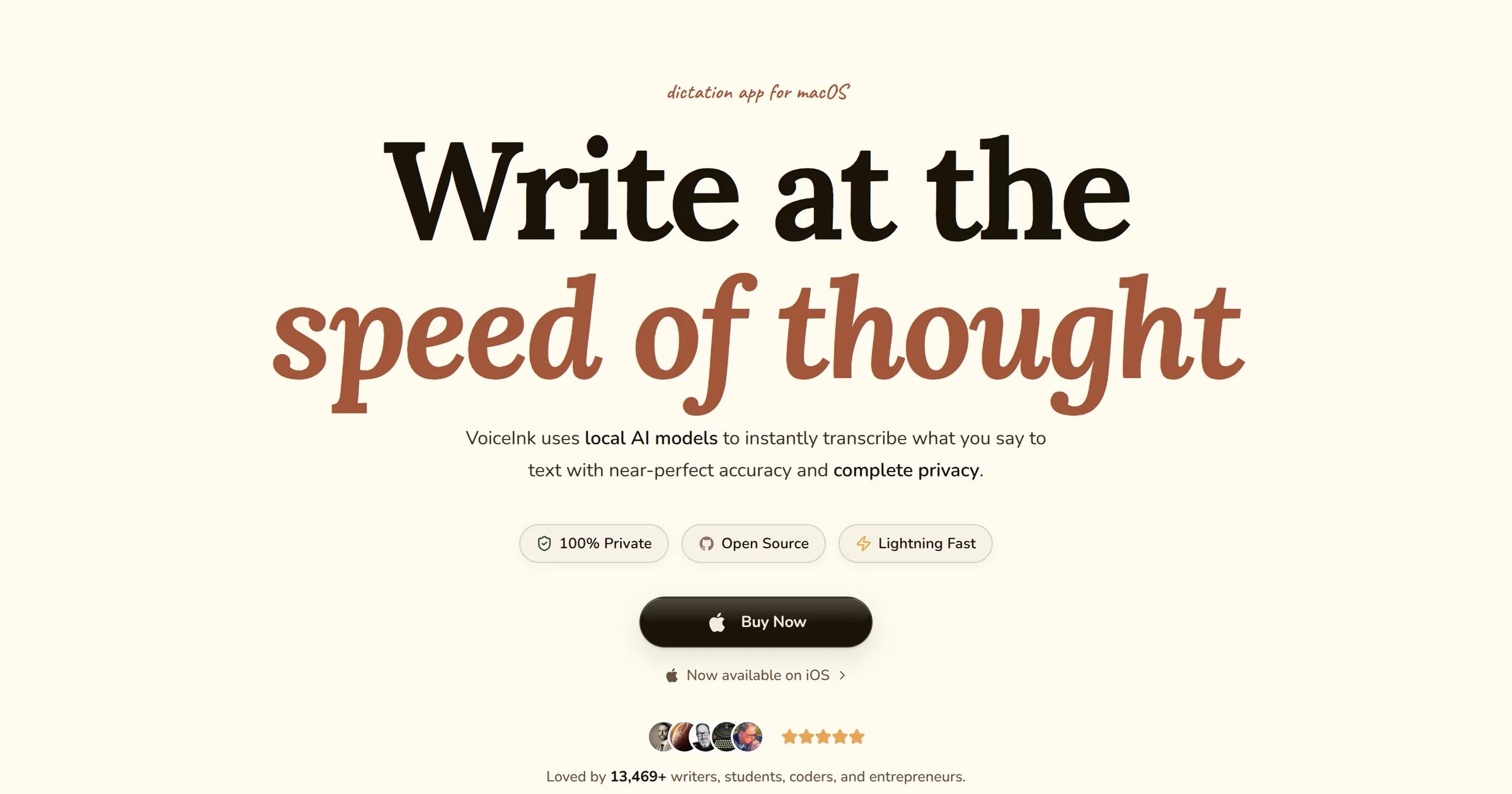
Private voice dictation for Mac, no subscription required.
Replaces Superwhisper, Wispr Flow, Dictaflow
Who it's for
VoiceInk removes filler words and structures spoken text into readable prose automatically. Writers can dictate at speech speed and get clean formatted output ready for editing. Different output modes handle email, journal entries, and long-form drafts with distinct formatting logic.
Skip if you need cross-platform dictation. VoiceInk is macOS-only on Apple Silicon; if you also write regularly on Windows or Linux, you need a different tool.
The personal dictionary handles developer-specific terminology that general speech models mis-transcribe: framework names, variable conventions, and product terms. App-aware modes can apply editor-specific settings automatically when you switch to your IDE.
Skip if you need voice-command execution in your IDE (running tests, triggering editor commands). VoiceInk dictates text but does not execute voice commands inside code editors.
Lawyers, doctors, and consultants who cannot allow audio to leave their device have a strong fit here. All transcription is local by default, and the cloud enhancement step can be left disabled to keep all data on-device, including the transcribed text.
Skip if your organization requires centralized transcription logging, IT-managed shared vocabularies, or compliance reporting that a managed cloud service provides.
Anyone currently paying for Wispr Flow or Superwhisper can switch to a one-time payment and retain the core capabilities: cross-app dictation, AI text enhancement, and a personal dictionary. The switch removes monthly billing with no meaningful feature regression for typical dictation use.
Skip if you rely heavily on iPhone dictation alongside your Mac as a primary workflow. VoiceInk's iOS app is noted on the website but the primary product focus is macOS.
The problem
Most voice dictation tools for Mac process audio in the cloud. Your voice travels to a remote server, gets transcribed there, and the text comes back. Beyond the privacy concern, cloud dictation tools typically charge monthly: Wispr Flow and Superwhisper both require subscriptions that add up to over $100 a year. For individuals and small teams who dictate regularly, that is a meaningful ongoing cost for a core productivity tool. The deeper challenge is that cloud-based processing means your voice data leaves your machine, often without clear retention policies. For professionals working on sensitive content, legal documents, medical notes, or private correspondence, that is a real constraint. Local dictation existed before, but earlier tools were either inaccurate or slow. Modern Whisper-based models running on Apple Silicon's Neural Engine now deliver high-accuracy transcription at near-real-time speed with no network round trip.
How it works
All audio is processed locally using Whisper-based models (including Parakeet via FluidAudio and WhisperKit) through Apple's Neural Engine. No audio leaves your Mac, and latency is near-real-time on Apple Silicon. The README cites 99% accuracy on clean speech.
VoiceInk inserts transcribed text into any macOS application without special integration: email clients, code editors, note apps, chat tools, and web browsers. A configurable global hotkey or push-to-talk mode starts recording from anywhere on the system.
An optional AI layer cleans up filler words, restructures spoken notes into formatted prose, and adapts output for specific formats such as email, journal entries, and bullet lists. Cloud enhancement sends only already-transcribed text (not audio) to a cloud model if you enable it.
Train VoiceInk to recognize names, product names, and domain-specific terms exactly as written. Smart Replace expands short trigger phrases into full text, which accelerates repetitive dictation like calendar links, email sign-offs, or common code snippets.
Intelligent app detection switches to the correct pre-configured dictation profile based on the active app or URL. No manual mode switching is needed when moving between a code editor, a chat window, and a document editor.
A built-in voice assistant mode lets you speak queries conversationally and receive responses, similar to a hands-free chat interface. Useful for quick lookups and drafting ideas without leaving your current application context.
Features
- On-Device Transcription with Whisper Models
- Works Across Every Mac App
- AI Text Enhancement
- Personal Dictionary and Smart Replace
- App-Aware Dictation Modes
- Voice AI Assistant Mode
How to install
Install VoiceInk via Homebrew Cask, or download the prebuilt binary from the GitHub releases page.
brew install --cask voiceinkRecommended for this setup
Strengths
- One-time pricing, no recurring fees: VoiceInk costs $25 for a single device with lifetime updates. Wispr Flow and Superwhisper charge monthly. Over two years, even VoiceInk's highest tier ($49 for 3 devices) costs less than two to three months of a typical dictation subscription.
- Complete audio privacy, on-device only: Voice audio is never transmitted anywhere. The optional cloud step sends only already-transcribed text for AI formatting, not the original audio. For professionals handling confidential content, this is a concrete privacy advantage over cloud-first dictation tools.
- GPL-3.0 open source with auditable code: The full source is on GitHub under GPL-3.0. You can inspect the code, verify the privacy claims directly in the codebase, and build from source without paying. Over 6,200 GitHub stars and 200,000+ reported downloads indicate substantial real-world adoption.
- Actively maintained since late 2024: The repository had its last push in September 2026 and has been actively developed since October 2024. The maintainer ships updates regularly and accepts bug reports and feature requests via GitHub Issues, with 897 forks showing community interest.
Trade-offs
- macOS only, Apple Silicon required: VoiceInk runs exclusively on Macs with Apple Silicon (M1 or later) and macOS 14.4 or later. Intel Macs are unsupported. Teams with mixed hardware, or users who also work on Windows or Linux, cannot use VoiceInk across all their devices.
- No pull requests accepted currently: The README explicitly states the project does not accept pull requests at this time. Community members can report bugs and suggest features via GitHub Issues, but cannot contribute code changes, limiting how quickly the community can fix bugs independently of the maintainer.
- Single-maintainer, 125 open issues: VoiceInk is maintained by one developer. With 125 open GitHub issues, resolution timelines depend entirely on one person's capacity. Users with critical workflow dependencies should review open issues before committing to the tool.
Tech stack
FAQ
No. All voice transcription happens locally on your Mac using on-device AI models. Your audio never leaves your device. The optional AI enhancement step sends only the already-transcribed text (not your voice) to a cloud model if you choose to enable it. You can use VoiceInk entirely offline by keeping cloud enhancement disabled.
VoiceInk requires Apple Silicon (M1 or later) and macOS 14.4 or later. It does not run on Intel Macs. The website recommends 8GB RAM for smooth local model operation. VoiceInk is macOS-only; there is no Windows or Linux version.
VoiceInk is open source under GPL-3.0 and can be built from source for free using the instructions in BUILDING.md on GitHub. The prebuilt app with automatic updates costs a one-time fee: $25 for one Mac, $39 for two Macs, and $49 for three Macs. There are no monthly fees; the license includes lifetime updates and a 14-day money-back guarantee.
All three apps transcribe speech on Mac using AI models. Wispr Flow and Superwhisper are proprietary and charge monthly subscriptions. VoiceInk is GPL-3.0 open source with one-time pricing and processes all audio locally on-device. The key practical differences are privacy (VoiceInk audio never leaves your Mac) and cost model (one-time vs recurring). VoiceInk requires Apple Silicon; some paid tools also support older Mac hardware.
The source code is on GitHub under GPL-3.0, so you can fork it, build from source, and modify it for personal use. The project currently does not accept pull requests. You can contribute by reporting bugs or suggesting features via GitHub Issues, or by improving documentation. Any redistribution of modified versions must comply with GPL-3.0 requirements, including releasing the modified source.