
Spacedrive
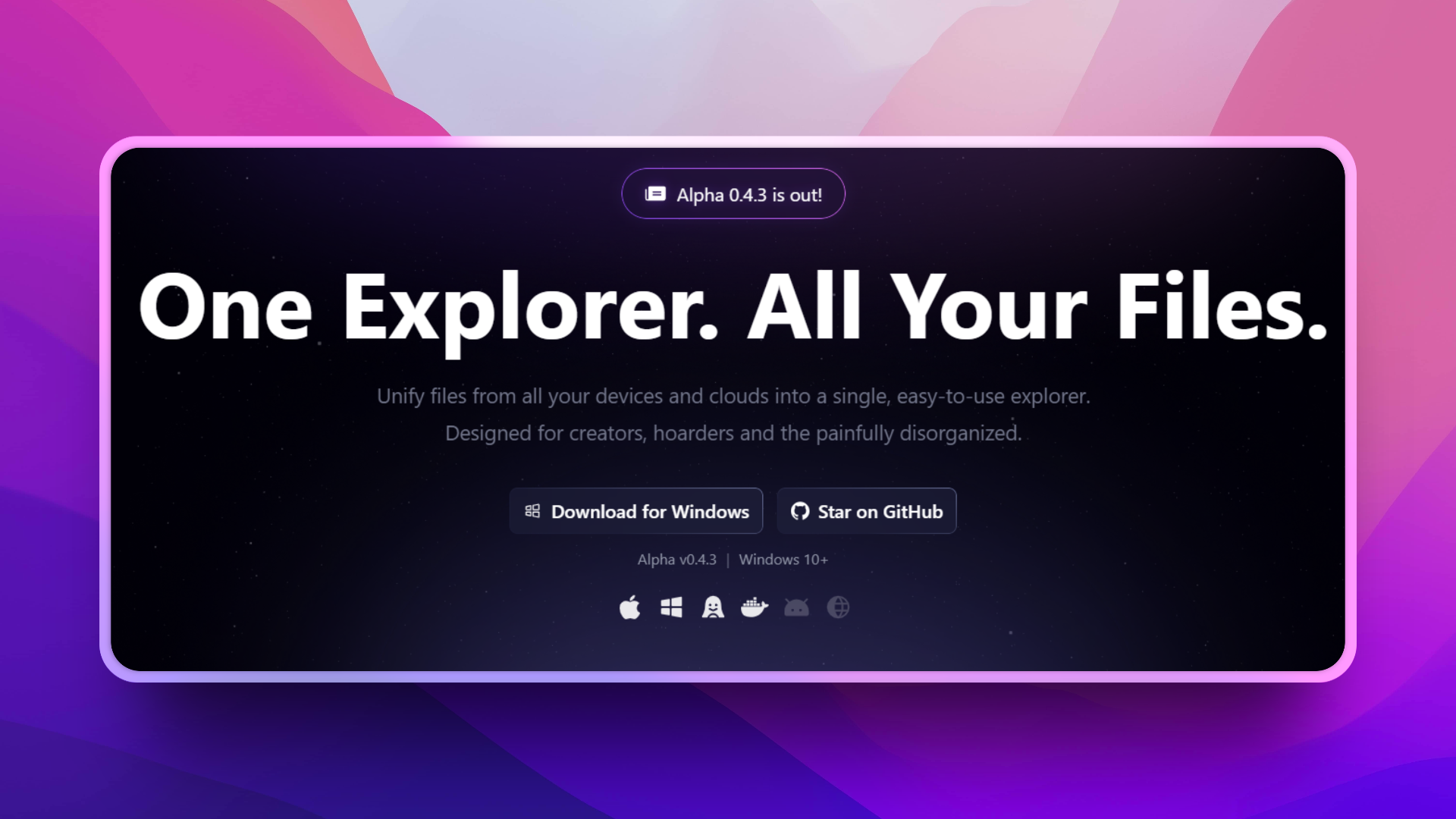
Unified file explorer that spans your devices and cloud drives
Replaces Expandrive, Air Explorer
Who it's for
Use Spacedrive to search and browse projects spread across laptops, external drives, cloud buckets, and archives.
Skip if all files already live cleanly in one managed cloud drive.
Use content hashing and device indexing to understand redundant files across NAS, desktops, and portable drives.
Skip if you need enterprise records management, retention policy, or legal hold workflows.
The problem
Files scatter across laptops, external drives, NAS boxes, cloud buckets, and SaaS exports. The operating system file manager only sees the current machine, while cloud drives force you into separate vendor folders and sync rules.
How it works
Spacedrive builds a cross-device index so files from local drives, offline devices, and cloud volumes appear in one interface.
The README describes BLAKE3 content hashes for file identity, which helps track duplicates and file redundancy across devices.
Devices sync metadata through direct Iroh and QUIC connections, reducing dependence on a central file server for cross-device awareness.
Features
- Virtual distributed file system
- Content identity with BLAKE3
- P2P metadata sync
Recommended for this setup
Strengths
- Broader than a cloud drive: Spacedrive indexes local storage, cloud volumes, archives, and external data sources instead of treating one vendor folder as the center of your files.
- Local-first operating model: The README emphasizes local operation and user-controlled sync, which fits privacy-conscious file management better than default cloud-first tools.
Trade-offs
- Not a low-level file manager replacement: The README says Spacedrive sits above Finder and Explorer. You still use your OS for low-level file operations while Spacedrive adds search, indexing, and cross-device awareness.
Tech stack
FAQ
No. The README says Spacedrive sits above the OS file manager and adds cross-device, cloud-aware, and automation-friendly capabilities.
Spacedrive references the Functional Source License 1.1 with Apache-2.0 future licensing. Teams should review the FSL terms before using it in commercial products or managed services.
Yes. The README lists S3, Google Drive, Dropbox, OneDrive, Azure, and GCS as cloud volumes.