
Screenpipe
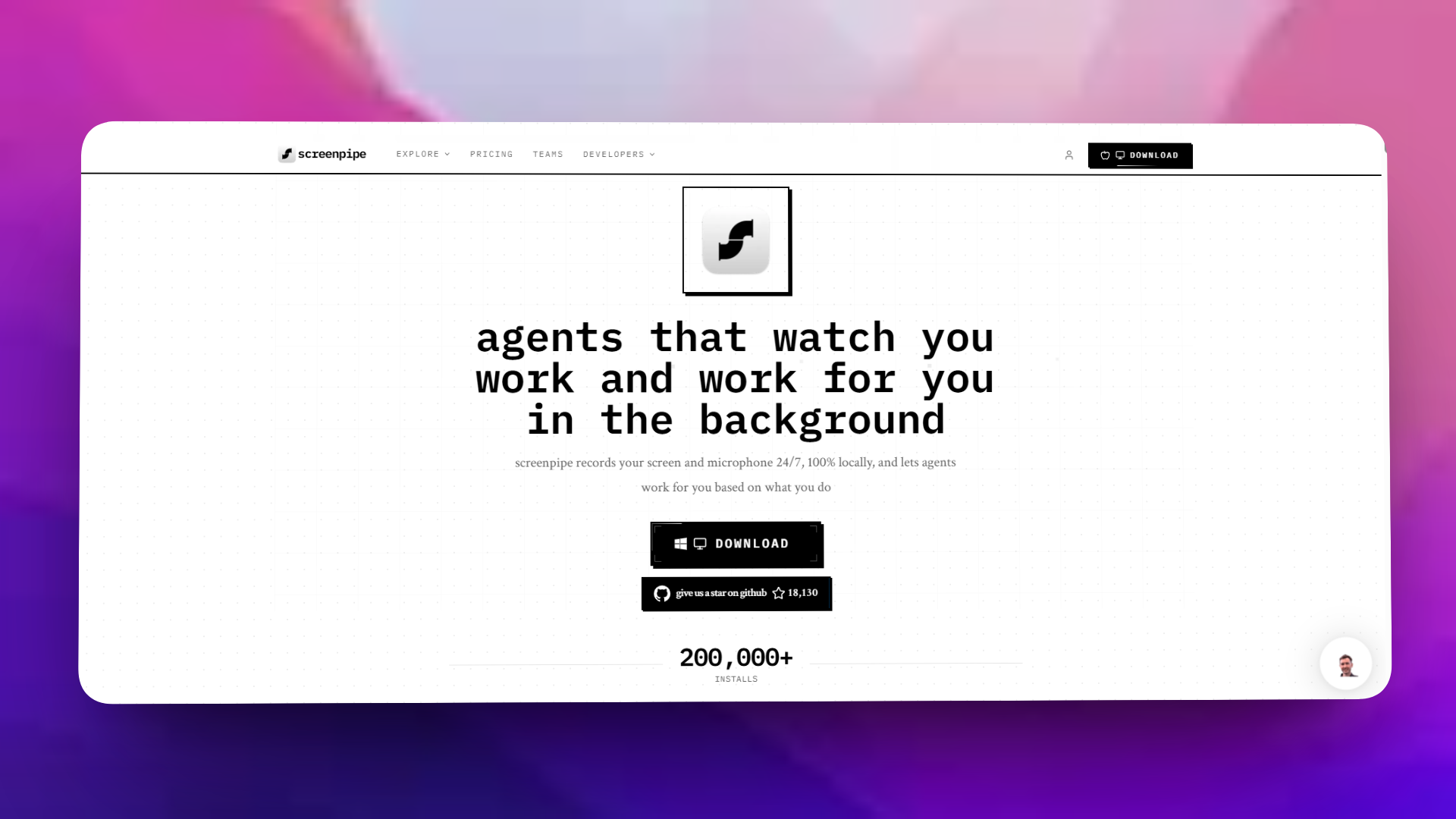
Record your screen and audio 24/7 for local AI automation
Replaces Limitless
Who it's for
Use Screenpipe to capture local work context and build custom retrieval or automation around it.
Skip if your organization cannot approve screen or microphone recording.
The project gives a local data pipeline for studying how agents can use desktop history.
Skip if you need a polished consumer memory device with managed support.
The problem
Knowledge workers lose useful context every day: a command they ran, a meeting detail, a dashboard state, or a browser page that explained a decision. Proprietary AI memory products can capture some of this, but they raise privacy concerns because work activity and audio are highly sensitive. Developers and researchers need a local-first way to capture, search, and build automations over their own activity without sending every screen and microphone event to a closed service.
How it works
Records desktop context and microphone input for later search and automation use cases.
Turns captured work activity into a searchable memory layer so users can recover context from prior sessions.
The project targets builders who want to create workflows on top of captured personal or team activity data.
Features
- Local screen and audio capture
- AI-searchable activity history
- Plugin and developer orientation
Recommended for this setup
Strengths
- Local-first privacy posture: Screenpipe is attractive when the captured data is too sensitive for a proprietary cloud memory product.
- Hackable workflow layer: The open source project gives developers room to build custom automations and experiments around personal activity history.
Trade-offs
- Sensitive data handling is still your responsibility: Recording screens and microphones creates major privacy obligations. Teams need consent, retention rules, and secure storage before deploying it broadly.
Tech stack
FAQ
Screenpipe publishes its code on GitHub. The synced GitHub metadata does not assert a standard SPDX license, so teams should verify license terms before commercial use.
Screenpipe is designed around local screen and microphone capture so users can search and automate their activity history.
Limitless is a proprietary AI memory product. Screenpipe focuses on an open, local-first capture pipeline for builders who want control over recorded data.