
RealtimeSTT
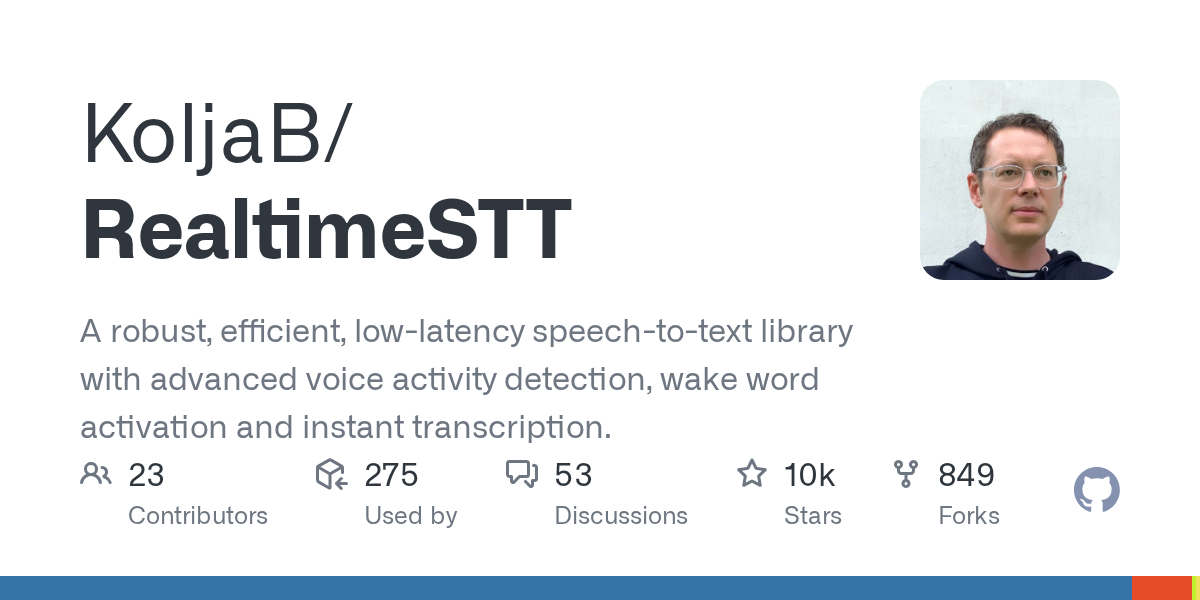
Real-time speech-to-text library with VAD and wake words
Replaces Deepgram, Assemblyai, Openai Realtime Api, Google Cloud Speech To Text, Speechmatics
Who it's for
RealtimeSTT's wake word detection and low-latency VAD segmentation make it a natural fit for always-listening voice assistant prototypes. You listen continuously, activate on a trigger phrase, and surface realtime partial transcripts to the UI while the speaker is still talking.
If your assistant needs to run on mobile or embedded hardware without a Python runtime, RealtimeSTT does not port to those targets.
The automatic recording loop and callback API transcribe continuous speech without requiring you to manage audio chunks or threading. Feed results to a text editor, subtitle renderer, or notes app as each utterance completes.
If you need transcription in a language with limited Whisper model support, check accuracy benchmarks for your target language before committing to this pipeline.
External audio input lets you feed audio from a websocket, file, or inter-process pipe rather than a microphone, so RealtimeSTT fits inside existing audio ingestion pipelines without requiring hardware access on the server.
Teams building in Node.js, Go, or other non-Python stacks will need to wrap RealtimeSTT in a sidecar service or use a language-native alternative.
The FastAPI reference server provides a browser-compatible WebSocket streaming endpoint with multi-user session isolation and shared inference resources. You can demo a voice-driven web interface without building the audio server from scratch.
The FastAPI server is source-only and documented as a reference example, not a production-ready deployment. Production use requires additional hardening not covered by the library's documentation.
The problem
Adding real-time speech transcription to an application almost always means signing up for a paid cloud API. Services like Deepgram, AssemblyAI, and Google Cloud Speech-to-Text charge by the minute, require an internet connection for every audio request, and send your users' audio through a third-party server. For privacy-sensitive applications, that data flow is a problem. For high-volume workloads, the per-minute billing becomes expensive fast. Building a self-hosted alternative used to mean wrestling with raw Whisper models, writing your own voice activity detection to split audio into utterances, and managing threading so transcription does not block the main loop. Most teams either paid for the managed API or shipped fragile audio pipelines they never fully trusted.
How it works
Automatically segments speech from silence using WebRTC VAD and Silero VAD before passing audio to the transcription engine. This means the model only processes real utterances, keeping latency low and avoiding wasted compute on background noise or pauses between sentences.
faster_whisper is the default backend, but you can switch to whisper.cpp, Moonshine, sherpa-onnx, Kroko-ONNX, Cohere Transcribe, FunASR, or Hugging Face Transformers models via install extras. Match the engine to your accuracy, speed, and licensing requirements without changing application code.
Emits partial transcript updates as speech is being spoken, not just a final result when the utterance ends. Your application receives rolling text while the speaker is still talking, which is essential for low-latency captioning and voice UI feedback loops.
Optional wake word detection via Porcupine or OpenWakeWord triggers transcription only when a specific phrase is spoken. This enables always-listening assistants that do not run the transcription engine continuously, reducing CPU and model load when idle.
Set use_microphone=False to feed audio from a file, websocket, or another process as 16-bit mono PCM chunks at 16 kHz. RealtimeSTT resamples if needed, so the same API works for live microphone capture and offline or streaming audio pipelines alike.
A reference FastAPI server ships with the repository for browser-based deployments. It includes multi-user session isolation, shared inference resources, health endpoints, and WebSocket streaming, so you can stand up a multi-user voice interface without building the audio backend from scratch.
Features
- Voice Activity Detection with WebRTC and Silero VAD
- Multi-Engine Transcription Backend
- Realtime Partial Transcript Callbacks
- Wake Word Activation
- External Audio Input Without a Microphone
- FastAPI Browser Streaming Server
How to install
Install RealtimeSTT via pip with the faster-whisper engine on Python 3.11 or newer.
pip install "RealtimeSTT[faster-whisper]"Recommended for this setup
Strengths
- No Per-Minute API Fees: RealtimeSTT processes audio locally, so there are no per-minute charges. Self-hosted deployments run on your own hardware at a fixed infrastructure cost, which is economical compared to Deepgram or AssemblyAI billing at scale. A server handling continuous transcription costs the same whether it processes 10 hours or 10,000 hours in a month.
- Audio Never Leaves Your Server: Unlike cloud STT APIs that route audio through third-party infrastructure, RealtimeSTT never sends audio outside your environment. This is the correct architecture for applications handling sensitive conversations, medical dictation, legal recordings, or deployments subject to data-residency requirements.
- Minimal Code to First Transcript: The AudioToTextRecorder API wraps all threading, VAD segmentation, and engine management behind a single context manager. A working microphone transcription loop is five lines of Python. The same API handles continuous dictation, realtime partial updates, external audio input, and wake word activation through constructor parameters.
- Active Development with Broad Engine Support: The project has over 10,000 GitHub stars and last received a commit in June 2026. It supports eleven transcription backends, giving you a migration path if a specific model changes its license, performance characteristics, or availability.
Trade-offs
- You Manage the Server and Python Environment: Running RealtimeSTT means owning the infrastructure: the server, Python 3.11 environment, PortAudio headers, and optional CUDA drivers. Cloud STT APIs from Deepgram or AssemblyAI handle all of that for you and offer formal SLAs. For teams without DevOps capacity or server access, a managed API is simpler.
- Python 3.11+ and Platform-Specific System Prerequisites: Python 3.11 or newer is required. On Linux, you must install python3-dev and portaudio19-dev at the system level before pip install. On macOS, Homebrew is needed for PortAudio. CUDA and Windows compatibility require additional setup documented in the installation guide.
- 147 Open Issues and Community-Only Support: With 147 open GitHub issues, you may encounter edge cases that require a workaround or community investigation. Commercial APIs provide formal support channels, bug SLAs, and dedicated customer success that a community-maintained library cannot match.
Tech stack
FAQ
Yes. RealtimeSTT is MIT licensed, so the library is free to use, modify, and distribute, including for commercial applications. The only cost is the infrastructure you run it on. Some optional engine integrations, such as Porcupine for wake word detection or commercial Kroko models, have their own licensing terms you should review separately.
The default engine is faster_whisper, a CTranslate2-optimized version of OpenAI Whisper. Install it with pip install "RealtimeSTT[faster-whisper]". Additional engines including whisper.cpp, Moonshine, sherpa-onnx, Kroko-ONNX, and several Hugging Face Transformers models are available as optional install extras documented in the repository.
No. All transcription runs locally on the machine where the library is installed. Audio is never sent to an external server unless you explicitly wire it to one. This makes RealtimeSTT suitable for applications with audio privacy requirements or data-residency constraints that prohibit third-party cloud processing.
Deepgram and AssemblyAI are managed cloud APIs that charge per minute of audio processed and handle all infrastructure on your behalf. RealtimeSTT is a self-hosted library you run on your own server, with no per-minute fees and no audio leaving your infrastructure. The tradeoff is that you manage the server, Python environment, and model updates yourself. Cloud APIs are the better choice when you need managed reliability, formal SLAs, or have no server access.
Python 3.11 or newer is required. On Linux, install python3-dev and portaudio19-dev via apt before running pip install. On macOS, install PortAudio via Homebrew first. CUDA support for GPU-accelerated transcription is optional and documented in the repository's installation guide.