
opendisplay
Turn any iPhone, iPad, or spare Mac into a free second Mac monitor
Replaces Duet Display, Luna Display, Idisplay
Who it's for
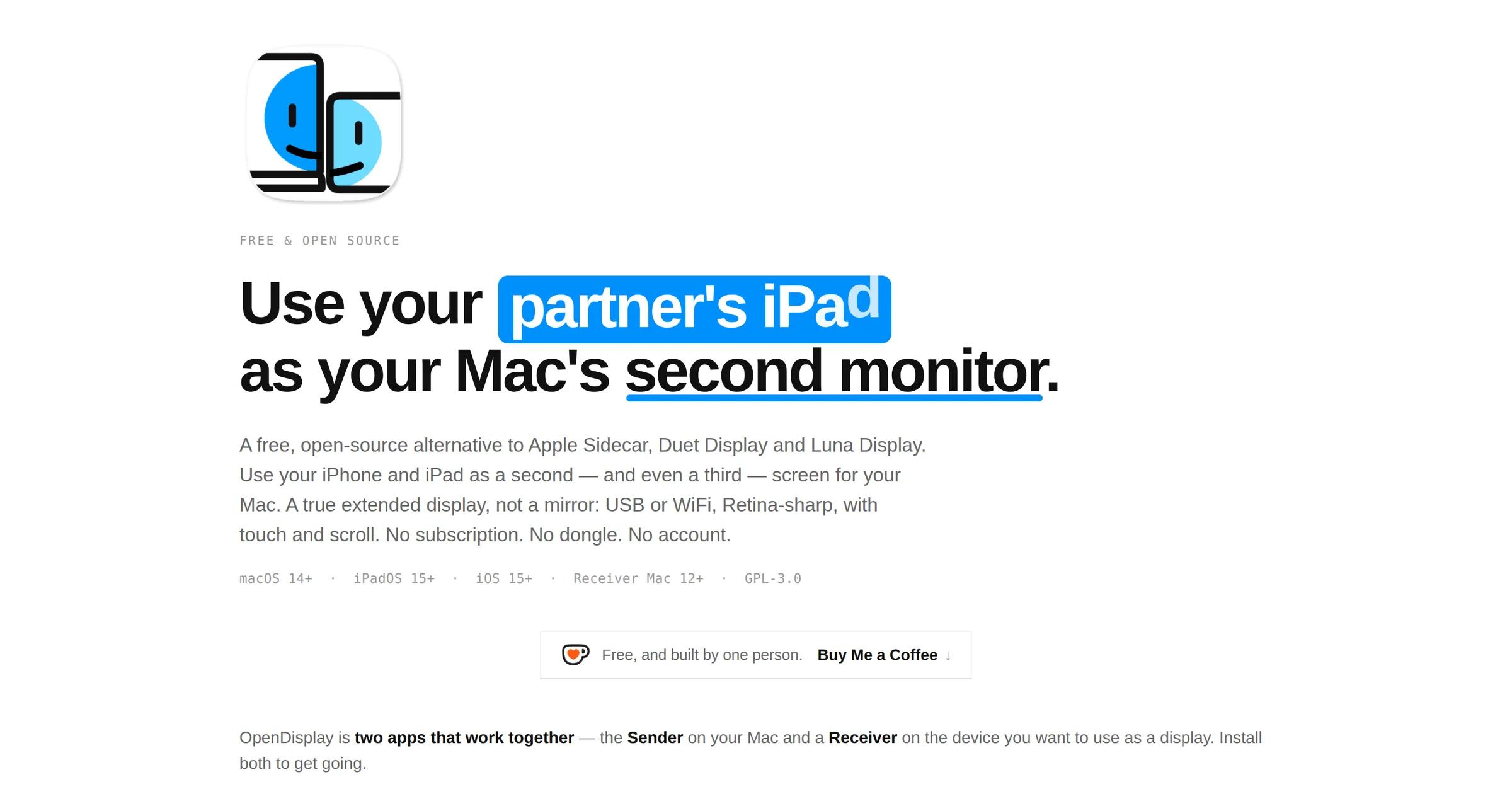
Any iPhone on iOS 16+ or iPad on iPadOS 16+ becomes a second extended display: landscape for a browser or editor, portrait for logs or a chat window. Works even when the device belongs to a different Apple ID, such as a partner's iPad at a shared desk.
You need audio forwarded to the secondary display, multi-touch gestures beyond two-finger scroll, hardware keyboard passthrough, or Apple Pencil pressure input. Those features are not yet available.
Portrait mode rebuilds the virtual display as a vertical rectangle at native resolution when the phone rotates. Suits log tailing, terminal output, documentation reading, and narrow vertical interfaces. Touch input lets you scroll on the device screen without leaving the keyboard.
You need frame-perfect latency for video editing, gaming, or drawing. Apple Pencil pressure and tilt support is roadmapped but not yet shipped.
Install OpenDisplay Receiver on a spare Mac running macOS 12+ and the sending Mac gains a full Retina extended display. Any Mac from around 2015 that runs macOS 12 Monterey qualifies. Thunderbolt Bridge, Ethernet, and USB-C wired connections are all supported alongside WiFi.
The spare Mac cannot run macOS 12 Monterey. The receiver requires at minimum macOS 12, which excludes Macs older than around 2015.
Corporate or family setups where the iPhone and Mac belong to different Apple IDs lock out Apple Sidecar entirely. OpenDisplay has no Apple ID requirement and pairs over a direct local connection with no account linking required.
Your organization restricts installing apps from outside the Mac App Store on managed devices. The Mac sender cannot ship through the Mac App Store because CGVirtualDisplay is a private API, so it requires a direct download from GitHub Releases.
The problem
Mac users who want a second monitor have three mainstream options, each with a meaningful restriction. Apple Sidecar is free but iPad-only, requires both devices on the same Apple ID, and only works on Apple-approved hardware pairs. Duet Display pioneered third-party tools for years but moved to a subscription. Luna Display achieves low latency through a dedicated hardware adapter, but that dongle costs extra and only works with specific Mac ports. The result is that someone sitting next to a capable iPad or a spare iPhone has no free, open path to use it as a second screen if the devices are on different Apple IDs, if they prefer an iPhone over an iPad, or if they are unwilling to pay a recurring fee for a one-time hardware setup.
How it works
Streams over the Lightning or USB-C charging cable via macOS's built-in usbmuxd with no tunnel tools required. WiFi mode uses Bonjour for automatic device discovery; pick the device from a dropdown with no IP address entry. USB mode charges the device during use and achieves the lowest latency.
VideoToolbox encodes the display stream in real-time hardware H.264 mode with TCP_NODELAY and frame-drop backpressure. Instant keyframe recovery prevents freeze frames on packet loss. At 18 Mb/s, the stream fits within USB 2.0 bandwidth, so a standard data-capable USB 2.0 cable is sufficient.
The Mac creates a virtual display sized to match the device panel pixel-for-pixel at @2x HiDPI. Text and icons appear at the same sharpness as on the physical device. No downscaling introduced by the encoding pipeline, so a 6.1-inch iPhone screen reads as clearly as a native display.
Tap on the iPhone or iPad to click, drag to drag, and use a two-finger swipe to scroll. The Mac receives these as native mouse and scroll events via Accessibility API injection. Input works in both portrait and landscape orientation across all connected devices.
Rotate the device and the virtual display rebuilds at portrait resolution, producing a vertical monitor suited to log files, chat apps, or documentation. Up to three simultaneous devices have been tested; each appears in macOS System Settings as an independent extended display that can be freely arranged.
Install the separate OpenDisplay Receiver app (macOS 12+) on an older Mac and it becomes a second extended display for the sending Mac. Connects over WiFi, Thunderbolt Bridge, Ethernet, or USB-C data cable. The sender switches to the wired cable automatically when plugged in mid-session.
Features
- USB and WiFi with automatic Bonjour discovery
- Hardware H.264 pipeline at up to 60 FPS
- Retina HiDPI resolution
- Touch and scroll input
- Portrait mode and multi-device support
- Spare Mac as a display
How to install
Building from source on macOS 14+ requires Xcode 15+, a free Apple developer account, and the xcodegen setup tool.
brew install xcodegen
git clone https://github.com/peetzweg/opendisplay.git
cd opendisplay
./generate.sh
Recommended for this setup
Strengths
- Free with no account, no subscription, and no dongle: No sign-up, no email, no login. Unlike Duet Display's subscription and Luna Display's dongle purchase, OpenDisplay has no recurring cost and no hardware requirement beyond a cable. GPL-3.0 means the source is auditable: the privacy properties and the streaming logic can be verified rather than trusted.
- Works across different Apple IDs: Apple Sidecar requires both the Mac and iPad to share the same Apple ID. OpenDisplay has no such restriction. A partner's iPad, a work-owned iPhone, or any device from a different Apple account can be used as a second display without account linking.
- iPhone support that Sidecar lacks: Apple Sidecar is iPad-only. OpenDisplay works with any iPhone running iOS 16+, including the iPhone 8 and iPhone X on iOS 16.7.x. An older iPhone that no longer serves as a primary device becomes a functional portrait-mode monitor rather than sitting unused.
- Private by design: One direct TCP connection between your Mac and your device. No servers, no analytics, no telemetry. The full codebase is under GPL-3.0 so any claimed privacy property can be read in the source. The project's privacy page documents what each app stores locally and the current WiFi-encryption caveat.
Trade-offs
- Depends on a private macOS API: The Mac sender uses CGVirtualDisplay, a private CoreGraphics API also used by BetterDisplay and DeskPad. Because it is undocumented and unsupported by Apple, a future macOS update could break virtual display creation without a workaround. The same risk applies to every virtual-display product that does not use a hardware dongle.
- Audio and several input features not yet shipped: Audio forwarding is out of scope per the README. Multi-touch gestures beyond two-finger scroll, hardware keyboard passthrough, right-click, and Apple Pencil pressure and tilt are roadmap items rather than shipped features. The project had 141 open GitHub issues at the time of this writing.
- WiFi transport is currently unencrypted: WiFi mode streams H.264 over an unencrypted TCP connection on the local network. Encrypted WiFi transport with a pairing code is tracked on the roadmap as issue #16. USB mode is unaffected: the charging cable provides a private, direct link between devices.
Tech stack
FAQ
OpenDisplay is free to download and use with no subscription, no account, and no in-app purchase. It is funded by voluntary Ko-fi donations. The source code is published on GitHub under GPL-3.0, so you can also build it yourself for free using a free Apple developer account.
macOS shows the screen-recording privacy indicator for any app that captures the screen, including Duet Display, Luna Display, OBS, and Zoom. Apple Sidecar avoids it because it is built into the operating system rather than running as a user-space app. The indicator cannot be suppressed by a third-party app; it is a macOS privacy feature that confirms a capture session is active.
Possibly. The Mac sender uses CGVirtualDisplay, a private CoreGraphics API. Apple could change or remove it in a future macOS release without warning. The same risk applies to every virtual-display product that does not use dedicated hardware, including BetterDisplay and DeskPad. The capture and streaming pipeline uses only public macOS APIs and would be unaffected; only virtual display creation depends on the private API.
GPL-3.0. You can use, study, adapt, and distribute OpenDisplay, including for commercial purposes. If you distribute a modified version, it must remain open source under GPL-3.0 with the original attribution intact, so improvements flow back rather than into closed forks. Releases up to v0.4.x were MIT-licensed and remain available under those terms.
Yes. OpenDisplay pairs directly over USB or WiFi with no Apple account requirement on either device. This is the main practical advantage over Apple Sidecar, which requires both devices to share the same Apple ID and therefore cannot be used with a partner's iPad or a corporate-issued iPhone.