Oh My Claudecode
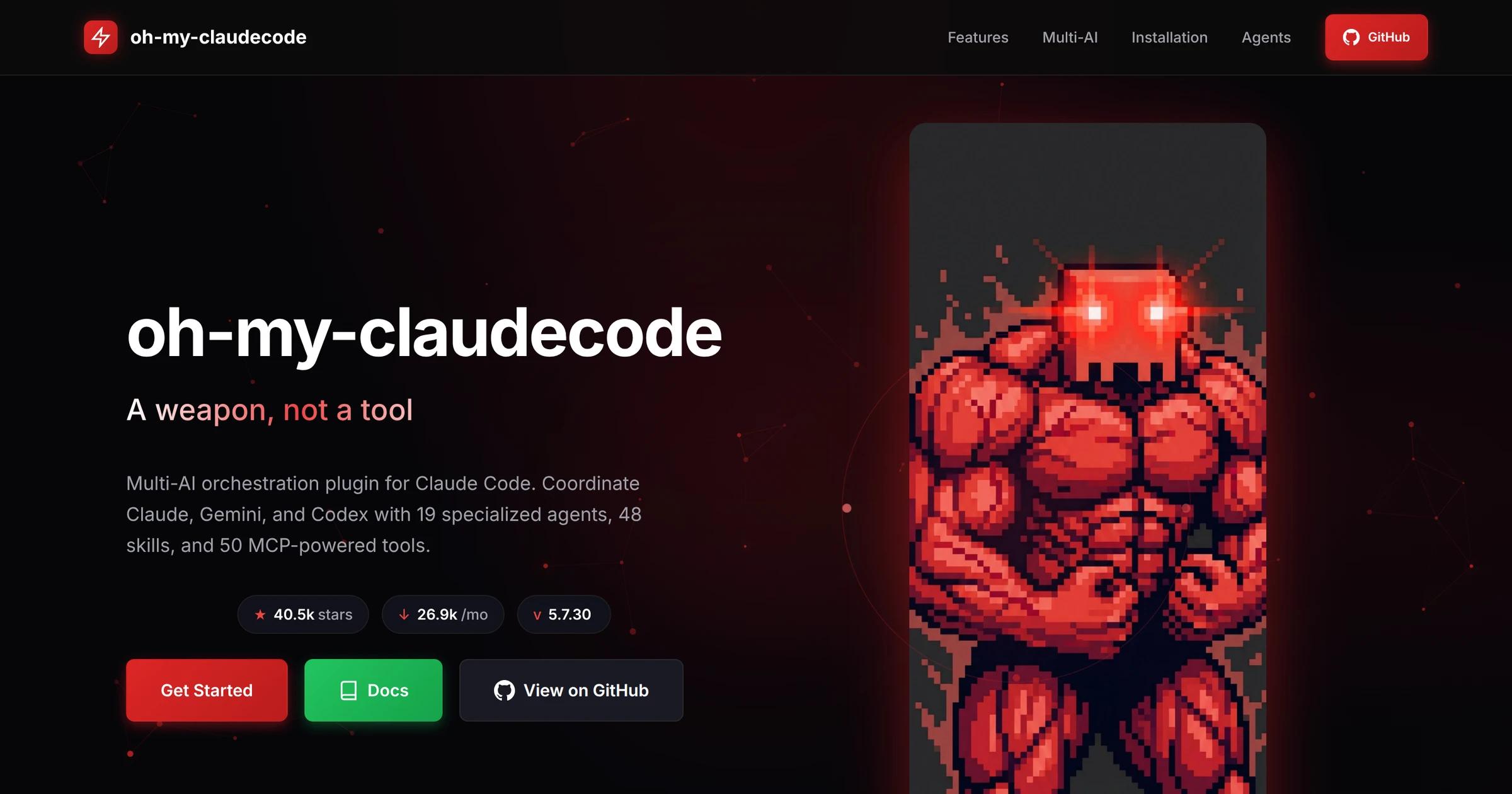
Multi-agent orchestration plugin for Claude Code
Replaces —
Who it's for
Teams that want to hand off a full feature spec to an agent and receive a verified, tested implementation use `/autopilot` with a named stage profile. The plan-build-qa pipeline runs unattended and loops through fixes until verification passes.
You only need single-file edits or quick one-shot code generation.
Security and architecture reviews that benefit from multiple independent perspectives use `omc team N:codex` alongside `/ask antigravity` to run parallel analyses and synthesize results, reducing blind spots from any single model.
Your review workflow is already satisfied by a single Claude session.
When starting from a rough idea rather than a detailed spec, `/deep-interview` applies Socratic questioning to expose assumptions and measure clarity before any code is written, reducing the cost of mid-implementation pivots.
Requirements are already fully specified and stable.
Teams running autonomous Claude-based automation in CI use `omc lookout scan --strict` as a pre-flight step. The scanner reports danger findings and exits non-zero on high-risk signals before any unattended execution begins.
Your automation runs in a supervised, interactive session rather than headless CI.
The problem
Claude Code is powerful as a single-agent coding assistant, but complex multi-step projects benefit from specialized roles, parallel execution, and structured review pipelines. Setting up multi-agent workflows in Claude Code requires manual orchestration, custom CLAUDE.md files, and deep knowledge of the tool's internals. oh-my-claudecode packages 19 specialized agents and 48 skills into a single plugin so teams can run team-backed, autonomous, and cross-provider pipelines without building that infrastructure themselves.
How it works
The `/team N:role "task"` command runs a staged `team-plan → team-prd → team-exec → team-verify → team-fix` pipeline. Workers are typed by role and provider (Claude, Codex, Gemini, Antigravity, Grok Build, Cursor) and are spawned on demand and shut down on completion.
The `/autopilot` skill handles autonomous end-to-end task delivery. Named workflow profiles defined in `.claude/omc.jsonc` let teams standardize stage sequences such as `[ralplan, execution, qa]` and invoke them with `--workflow <name>`.
The `/deep-interview` skill uses Socratic questioning to clarify vague requirements before execution begins. It scores clarity across weighted dimensions and surfaces hidden assumptions, reducing rework from misunderstood specs.
Terminal CLI workers can be backed by Codex, Gemini, Antigravity, Grok Build, or Cursor in addition to Claude. The `omc team` command spawns real tmux panes for each provider; workers die when their task completes to avoid idle resource usage.
`omc lookout scan` inspects a task briefing and workspace before an unattended run and reports danger findings with severity levels. Strict mode (`--strict`) exits with code 1 on high-risk signals, making it suitable as a CI gate before autonomous execution.
OMC routes tasks to appropriately sized models based on the work type, with reported token savings of 30-50% compared to sending every call through the largest available model. Per-role model overrides are configurable through `team.roleRouting` in `omc.jsonc`.
Features
- Team-First Orchestration
- Autopilot with Named Stage Profiles
- Deep Interview for Requirement Clarity
- Cross-Provider Multi-Agent Support
- Pre-Flight Danger Scanner
- Smart Model Routing
How to install
/plugin marketplace add https://github.com/Yeachan-Heo/oh-my-claudecode /plugin install oh-my-claudecode /omc-setup
Recommended for this setup
Strengths
- Zero Configuration Required: OMC works out of the box after a two-step marketplace install and `/omc-setup`. Intelligent defaults cover model routing, agent specialization, and team pipelines without requiring any config files for standard use cases.
- Flexible Provider Mix: Teams are not locked to Claude. Workers can be Codex, Gemini, Antigravity, Grok Build, or Cursor agents running in real tmux panes, enabling workflows that cross-check results across providers or assign work to the most cost-effective option.
- Persistent Autonomous Execution: Autopilot and the team pipeline loop through a `team-fix` stage until the job is verified complete, rather than stopping at the first deliverable. This makes it viable for longer unattended tasks that would otherwise require manual re-prompting.
- Programmatic SDK Surface: The npm package exports TypeScript helpers such as `createOmcSession()` for local Node.js programs using the Anthropic Agent SDK, giving teams a library integration path alongside the interactive plugin surface.
Trade-offs
- Named Profiles Require Linux: Named autopilot stage profiles (`--workflow`) currently require Linux with the `flock` utility due to their use of Linux no-follow file-descriptor traversal and kernel advisory locking. Non-Linux environments reject `--workflow` invocations; legacy autopilot without profiles remains available.
- Team Mode Requires Experimental Flag: Claude Code's native team execution requires setting `CLAUDE_CODE_EXPERIMENTAL_AGENT_TEAMS=1` in `~/.claude/settings.json`. If the flag is absent, OMC warns and falls back to non-team execution where possible.
- External Providers Need Separate Auth: Using Codex, Gemini, Antigravity, Grok Build, or Cursor workers requires those CLIs to be independently installed and authenticated. Teams relying only on Claude have no external dependency, but cross-provider workflows add setup overhead.
- Overkill for Simple Single-Agent Tasks: The project itself notes that OMC may be more than needed for straightforward tasks and points users toward the lighter `gajae-code` project for simpler SDK-based workflows. The plugin's breadth adds complexity that single-agent use cases do not benefit from.
Tech stack
FAQ
The recommended path is the Claude Code marketplace. Run `/plugin marketplace add https://github.com/Yeachan-Heo/oh-my-claudecode` followed by `/plugin install oh-my-claudecode`, then run `/omc-setup` inside a Claude Code session. Alternatively, install the npm package with `npm i -g oh-my-claude-sisyphus@latest` (the npm package name differs from the project branding) and run `omc setup` from your terminal.
`/team` is an in-session skill that runs Claude Code's native team workflow inside an active Claude Code session. `omc team` is a terminal CLI command that spawns real tmux panes for external provider workers (Codex, Gemini, Antigravity, Grok Build, Cursor, Claude). They use different runtimes and are suited to different contexts.
The core plugin and most features work across platforms. Named autopilot stage profiles (`/autopilot --workflow`) currently require Linux with the `flock` utility and will reject invocations on unsupported environments. Legacy autopilot without named profiles remains available on all platforms.
The project and plugin are branded `oh-my-claudecode`, but the published npm package is `oh-my-claude-sisyphus`. Installing `oh-my-claude-sisyphus` exposes both the `oh-my-claudecode` and `omc` command aliases. This naming split is a known quirk documented in the README.
Yes, with caveats. Prefer deterministic terminal commands (`omc setup`, `omc ask`, repository scripts) for CI. Set `ANTHROPIC_API_KEY` or provider-specific auth in the runner environment. Interactive slash commands (`/autopilot`, `/ralph`, `/execute`, `/team`) require an active Claude Code session and should not be used in headless CI. Use `omc lookout scan --strict` as a pre-flight safety gate before any unattended autonomous execution.