
Llama.cpp
C/C++ LLM inference engine with OpenAI-compatible API, no cloud.
Replaces Openai Api, Groq, Together Ai, Fireworks Ai, Anthropic Api
Who it's for
`llama serve` accepts the same request format as the OpenAI API. A codebase using the `openai` Python or Node.js SDK can switch to a local model by changing one base URL. This is useful for local development, testing prompt behavior without API costs, and running in air-gapped or offline environments.
Your team needs managed model hosting, compliance certifications, or guaranteed uptime SLAs. llama.cpp is self-managed infrastructure with no commercial support tier or service-level agreement.
llama.cpp runs inference entirely on the host machine. No prompt text, response, or usage metadata leaves your infrastructure. For applications processing legal documents, medical records, or any data subject to data-residency or confidentiality requirements, this removes the third-party data-processing risk of cloud inference APIs.
Your compliance requirements extend to the hardware supply chain or the model weights themselves. llama.cpp does not certify or vet the models it loads.
llama.cpp can load the same base model at different quantization levels and run them back to back. The `llama cli` tool accepts any public GGUF on Hugging Face by repository path, making it fast to test new model releases or compare output quality against memory footprint on a fixed hardware target.
Your research requires exact BF16 or FP16 inference. Quantization introduces approximation that may affect reproducibility when comparing to full-precision results.
The problem
Cloud LLM inference APIs charge per token, with no ceiling. A developer building a coding agent, a documentation tool, or any application that generates text at scale will see API costs compound quickly as usage grows. The OpenAI API, Groq, Together AI, Fireworks AI, and the Anthropic API all require sending prompts to external servers, which means every query leaves your infrastructure and passes through terms of service you cannot negotiate. Privacy-sensitive workloads face an additional constraint: legal, compliance, or product requirements may prohibit sending user data to third-party APIs entirely. Even teams without strict compliance requirements often hit rate limits at critical moments, or find that a model they depend on is deprecated or repriced without notice. Running inference locally removes the billing meter, the external data transfer, and the dependency on a vendor's uptime.
How it works
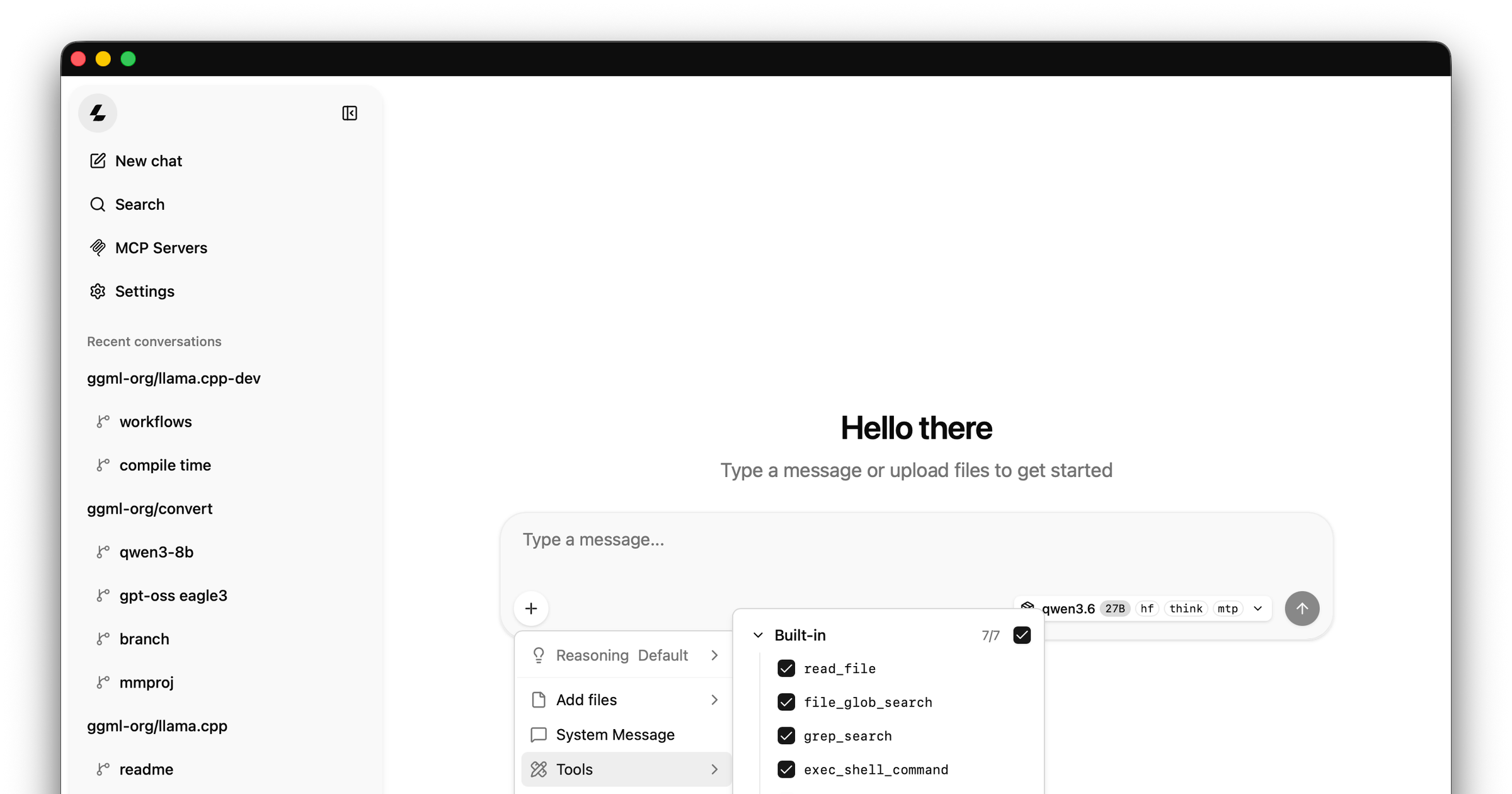
`llama serve` starts a local HTTP server that accepts the OpenAI API format. Any tool or SDK built for the OpenAI API can point to the local llama.cpp endpoint with one base URL change and no other modifications. The server includes a built-in web UI for direct chat in a browser. Streaming, tool calling, and structured output are supported for model families that include those capabilities.
Inference runs on NVIDIA GPUs via CUDA, AMD GPUs via HIP, Apple Silicon via Metal, and Intel GPUs via SYCL. CPU execution on x86 uses AVX, AVX2, AVX512, and AMX intrinsics. GPU and CPU run hybrid inference together, offloading some model layers to the GPU and running the rest on CPU when the model is too large to fit entirely in VRAM.
llama.cpp compresses model weights using GGUF format with 1.5-bit, 2-bit, 3-bit, 4-bit, 5-bit, 6-bit, and 8-bit integer quantization. This cuts VRAM requirements enough to fit large models onto consumer hardware. Quantization happens offline; the compressed weights are loaded directly at inference time.
The `llama cli` command downloads a model from Hugging Face and starts an interactive session in one step: `llama cli -hf ggml-org/Qwen3.5-0.8B-GGUF`. The tool handles the GGUF download, caches the model locally, and starts the session. No separate model management tool or configuration file is needed.
GitHub Releases publishes pre-built binaries alongside a nightly build track. The README documents four install paths: an install script via curl for macOS and Linux, a PowerShell script for Windows, pre-built binary download from GitHub Releases, and building from source. Docker is also a documented path with its own documentation in the repository.
Features
- OpenAI-compatible API server
- Multi-backend GPU and CPU acceleration
- Integer quantization from 1.5-bit to 8-bit
- Direct model download with llama cli
- Pre-built binaries for macOS, Linux, and Windows
How to install
Install llama.cpp using the official install script.
curl -LsSf https://llama.app/install.sh | sh
irm https://llama.app/install.ps1 | iex
Recommended for this setup
Strengths
- MIT license with no self-hosting restrictions: llama.cpp is MIT licensed, covering both personal and commercial use with no restrictions on self-hosting, modification, or redistribution. You can embed it in a product, run it on customer infrastructure, or use it in an internal service without any license compliance overhead. The MIT license also imposes no obligation to publish changes.
- 134,000+ stars and active daily development: The ggml-org/llama.cpp repository has over 134,000 GitHub stars and 25,000 forks. Its last push was on 13 November 2026, and it publishes a nightly build track alongside stable releases.
- Drop-in replacement for OpenAI API callers: `llama serve` exposes an endpoint that accepts the same JSON schema as `POST /v1/chat/completions`. Teams migrating from the OpenAI API change one base URL and remove the API key; the rest of their code stays the same. This includes streaming responses, tool calling, and structured output for model families that support them.
- CPU and GPU hybrid inference: llama.cpp supports CPU+GPU hybrid inference to partially accelerate models larger than the total VRAM capacity. Layers are distributed between GPU and CPU, letting the engine use models that exceed available VRAM without requiring a separate high-memory GPU setup.
Trade-offs
- GGUF format required: llama.cpp loads models in GGUF format only. The growing catalog of GGUF-formatted open-weight models on Hugging Face covers most popular architectures, but models published only in other formats cannot be loaded directly. This matters when a newly released model has not yet had a GGUF variant published.
- 709 open issues across a wide hardware target list: The repository tracks 709 open issues. The breadth of supported hardware backends means a bug on one target does not always reproduce on another and may not be prioritized quickly. A fix for a less common backend can take longer to land than one for a mainstream target.
- No built-in model catalog or update management: llama.cpp loads models by Hugging Face repository path; there is no built-in catalog browser, model version tracker, or one-click update flow in the CLI tools. Finding the right GGUF variant for a new model release requires checking the Hugging Face page manually or using a third-party front-end that wraps llama.cpp.
Tech stack
FAQ
llama.cpp supports GPU acceleration through multiple backends: CUDA for NVIDIA GPUs, Metal for Apple Silicon, HIP for AMD GPUs, and SYCL for Intel GPUs. CPU-only execution is also supported, with AVX2 and AVX512 intrinsics on x86 for best CPU throughput. The two modes can work together: llama.cpp will offload some model layers to the GPU and handle the rest on CPU when the model is too large to fit entirely in VRAM.
llama.cpp runs inference locally on your own hardware, so there are no per-token charges, no data sent to external servers, and no rate limits beyond what your hardware can handle. The tradeoff is that you manage the hardware and handle model downloads yourself. The OpenAI API offers easier access to OpenAI's own proprietary models and an operator-managed path to production without infrastructure work; llama.cpp works with open-weight models in GGUF format only.
llama.cpp uses the GGUF format, a container for quantized model weights. Models published in GGUF format on Hugging Face can be loaded directly by repository path via `llama cli -hf <org/repo>`.
Yes. llama.cpp runs on CPU-only hardware. x86 CPUs with AVX2 and AVX512 get the best CPU throughput; ARM CPUs including Apple Silicon (without GPU offload) also work. CPU inference is slower than GPU inference for large models, but small quantized models at 4-bit or 5-bit on a modern x86 CPU reach usable generation speeds for many tasks.
Yes. The llama.cpp project publishes Docker images and maintains Docker documentation in its repository. Docker is one of the documented install paths in the README, alongside the install script and pre-built binary download. The Docker route works well for server deployments where a reproducible environment matters more than minimal disk footprint.