
jsreport
JavaScript report server with PDF, Excel, DOCX, and HTML output
Replaces Stimulsoft Reports Js
Who it's for
jsreport renders PDF invoices, statements, and compliance documents from live application data via its REST API. JavaScript hooks fetch data at render time, so the report always reflects current records without a separate batch export step.
Your reports are primarily simple tabular data exports to CSV or Excel without complex layout requirements. A lighter library like pdfmake or ExcelJS may be faster to set up for that narrower case.
The built-in scheduler generates and distributes reports on a defined cadence, sending outputs by email or storing them for download. This replaces custom cron scripts and templated email jobs for recurring reporting workflows.
You need interactive dashboards, ad-hoc SQL queries, or data exploration tools. jsreport renders defined templates; tools like Metabase or Redash are better suited for exploratory analysis.
jsreport connects to any application through its REST API. Product teams add PDF export by sending data to jsreport and receiving a rendered file, without building a PDF renderer from scratch inside the application.
Your application needs end-user customizable report layouts. jsreport templates are developer-defined; giving non-technical users template editing requires a custom UI layer on top.
The problem
Generating production-quality reports from business applications is harder than it looks. PDF rendering that respects complex CSS layouts, Excel exports with dynamic content, and DOCX document generation each require separate libraries with their own quirks. Running all of them reliably in a server environment, while also supporting scheduling, user management, and template versioning, creates significant engineering overhead. Commercial reporting tools address this, but they come with per-developer or per-server licensing costs that scale poorly as report volumes grow. They also store templates in proprietary formats, making migration difficult and creating vendor dependency. For teams generating dozens of report types or running report generation inside a private network, the cost and lock-in of a managed platform become a concrete operational constraint.
How it works
Renders reports as PDF, Excel (XLSX), DOCX, HTML, and CSV from a single template definition. The same template can produce a PDF dashboard or an Excel export by switching the recipe, without redesigning the layout.
Uses Handlebars, EJS, JSRender, and other JavaScript templating engines for report layout. Custom JavaScript hooks run at render time to fetch data from any API or database, so reports always reflect live data without an intermediate export step.
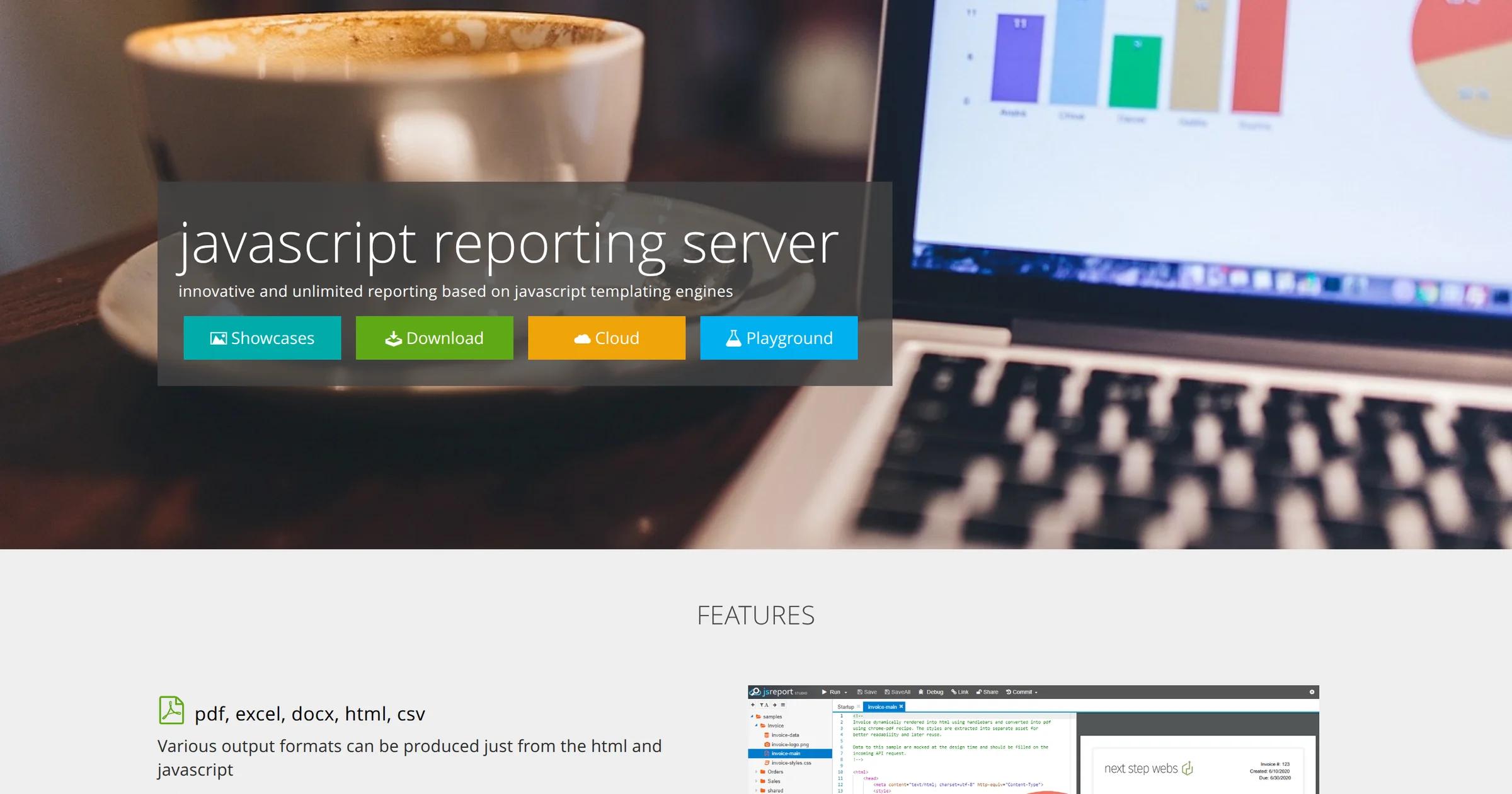
Ships with a web-based studio accessible from any modern browser. Designers connect to the running server to build and preview templates without a desktop application or local rendering setup on the designer's machine.
Exposes a REST API for triggering renders from any application, script, or data pipeline. A CLI and SDKs for common languages are also available, making jsreport callable from any tech stack without coupling rendering logic to the calling application.
Built-in scheduling queues recurring report jobs and sends outputs by email or stores them for download. This replaces custom cron scripts and ad-hoc email jobs for recurring report delivery without an external job scheduler.
Features
- Multiple output formats from one template
- JavaScript templating engines for layout logic
- Browser-based report designer
- REST API and CLI for report rendering
- Scheduling and automated report delivery
How to install
Install jsreport globally via npm, then initialize and start a local server.
npm install -g @jsreport/jsreport-cli
jsreport init
jsreport configure
jsreport start
Recommended for this setup
Strengths
- Self-hosted on any Node.js-compatible platform: Runs on Linux, Windows, AWS, Azure, and OpenShift with no mandatory cloud dependency. Docker images are available on Docker Hub. Over 200,000 server installations confirm it works across a wide range of production environments.
- JavaScript-native templating, no proprietary DSL: Templates use Handlebars, EJS, JSRender, and other engines that JavaScript developers already know. Data binding uses plain JavaScript functions, so the report pipeline integrates naturally into existing Node.js applications without a new templating language.
- Mature project with active maintenance: Created in 2013 and under active development through September 2026. The project has 1,320 GitHub stars, 266 forks, and 600 enterprise customers. Long-running projects with commercial adoption tend to have stable APIs and better coverage of production edge cases.
Trade-offs
- Commercial use above 5 templates requires a paid license: The LGPL-3.0 license covers personal, academic, and non-profit use, and any deployment storing up to 5 report templates. Commercial projects with more than 5 stored templates need a paid license from the author. Self-hosting does not exempt commercial users from this restriction. Review the pricing page before building a large template library in production.
- Node.js runtime adds a dependency for non-Node.js stacks: jsreport runs as a Node.js process. Teams whose infrastructure is primarily Python, Ruby, Go, or Java need to provision a separate server for it. Docker simplifies this, but it introduces a distinct runtime not shared by the main application.
- 101 open issues indicate a moderate backlog: The GitHub repository has 101 open issues. For a project covering multiple templating engines, output formats, extensions, and scheduling, this is a moderate backlog. Development is active, but some edge cases and feature requests may have extended resolution times.
Tech stack
FAQ
jsreport is free for personal, school, and non-profit projects, and for any deployment storing up to 5 report templates. Commercial projects with more than 5 stored templates require a paid license from the author. The source code is LGPL-3.0 licensed, but additional commercial terms apply above the 5-template threshold. Check the pricing page at jsreport.net/buy for current plan details.
jsreport generates PDF, Excel (XLSX), DOCX, HTML, and CSV outputs. Output format is selected per template via a recipe setting, so the same template definition can produce different formats by changing the recipe without redesigning the layout. Additional output formats are available through community extensions.
jsreport exposes a REST API for report rendering. Your application sends a request naming the template and providing the data, and receives the rendered file in response. SDKs are available for common languages, and a CLI is also available for scripted or pipeline-based rendering. Documentation is at jsreport.net/learn.
Yes. Official Docker images are available on Docker Hub. jsreport also ships compiled binaries for Linux and Windows for teams that prefer not to manage a Node.js installation directly. Both deployment paths are documented at jsreport.net/on-prem.
Yes. jsreport includes a scheduling extension that generates and sends reports on a recurring schedule. Outputs can be delivered by email or stored for download. The scheduling feature is part of the standard distribution and does not require a separate extension install.