
JellyBoxPlayer
Native Jellyfin and Emby music player for every platform
Replaces Symfonium, Plexamp
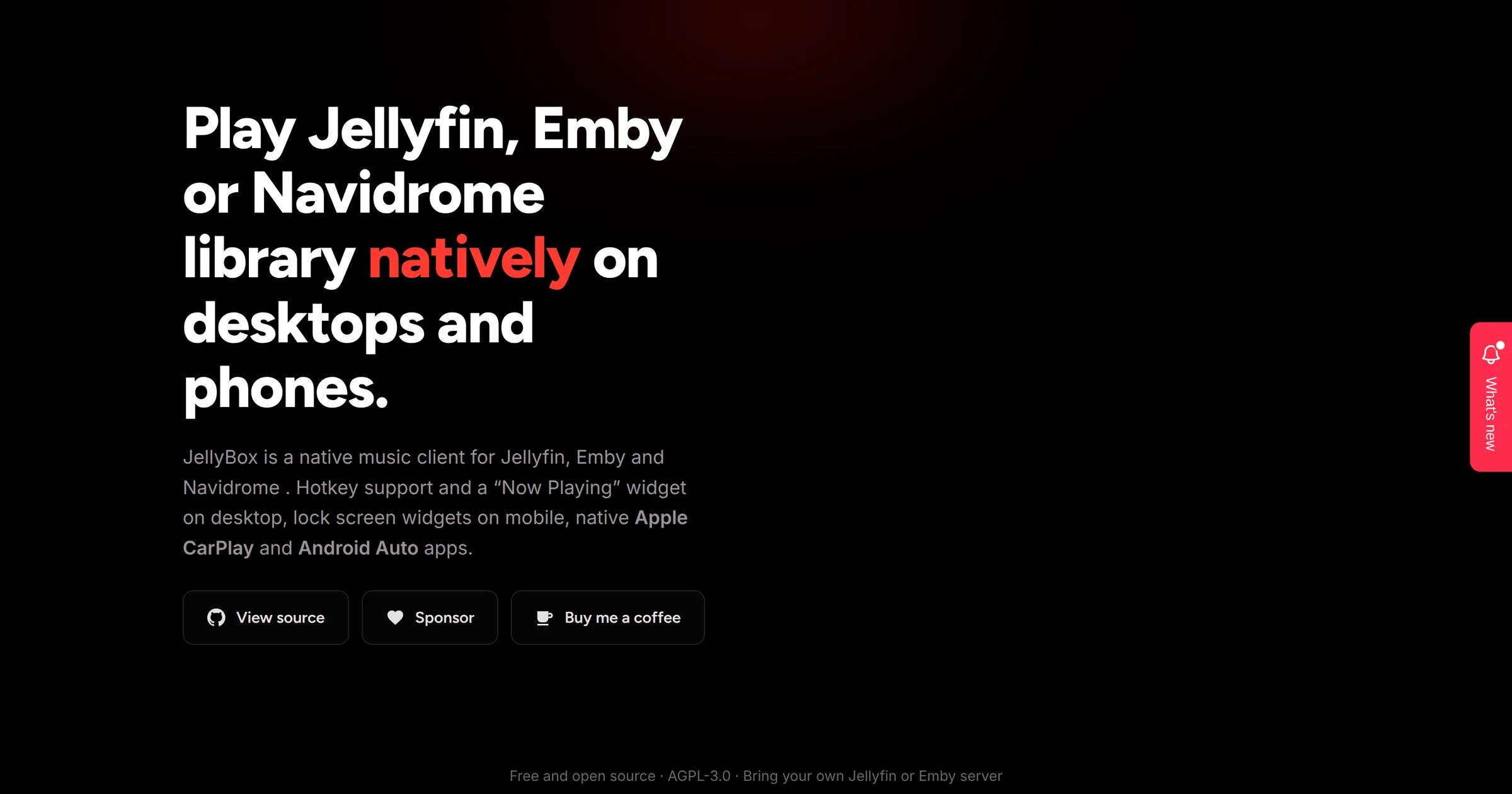
Who it's for
Listeners who have already deployed Jellyfin or Emby gain a dedicated native client with offline mode, time-synced lyrics, and system integrations that the web interface cannot provide.
JellyBoxPlayer has no built-in server. It cannot play music without a running Jellyfin or Emby instance. It does not support Plex or direct file path playback.
JellyBoxPlayer includes Apple CarPlay support in beta, making it an open source option for Jellyfin and Emby users who want in-car listening controls. The iOS and iPadOS version is available through the App Store.
CarPlay is in beta. Skip if CarPlay stability is critical; other Jellyfin clients may offer a more complete feature set for in-car use currently.
MPRIS integration connects JellyBoxPlayer to GNOME and KDE media panel widgets and the playerctl command-line controller. AppImage, .deb, .rpm, and .tar.gz packages are available for x64 and arm64.
The Linux build requires several shared libraries (libmpv, libsecret, libsqlite3, and others) installed as system packages. Skip if your environment restricts system-level package installation.
The audio quality badge shows in real time whether JellyBoxPlayer is streaming the original lossless file or a transcoded version. Per-connection streaming profiles let you configure codec handling and quality per server.
JellyBoxPlayer only connects to Jellyfin and Emby servers. It has no integration with streaming services or direct local file playback without a server.
The problem
Running a self-hosted music library through Jellyfin or Emby solves the server side: your files are indexed, streamed, and accessible from anywhere. The client side is harder. Most Jellyfin and Emby clients are general-purpose media players built for video first, with music browsing that feels secondary. Listening through the web interface means no system media key support, no offline playback, and none of the platform integrations listeners expect from a music app: no Apple CarPlay, no Linux MPRIS, no AirPlay routing. For anyone who has invested time in a curated local library, the experience gap between a commercial music streaming app and a self-hosted Jellyfin or Emby setup is significant. Plexamp showed what a dedicated music client for a media server could look like, but it requires Plex and a paid Plex Pass subscription. Jellyfin and Emby users had no equivalent native music client before JellyBoxPlayer.
How it works
Available as a native app on macOS, Windows, Linux, iOS, and Android, with a platform-specific layout on each rather than a single stretched design. Download formats include the App Store for iOS and macOS, and GitHub releases with .dmg, .exe, .AppImage, .deb, .rpm, and .apk for other platforms.
Displays lyrics synchronized to playback position, overlaid on the now-playing view. Lyrics are fetched from your Jellyfin or Emby server rather than a third-party lyrics service, so they work for any track your library has tagged.
Download individual tracks or full albums for offline listening. A full offline mode allows access to your downloaded library with no network connection, including when traveling or on a plane.
The player generates a color scheme from the current album artwork automatically. Studio Mode adds a full-screen animated playback view for aesthetic presentation during active listening or on a dedicated display.
Includes Apple CarPlay on iOS (in beta), MPRIS on Linux for GNOME and KDE media widgets and playerctl, AirPlay and audio output routing on macOS and iOS, global media keys on desktop, and lock screen and notification controls on iOS and Android.
Configure codec handling and quality per server connection. JellyBoxPlayer transcodes automatically when the device codec does not support the file format natively, and shows an audio quality badge so you can verify whether you are playing the original file or a transcoded copy.
Features
- Cross-platform native apps
- Time-synced lyrics overlay
- Offline downloads
- Artwork-driven theming and Studio Mode
- Platform system integration
- Per-connection streaming profiles with transcoding
How to install
Install Linux system dependencies before running JellyBoxPlayer, or build the app from source with Flutter.
# Linux (Debian/Ubuntu): runtime dependencies
sudo apt-get install libmpv-dev mpv libsecret-1-dev libsqlite3-dev libjsoncpp-dev libcurl4-openssl-dev libdbus-1-dev

# Build from source (all platforms, requires Flutter with Dart SDK 3.8+)
git clone https://github.com/avdept/JellyBoxPlayer.git
cd JellyBoxPlayer
flutter pub get
dart run build_runner build --delete-conflicting-outputs
flutter run
Recommended for this setup
Strengths
- No subscription or recurring cost: Jellyfin and Emby are both free and open source server platforms. JellyBoxPlayer adds a dedicated native music client at no additional cost, with no subscription fee and no recurring charges on top of what you already run.
- Works with both Jellyfin and Emby: JellyBoxPlayer connects to Jellyfin servers, Emby servers, or both, within the same app. It switches between multiple server connections without signing out, which suits users running a home server and a remote server simultaneously.
- Genuine native layout per platform: Built with Flutter, JellyBoxPlayer implements platform-appropriate layouts for each target rather than adapting a single view. Desktop, mobile, and tablet interfaces each follow the layout conventions of their platform.
- CI-tested with signed release builds: The repository runs tests and static analysis on every push via CI. macOS and iOS releases are signed and notarized through the App Store. Linux builds are provided in multiple formats: AppImage, .deb, .rpm, and .tar.gz for x64 and arm64.
Trade-offs
- Requires an existing Jellyfin or Emby server: JellyBoxPlayer is a client, not a media server. It cannot index or stream music on its own. A running Jellyfin or Emby instance with a music library is a prerequisite, and setting up that server is a separate step not covered by the client.
- Android requires APK sideloading: Android builds are distributed as APK files from the GitHub releases page. Installing them requires enabling sideloading from your browser or file manager. Google Play distribution is listed as planned in the README but was not yet available at time of writing.
- Windows installer triggers SmartScreen warning: The Windows installer is unsigned. SmartScreen displays a security warning on first launch, requiring users to choose 'More info' and 'Run anyway' to proceed. The portable .zip build bypasses the installer but carries the same unsigned status.
- AGPL-3.0 copyleft restriction for service operators: JellyBoxPlayer is licensed AGPL-3.0. Running the unmodified client for personal or team use carries no restrictions. Developers who modify the source and deploy their modified version as a network service must release their changes under the same license.
Tech stack
FAQ
Yes. JellyBoxPlayer is free and open source under the AGPL-3.0 license. There is no subscription, no premium tier, and no in-app purchase. The Jellyfin server it connects to is also free and open source. If you use an Emby server, Emby's own server licensing terms apply to the server side, but the JellyBoxPlayer client costs nothing.
No. JellyBoxPlayer connects to Jellyfin and Emby servers only. Plex uses a different API and is not supported. If your library is on Plex, Plexamp is the equivalent dedicated music client for that ecosystem.
Yes. JellyBoxPlayer is a client that requires a running Jellyfin or Emby server with a music library indexed on it. The app does not host or stream music itself. Setting up Jellyfin is free and documented on the Jellyfin project site; Emby offers a free server tier with optional paid server features.
Yes. JellyBoxPlayer is on the App Store for iOS and iPadOS. It also supports Apple CarPlay for in-car listening, though CarPlay integration is currently in beta. The same App Store listing covers macOS.
Yes. JellyBoxPlayer plays back whatever format your Jellyfin or Emby server streams. FLAC and other lossless formats work when the device codec supports direct play. The audio quality badge in the player confirms whether you are receiving the original file or a server-transcoded version.