
impeccable
Upgrade your AI coding with impeccable design skills
Replaces —
Who it's for
Streamline design processes and improve UI quality.
If you prefer traditional design tools over AI integration.
Enhance collaboration between designers and developers.
If your team does not use AI coding tools.
The problem
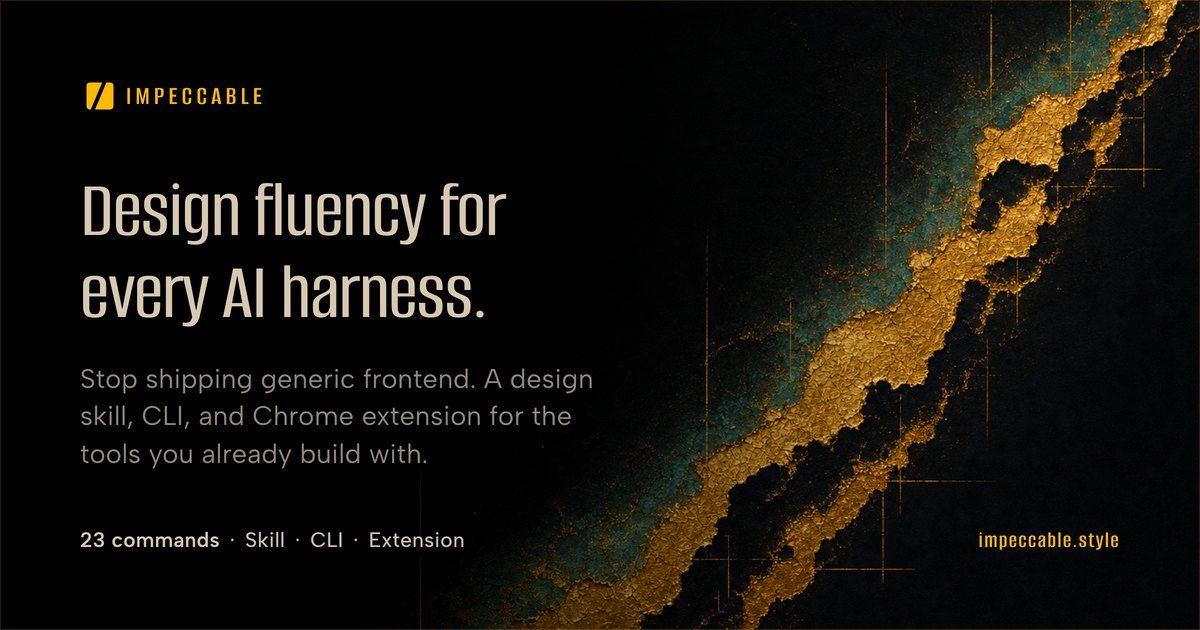
Impeccable addresses the challenge of maintaining high design quality in AI-generated frontend projects by providing structured design guidance and tools.
How it works
A comprehensive set of commands for various design tasks, from critique to polish.
41 rules to identify and eliminate design anti-patterns.
Real-time design adjustments directly in the browser.
Seamless compatibility with major AI coding tools.
Respects and integrates with existing design systems.
Features
- 23 Commands
- Deterministic Detector Rules
- Live Browser Iteration
- Integration with AI Tools
- Design System Compatibility
How to install
npx impeccable skills install
Recommended for this setup
Strengths
- Enhanced Design Quality: Improves the overall quality of frontend designs by providing structured guidance.
- Increased Productivity: Real-time iteration and feedback streamline the design process.
- Broad Compatibility: Works with various AI coding tools, making it versatile for different workflows.
Trade-offs
- Learning Curve: New users may need time to familiarize themselves with the command structure.
- Dependency on AI Tools: Effectiveness is tied to the capabilities of the AI coding tools used.
Tech stack
FAQ
Impeccable works with Cursor, Claude Code, GitHub Copilot, Gemini CLI, and Codex CLI.
Run `npx impeccable skills install` from your project root.
It enhances design quality, increases productivity, and integrates with existing workflows.