
CleanArchitecture
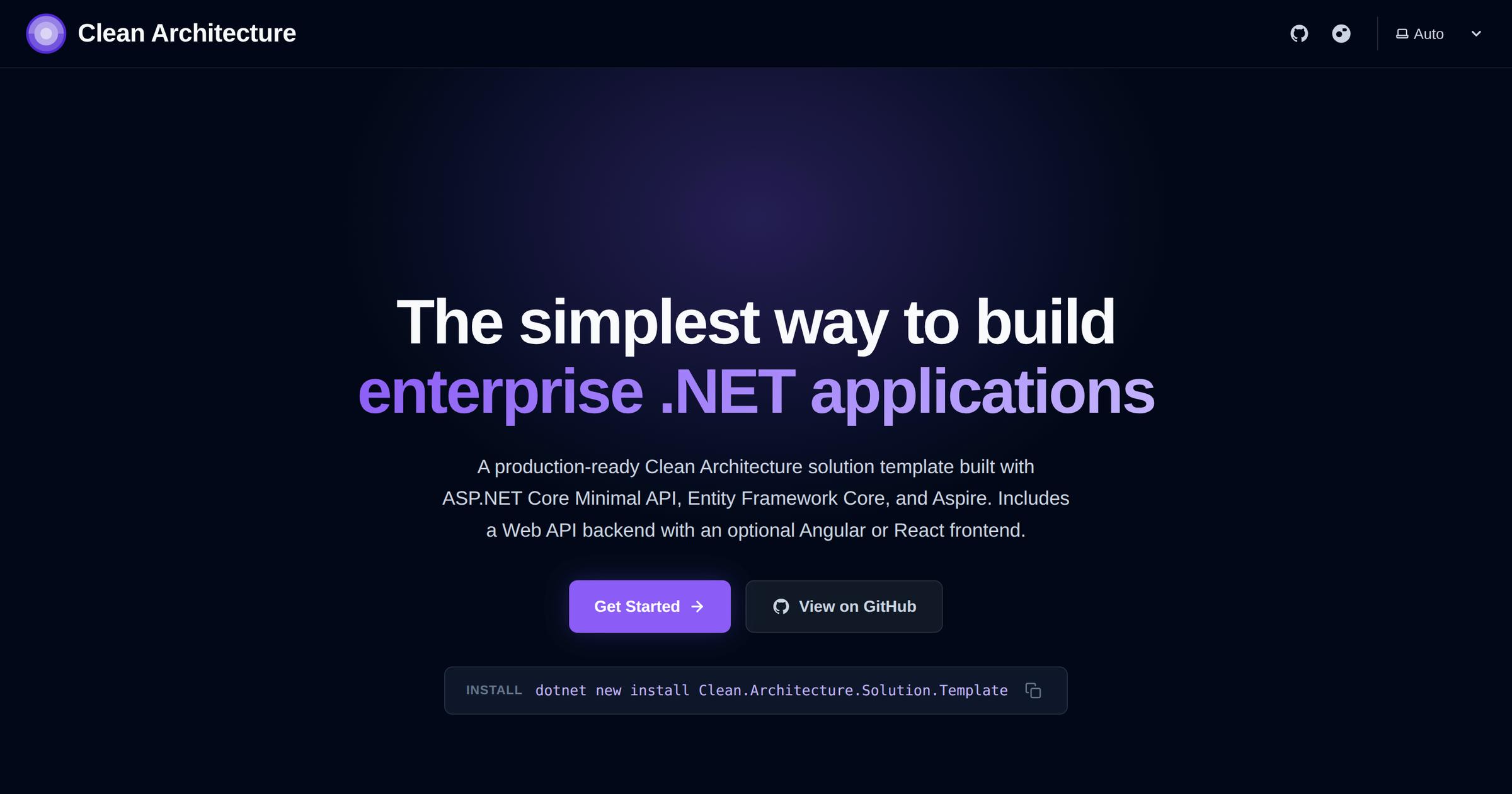
.NET Clean Architecture template with CQRS, testing, and Aspire.
Replaces Abp Commercial, Asp Net Zero
Who it's for
CleanArchitecture provides a complete starting point with CQRS, automated testing, Aspire orchestration, and a frontend framework wired in. Teams ship their first domain feature within hours of scaffolding rather than spending days on infrastructure.
Your team is not committed to .NET or needs a cross-platform backend. The template is specific to ASP.NET Core and Entity Framework Core.
The included samples demonstrate the layer structure, CQRS commands and queries, validators, and handlers in a working application. It is a faster learning path than following documentation without a reference implementation.
You need to deliver a production application under time pressure and are new to Clean Architecture. Using this template as a production foundation requires understanding the patterns first.
The vertical slice structure and CQRS example implementation show a clear path from bloated service classes to a command/query separation model. Teams can adopt the pattern incrementally by using the scaffold as a reference.
Your codebase already uses CQRS and Clean Architecture. The template adds the most value as a starting point, not as a reference for a mid-flight refactoring project.
The problem
Starting a new enterprise web application in .NET typically means days of infrastructure work before a single business feature ships. Teams must decide on layering strategy, wire up CQRS with MediatR, configure FluentValidation, scaffold testing infrastructure, integrate a frontend framework, set up OpenTelemetry, and configure a local development stack. Each of these decisions creates inconsistency risks, and catching architecture problems late is expensive. The two common paths both have costs: paying for a commercial scaffold like ASP.NET Zero adds licensing overhead and framework lock-in; building from scratch preserves control but drains time from product development. Most .NET teams end up reinventing the same well-understood patterns on every new project.
How it works
Every request is automatically validated, authorized, logged, and performance-monitored through a pre-configured pipeline. Validation failures return consistent Problem Details responses with no manual wiring required. The pipeline runs before the handler, so cross-cutting concerns stay out of business logic.
Choose Angular 21 or React 19 for a full-stack application, or go API-only for a lightweight backend. Database options at scaffold time include SQL Server, PostgreSQL, and SQLite. Entity Framework Core handles initialization, and you can swap databases without changing application code.
Unit, integration, functional, and acceptance tests are included and ready to run. Functional tests hit a real database using Respawn for isolation; acceptance tests drive the full stack with Playwright and Aspire. CI runs everything from day one with no additional configuration.
The full stack (API, database, and frontend) boots together with one command. Aspire supports deployment across environments with built-in OpenTelemetry for logs, traces, and metrics, so observability works from the first run.
Angular and React frontends receive TypeScript API clients generated automatically from the backend. Frontend and backend contracts stay synchronized without manual maintenance.
Features
- Pre-wired MediatR behavior pipeline
- Flexible frontend and database options
- Zero-setup automated test suite
- Aspire orchestration with built-in observability
- Auto-generated TypeScript API clients
How to install
Clone the repository or install the template from NuGet, then scaffold a new project with the .NET CLI.
git clone https://github.com/jasontaylordev/CleanArchitecture.gitAlternatively, install the NuGet template and scaffold directly:
dotnet new install Clean.Architecture.Solution.Template
dotnet new ca-sln -cf react -db sqlserver -o MyApp
Recommended for this setup
Strengths
- MIT license with no per-developer or per-project fees: The entire template is MIT licensed. Teams can fork it, modify it, and ship it commercially without restriction. Unlike ABP Commercial and ASP.NET Zero, there are no per-developer or per-project licensing costs.
- Maintained across every supported .NET version: Versioned branches cover .NET 6 through .NET 10, tracking each LTS release. The main branch targets .NET 10. Teams running older versions can use the matching branch; teams upgrading have a clear migration path.
- High adoption and active maintenance: Over 20,000 GitHub stars and 266,000 NuGet downloads place CleanArchitecture among the most-used .NET starter templates. The project sees over 500 installs per day and had only 8 open issues at the time of this writing, reflecting active upkeep.
Trade-offs
- .NET-only: no path for other stacks: The template is built specifically for ASP.NET Core, Entity Framework Core, and the .NET CLI. It provides no equivalent path for non-.NET backends, mobile, or desktop applications.
- No multi-tenancy or pre-built admin interface: Unlike ABP Commercial and ASP.NET Zero, the template does not include multi-tenancy support or a pre-built administration dashboard. Teams that need those features must design and build them from the generated scaffold.
- Requires familiarity with CQRS and Clean Architecture layers: The template assumes developers understand Clean Architecture layers, CQRS commands and queries, and MediatR. Teams new to these patterns will need time to understand the generated structure before contributing effectively.
Tech stack
FAQ
Yes. The template is MIT licensed. Teams can use it, fork it, modify it, and deploy it in commercial applications with no licensing fees or restrictions. The MIT license places no conditions on commercial use.
The main branch targets .NET 10. Versioned branches on GitHub cover .NET 6 through .NET 9. Install the .NET 10 SDK before using the main branch template.
Yes. At scaffold time you choose Angular, React, or no frontend (API-only), and SQL Server, PostgreSQL, or SQLite. Entity Framework Core handles database initialization. You can swap databases later without changing application code.
The scaffold includes unit tests, integration tests, functional tests, and acceptance tests. Functional tests run against a real database using Respawn for clean state between runs. Acceptance tests drive the full stack with Playwright. No additional test setup is required.
No. The template does not include multi-tenancy support or a pre-built user management system. Authentication is pre-configured for the chosen frontend, but multi-tenancy and admin user interfaces are not part of the scaffold. Teams that need those features should evaluate ABP Commercial or ASP.NET Zero.