
claude-code-templates
Ready-to-use configurations for Claude Code projects
Replaces —
Who it's for
A team lead assembles a canonical component stack: code reviewer agent, test generator command, GitHub MCP integration, pre-commit hook. Every team member installs it with one command. Configuration becomes version-controlled and reproducible, so new team members start with a fully configured AI coding environment from day one.
Skip if your team has not adopted Claude Code, or if your existing Claude Code setup is already stable and well-defined. The value is in initial setup acceleration and cross-team standardization, not in ongoing maintenance of an already-configured environment.
Developers new to Claude Code who want to understand what a well-configured setup looks like can install representative stacks and examine the component files. The registry's breadth shows what is possible with custom agents, commands, and MCP integrations without requiring the developer to research and write each component from scratch.
Skip if you only use Claude Code for casual, one-off tasks where setup overhead is not a limiting factor. The tool's value is realized when you work in Claude Code regularly enough that configuration quality affects your daily output.
The registry includes 139 scientific skills from K-Dense Inc covering biology, chemistry, medicine, and computational research. Researchers who want specialized agents for literature review, protocol design, or data analysis can install them directly, with each skill retaining its original license and attribution from the scientific software community.
Skip if your research domain is not covered by the K-Dense Inc scientific skills set. Other components in the registry are primarily oriented toward software development workflows, so researchers outside those domains will find limited specialized value.
The MCP component library connects Claude Code to GitHub, PostgreSQL, Stripe, AWS, OpenAI, and other services. Developers building applications that require multi-service integration benefit from pre-configured MCP servers that install in one command rather than hours of writing server configuration and testing connections from scratch.
Skip if your workflow is self-contained within Claude Code's built-in capabilities and does not require external service connections. Setting up MCP integrations adds configuration overhead that is only worth it when Claude Code genuinely needs to query or write to those external systems.
The problem
Claude Code is capable out of the box, but getting the most from it requires building a library of custom configurations: agents that specialize in specific domains, slash commands that automate repetitive tasks, MCP servers that connect Claude Code to external services like databases and APIs, and hooks that trigger actions at key workflow points. Most developers either spend hours writing these from scratch on each new project or skip them entirely, missing a significant portion of what Claude Code can do. There is no built-in marketplace or registry for these components, and community-created configurations are scattered across individual GitHub repositories with inconsistent quality and no unified install path. Setting up a new project means repeating the same configuration work each time or copying config files manually between projects.
How it works
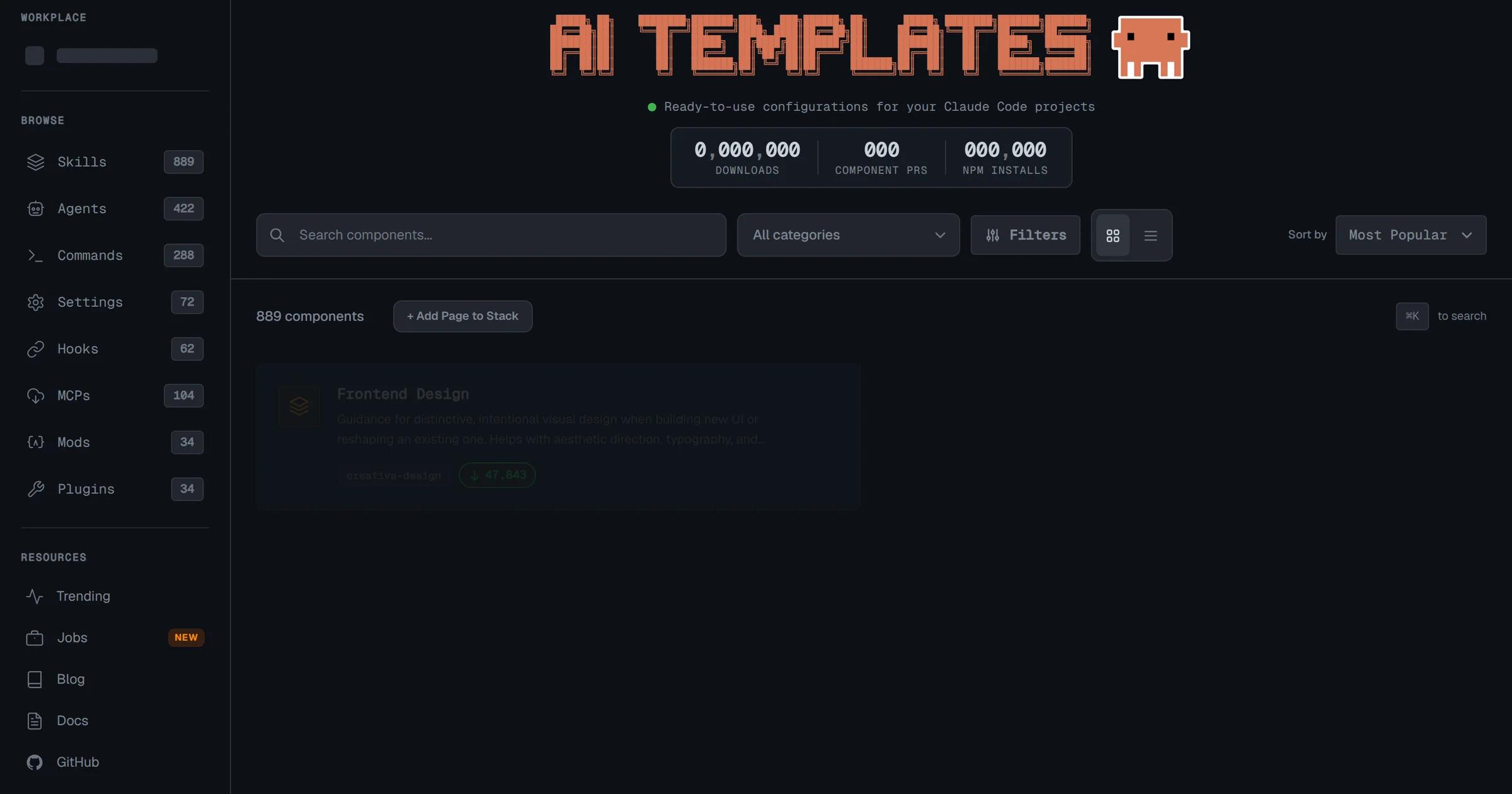
Browse agents, slash commands, MCP integrations, hooks, skills, and settings from a web interface at aitmpl.com or an interactive CLI. The registry has received 270 community PRs and includes contributions from official Anthropic skill repositories, K-Dense Inc scientific skills, and independent developers. The project reports 1.3 million total downloads and 239,000+ npm installs.
Install any combination of components with a single npx invocation: `npx claude-code-templates@latest --agent development-team/frontend-developer --mcp database/postgresql-integration --yes`. No global install required; components write directly to your Claude Code project directory. The `--yes` flag skips the interactive confirmation for automated or scripted setups.
A built-in analytics view (`--analytics` flag) monitors Claude Code sessions in real time with live state detection and performance metrics. Useful for tracking AI-assisted development sessions and identifying patterns in how Claude Code responds to different task types across a workday.
A mobile-optimized interface (`--chats` flag) displays Claude Code responses in real time. Supports secure remote access via Cloudflare Tunnel (`--chats --tunnel`), so developers can review session output on a mobile device or secondary machine without exposing local ports directly.
Running `npx claude-code-templates@latest --health-check` performs comprehensive diagnostics on your Claude Code installation, identifying configuration issues and reporting what is correctly set up. A practical first step when troubleshooting unexpected behavior in Claude Code sessions.
Features
- 1,000+ community components
- One-command installation
- Session analytics
- Conversation monitor with remote access
- Health check and diagnostics
How to install
Install the CLI globally via npm to make it available in any project directory.
npm install -g claude-code-templatesRecommended for this setup
Strengths
- Largest community component registry for Claude Code: With 31,000+ GitHub stars, 3,500+ forks, and 1.3 million downloads, this is the dominant community-maintained component registry for Claude Code. The 270 community PRs indicate active contribution from external developers beyond the project maintainer, giving the registry breadth across agent types, MCP integrations, and workflow hooks.
- MIT license, runs entirely locally: The CLI and all MIT-licensed components run entirely on your machine. There is no API call to an external service during install, no account required, and no per-seat cost beyond your existing Anthropic API access. Components install as plain files in your project directory that you can inspect, modify, and version-control.
- Official Anthropic skills included: The registry includes 21 official Anthropic skills from the `anthropics/skills` repository and 10 development skills from Claude Code's own guides, providing first-party configurations alongside community contributions. Scientific teams benefit from 139 K-Dense Inc skills covering biology, chemistry, medicine, and computational research.
- Stack Builder for team standardization: The Stack Builder in the web interface lets you assemble a set of components and install them in a single command. One developer defines the canonical Claude Code setup for a project, and every team member installs it with one `npx` invocation, making AI coding configuration reproducible across the team without manual file copying.
Trade-offs
- 268 open issues, high for a project this age: The project has 268 open GitHub issues at time of writing. Created in July 2025 and growing rapidly, the open issue count suggests the project's growth has outpaced current triage capacity. Before relying on specific components in production workflows, checking the open issues for that component type is advisable.
- Component quality varies across contributors: Components come from multiple independent authors and repositories with different documentation standards. Some are official Anthropic skills; others are community-contributed with minimal guidance. There is no published formal review bar for contributions, so testing a new component in a staging workflow before committing to it in production is necessary.
- CLI-only installation path: All installation flows require running `npx claude-code-templates@latest` in a terminal. There is no GUI installer or IDE extension. Users who are not comfortable with the command line will find this a barrier to adoption, and the web-based Stack Builder still outputs a command to run rather than installing directly.
Tech stack
FAQ
Yes. The CLI tool and all MIT-licensed components are free. The project is open source under the MIT license with no additional subscription or account required. You need an existing Anthropic API key or Claude Code subscription to use the installed components, but the template registry and CLI itself have no added cost.
Pass component type flags directly to the command: `npx claude-code-templates@latest --agent development-tools/code-reviewer --yes` for an agent, `--command performance/optimize-bundle --yes` for a command, and `--mcp database/postgresql-integration --yes` for an MCP server. The `--yes` flag skips the confirmation prompt for scripted or automated setups.
Agents are AI specialists that give Claude Code domain-specific behavior, such as a security auditor that reviews code for vulnerabilities. Commands are custom slash commands like `/generate-tests` that you invoke directly in Claude Code. MCP integrations connect Claude Code to external services (GitHub, databases, payment APIs). Hooks are automation triggers that fire at key workflow points, such as pre-commit validation or post-task actions.
Yes. The CLI is distributed via npm, so it runs anywhere Node.js runs: Linux, macOS, and Windows. All examples in the README use `npx`, which requires Node.js but no global installation. Specific components may have additional prerequisites depending on their function, such as requiring a particular runtime or external service account.
The project is maintained by davila7 on GitHub, with contributions going through the standard pull request process. The repository has received 270+ component PRs. Each contributed component retains its original author's license and attribution, but there is no published formal review standard for component quality, so evaluation before production use is recommended.