AI-Flow
Visually chain AI models and APIs into automated pipelines
Replaces Gumloop, Zapier, Make, Vellum Ai
Who it's for
AI-Flow fits creators who need repeatable prompt flows across text, image, and web-search steps without writing glue code.
You only need a single chat interface and never reuse the workflow.
The visual canvas helps operations teams test provider combinations before deciding whether a workflow deserves custom code.
You need strict production orchestration, retries, and audit controls from day one.
The problem
AI work often spans several model providers, image generators, web search calls, and post-processing steps. Running those steps manually wastes time and makes successful workflows hard to repeat. No-code AI builders can help, but many lock users into hosted credits or a fixed provider list. Teams that already bring their own API keys need a workflow canvas they can inspect and adapt.
How it works
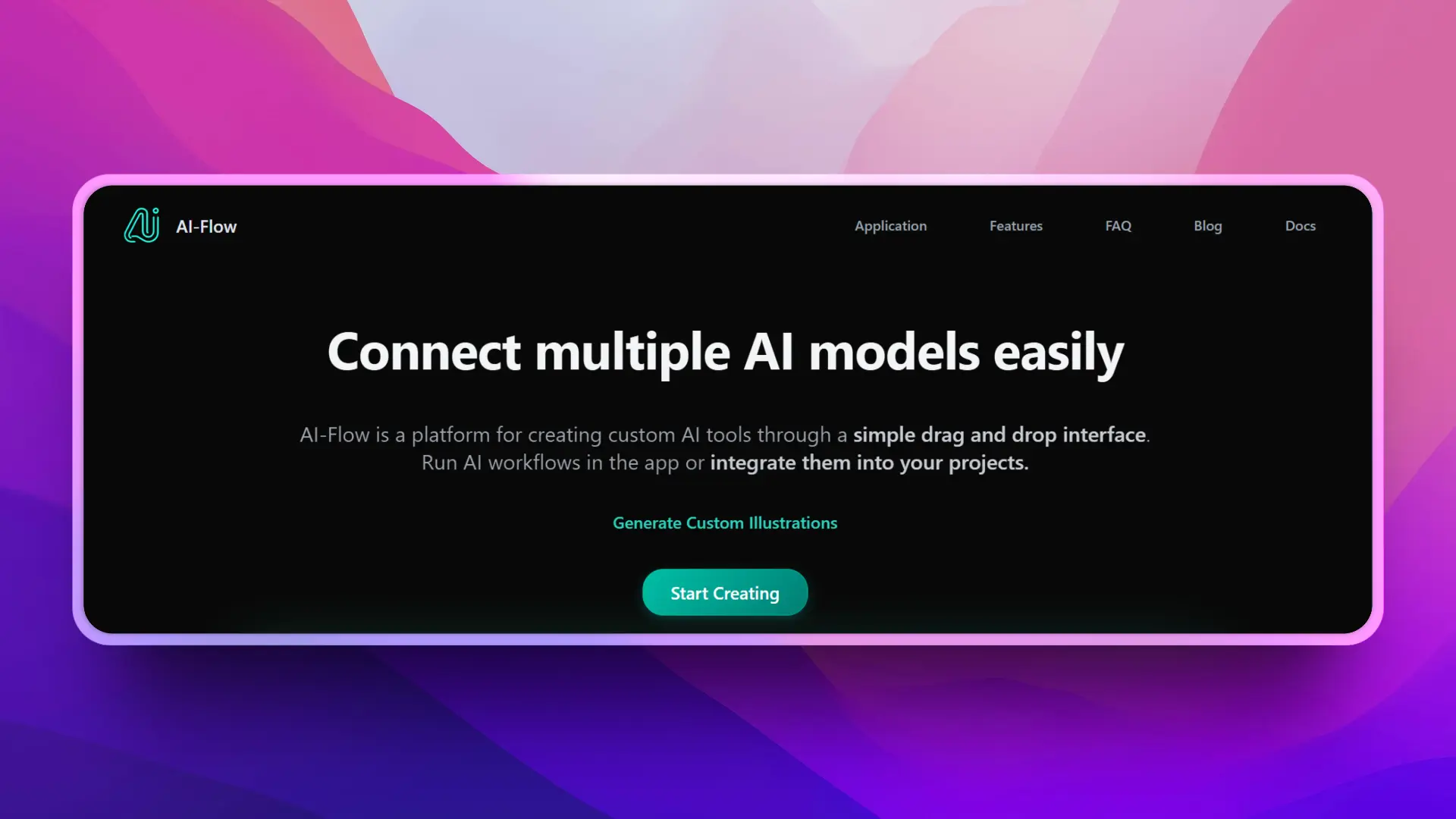
AI-Flow lets users connect model nodes visually, which makes multi-step prompt and generation workflows easier to design than scattered scripts.
The README references GPT, Claude, Stable Diffusion, FLUX, Replicate models, web search, and other model nodes, giving users a broad automation surface.
Repository metadata emphasizes using your own API keys, which keeps provider billing and access under the user's accounts instead of only a hosted credit system.
Features
- Drag-and-drop AI workflow canvas
- Multiple model provider nodes
- Bring-your-own-key workflow
Recommended for this setup
Strengths
- Good fit for repeatable creative pipelines: AI-Flow is useful when the same prompt, model, and transformation steps need to run repeatedly for images, copy, or mixed media.
- Open canvas instead of closed automation: MIT licensing gives technical teams a path to inspect and adapt the workflow builder rather than relying on a closed no-code platform.
Trade-offs
- Provider keys and costs stay with you: Bring-your-own-key control also means users must manage API access, rate limits, and model spend across each connected provider.
Tech stack
FAQ
AI-Flow builds repeatable AI workflows by connecting model and utility nodes on a visual canvas.
Yes. The repository description highlights connecting models with your own API keys.
Yes. The GitHub repository reports MIT licensing.